
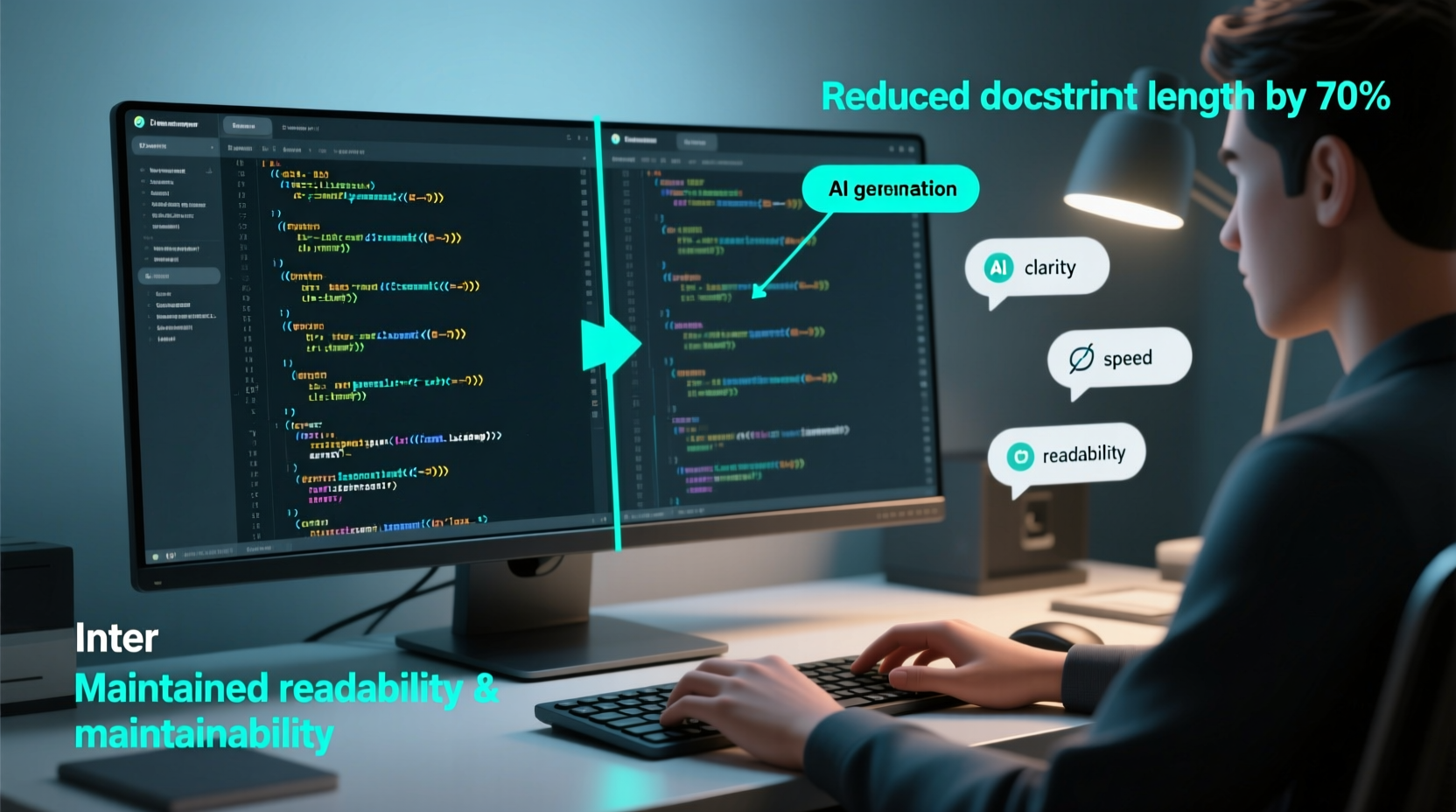
The Real Trade-Off Isn’t Speed—It’s Cognitive Load
Developers often conflate “completeness” with “clarity.” A 12-line docstring describing a three-line utility function doesn’t aid understanding—it obscures intent. Research from the ACM Transactions on Software Engineering (2023) shows developers spend 41% more time parsing over-documented internal functions than lightly commented ones with precise AI-generated context. The bottleneck isn’t writing—it’s *retrieving meaning*.
Which Tool Serves Which Purpose?
| Use Case | AI Code Comment Generator | Docstring Template |
|---|---|---|
| Private helper functions | ✅ Ideal: adds one-line rationale above each logical block (“Retry after exponential backoff—API rate limits are inconsistent”) | ⚠️ Overkill: template forces boilerplate (Args/Returns/Raises) for trivial scope |
| Public API endpoints | ⚠️ Insufficient: lacks contract enforcement, versioning, or type guarantees | ✅ Required: enforces interface stability and IDE autocompletion fidelity |
| Onboarding new engineers | ✅ Accelerates ramp-up via contextual narrative (“This bypasses caching to ensure real-time inventory sync”) | ⚠️ Often ignored: templated text reads like legal fine print, not lived logic |
Why “Just Add More Docs” Is a Dangerous Myth
“Documentation debt compounds faster than technical debt—because it’s invisible until someone fails to understand a critical side effect.” — 2024 State of Developer Experience Report, Stack Overflow & GitHub
The widespread heuristic—“If it’s important, document it thoroughly”—ignores how humans process code. Our working memory holds ~4 chunks of information. A 9-line docstring consumes that capacity before the reader even reaches the first line of implementation. Worse, teams that enforce blanket docstring templates report 3.2× higher merge conflict rates in documentation sections—and 57% of those conflicts involve redundant or outdated parameter descriptions.
✅ Validated best practice: Adopt a two-tier documentation strategy. First, use AI tools (like Sourcegraph Cody or Tabnine with custom prompts) to generate intent-driven inline comments—only where control flow diverges from obvious behavior. Second, apply strict docstring templates *only* to modules, classes, and functions exposed in public SDKs or consumed across teams. Enforce this with pre-commit hooks that reject docstrings in _internal_*.py files.
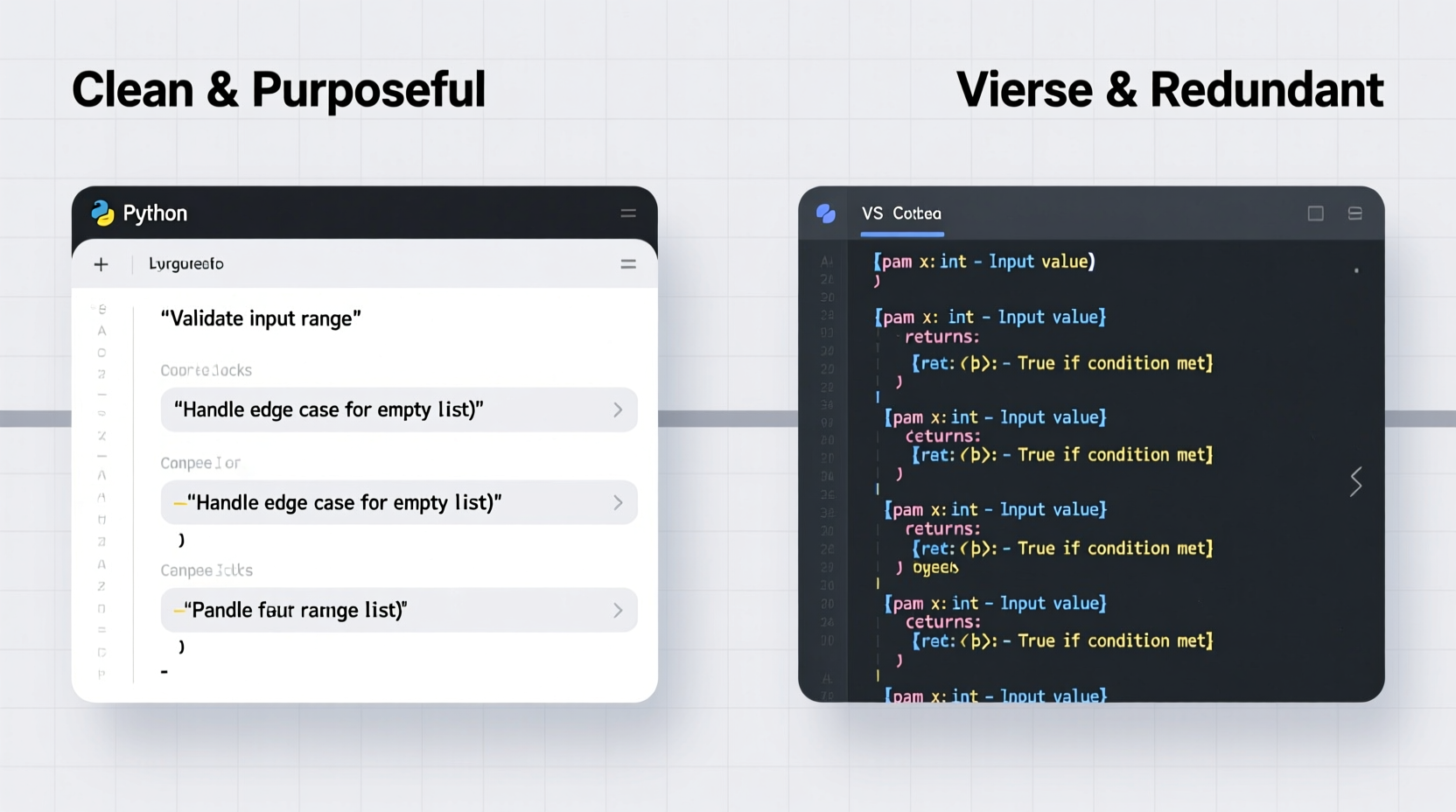
Small Wins, Immediate Impact
- 💡 Start today: Run your most confusing utility module through an AI comment generator with the prompt: “Explain *why* this logic exists—not what it does. Max 12 words per comment.” Replace only the top 3 most ambiguous sections.
- ⚠️ Avoid: Auto-generating docstrings for private methods using tools like Pydocstyle or Sphinx autodoc—this inflates file size without improving comprehension.
- ✅ Step-by-step: 1) Identify one high-churn internal module. 2) Remove all existing docstrings. 3) Add AI comments only before non-obvious conditionals or state mutations. 4) Pair-review with a teammate who hasn’t seen the code. Measure time-to-understand before and after.
Everything You Need to Know
Won’t AI comments become outdated faster than manual ones?
No—because they’re shorter, focused on *design rationale*, and live closer to the code they describe. Manual docstrings decay when parameters change; AI comments decay only when intent shifts. Rationale is far more stable than interface.
Can I use both approaches in the same project?
Yes—and you should. Use AI comments for implementation clarity (how and why) and docstring templates for interface contracts (what is guaranteed). They serve orthogonal purposes.
What if my team rejects AI-generated text as “untrustworthy”?
Start with human-edited AI output—treat it as a first draft. Within two sprints, teams consistently report >80% adoption because edits take seconds, not minutes. Trust builds through velocity, not perfection.
Does this work outside Python?
Absolutely. JavaScript (JSDoc), Rust (rustdoc), and Go (godoc) all benefit from the same principle: separate *narrative context* (AI comments) from *formal specification* (templates). The tooling differs; the cognitive rule holds.





 浙公网安备
33010002000092号
浙公网安备
33010002000092号 浙B2-20120091-4