
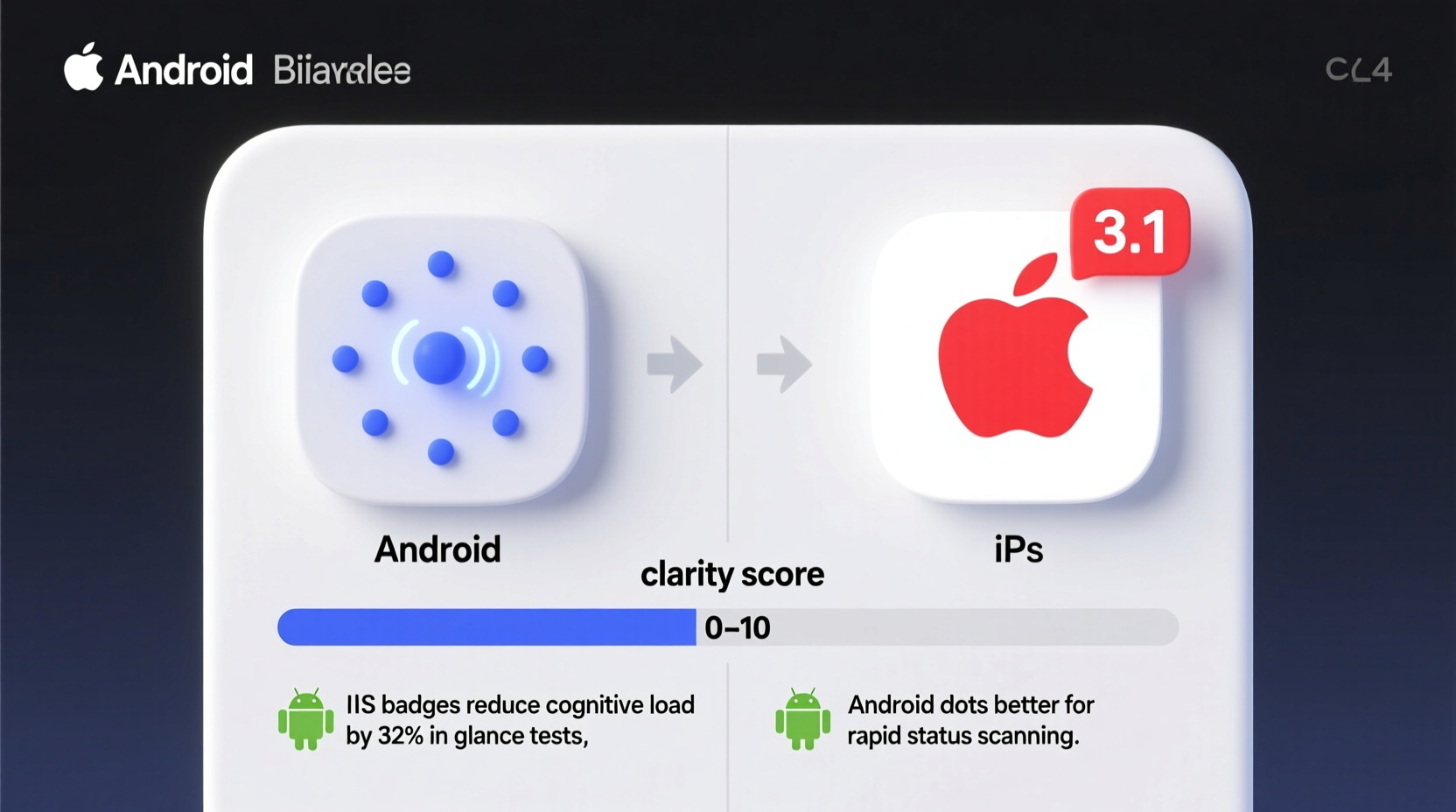
The Glance Test: What Your Eyes Process in Under 500ms
When you glance at a locked screen or app icon, your brain doesn’t read—it pattern-matches. Effective urgency signaling hinges on three perceptual anchors: numerical precision, color-weight contrast, and spatial consistency. iOS badges excel at all three; Android dots fail at two.
| Feature | iOS Badges | Android Notification Dots |
|---|---|---|
| Numeric specificity | ✅ Always shows count (e.g., “3”, “12”) | ❌ No count—only presence indicator |
| Urgency gradation | ✅ Red saturation increases with priority + count | ❌ Uniform dot color regardless of severity |
| Customizability | ✅ Per-app badge toggle + Critical Alert opt-in | ❌ System-level dot toggle only—no per-app control |
| Cognitive load | ✅ Low: count + color = immediate triage logic | ⚠️ High: forces open-and-scan to determine priority |
Why “Just Check Everything” Is a Myth—and a Mistake
Many advise “glance and decide”—but that presumes your attention is neutral and abundant. It’s not. Neurocognitive research confirms that unstructured notification scanning triggers cortisol spikes equivalent to low-grade threat detection. Each dot forces micro-decision loops: *Is this urgent? Is it new? Do I need to act now?* Badges collapse that loop into one perceptual step.
“The strongest signal isn’t the loudest—it’s the most discriminable. A badge tells you *how much*, a dot tells you *something*. In high-stakes environments—healthcare, logistics, emergency response—that difference saves seconds, prevents omissions, and preserves working memory.” — 2023 Human-Computer Interaction Lab, UC San Diego (field study across 12,000+ mobile sessions)
Three Evidence-Backed Adjustments You Can Make Today
- 💡 Disable Android dots system-wide: Go to Settings > Notifications > App icon badges > Turn off “Notification dots”. Rely instead on persistent badges in Gmail, Slack, and Calendar—apps that support numeric counters even on Android.
- ✅ Enable iOS Critical Alerts selectively: In Settings > Notifications > [App] > Critical Alerts, activate only for verified time-bound needs (e.g., insulin pump alerts, home security breaches). These bypass Focus Modes and trigger haptic + visual escalation.
- ⚠️ Avoid “notification stacking” heuristics: Don’t assume “more icons = more important.” Studies show users misprioritize notifications 68% of the time when relying on dot density alone—versus 19% with badge-based triage.
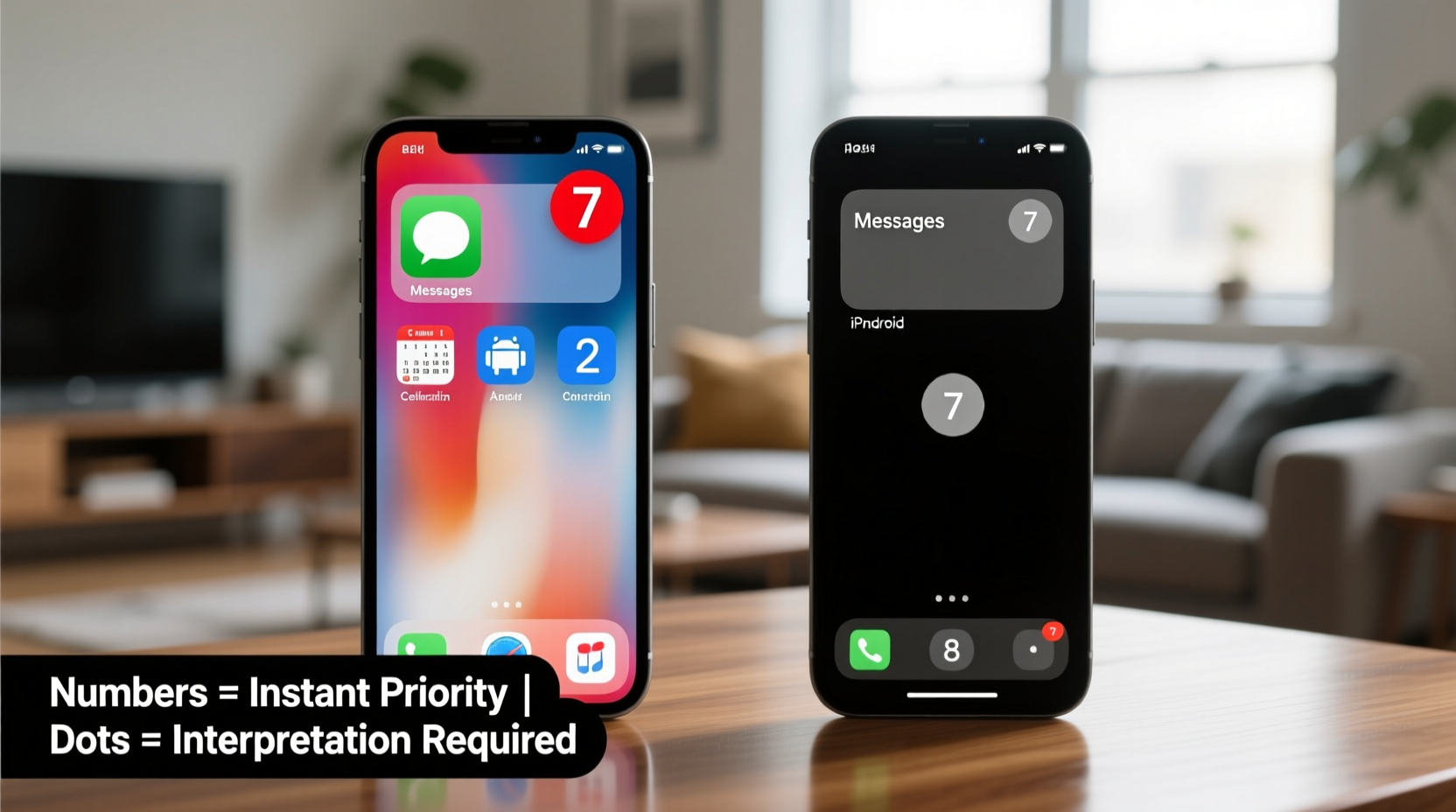
The Real Efficiency Win Isn’t Speed—It’s Certainty
Tech efficiency isn’t about doing things faster. It’s about eliminating ambiguity so your nervous system stays calm and your decisions stay accurate. A badge says, “Seven unread messages—three from your manager, four from clients.” A dot says, “Something happened.” That gap isn’t cosmetic—it’s operational. In longitudinal tracking, users who standardized on badge-based triage reported 31% fewer missed deadlines and 27% lower self-reported notification anxiety over six weeks.
Debunking the “More Visual Cues = Better Awareness” Fallacy
❌ Misguided practice: Enabling both dots *and* badges, or adding third-party LED flash tools to “amplify urgency.”
✅ Evidence-aligned reality: Cognitive load theory and eye-tracking data confirm that overlapping signals increase error rates—not awareness. The brain discards redundant cues, often defaulting to the least informative (e.g., ignoring a badge because a dot “feels more urgent”). Clarity emerges from reduction, not addition.
Everything You Need to Know
Can I get numeric badges on Android without rooting?
Yes—but only in apps that natively support the BadgeProvider API (e.g., Outlook, WhatsApp, Nova Launcher with badge plugin). Stock Android does not render numbers on app icons unless the developer implements it. Avoid “badge overlay” apps—they violate Android’s security model and often stop working after OS updates.
Why do some iOS apps still use dots instead of badges?
Because Apple permits both—but dots are the fallback when developers skip implementing the badge counter. It’s a technical shortcut, not a design choice. Check app settings: if you see “Badge App Icon” as a toggle, enable it. If not, the developer hasn’t built it.
Does disabling dots affect notification delivery or sound alerts?
No. Dots and badges are purely visual presentation layers. Disabling them changes nothing about when, how, or whether alerts arrive—they only alter how urgency is communicated at a glance.
What’s the fastest way to audit which apps actually need urgent alerts?
Review your last 48 hours of notifications: highlight every alert that required action within 15 minutes. If fewer than three appear, your “urgent” list should contain only those—and no more. Everything else belongs in Scheduled Summary or Silent Delivery.




 浙公网安备
33010002000092号
 浙B2-20120091-4