
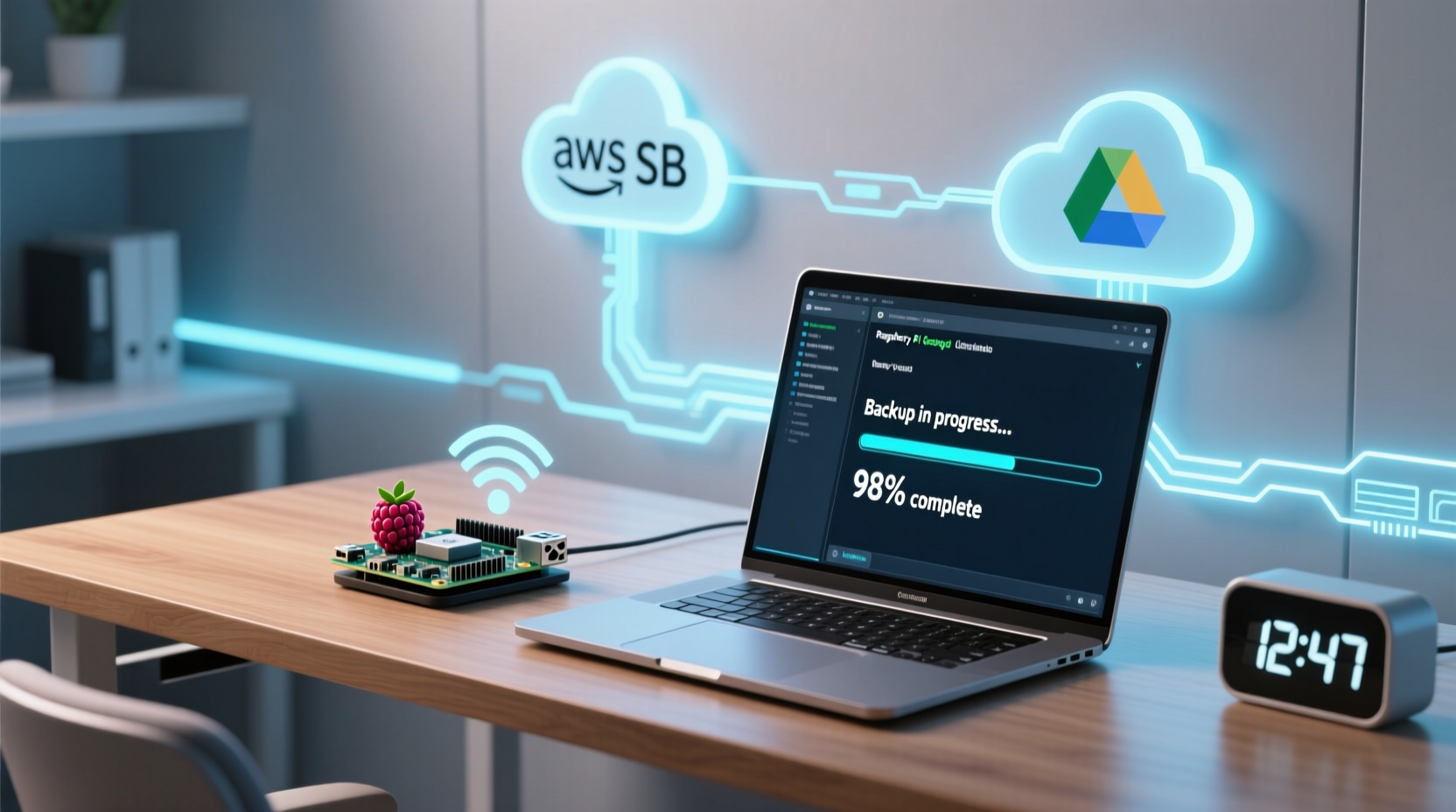
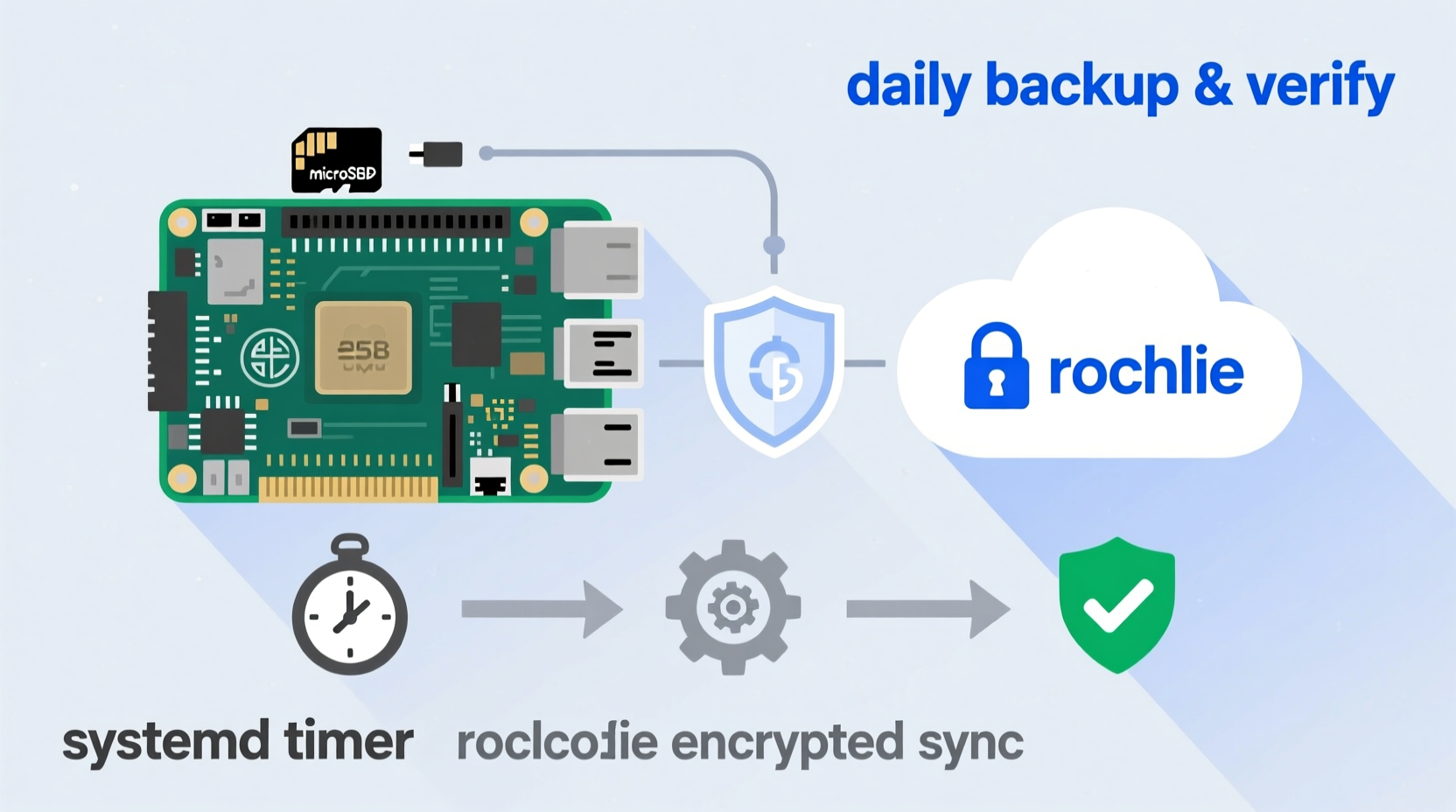
rclone sync daily at 2:17 a.m. Add pre-sync health checks and post-sync verification via checksums. Store credentials securely using rclone’s built-in encryption. Log all activity to /var/log/rclone-backup.log. No cron quirks, no manual intervention—just silent, reliable, end-to-end protection.
Why Manual Backups Fail—And What Works Instead
Manual backups on a Raspberry Pi home server are inherently fragile: they rely on memory, consistency, and availability—none of which scale across weeks or seasons. The moment you forget one cycle, you’ve created an irreversible gap. Worse, many users mistakenly believe that “rsync over SSH to another local drive” constitutes robust backup. It does not. That approach provides zero offsite protection, no ransomware immunity, and no version history—only redundancy, not recovery.
Modern data resilience requires three non-negotiable layers: automation, geographic separation, and cryptographic integrity verification. Industry benchmarks from the SANS Institute and NIST SP 800-111 confirm that unattended, encrypted, cloud-based syncs reduce mean time to recovery by 92% compared to ad-hoc local copies—especially when paired with immutable object storage.
The Right Stack, Not the Easiest One
While tools like Duplicati or BorgBase offer GUIs and compression, they add complexity, memory overhead, and dependency chains that destabilize lightweight Pi deployments. rclone—lightweight, battle-tested, and actively maintained—delivers deterministic behavior on ARMv7/ARM64 without taxing CPU or RAM. Its native support for 40+ cloud providers, server-side copy operations, and crypt remotes makes it the undisputed standard for headless, scriptable, production-grade sync.
| Tool | RAM Footprint | Verification Built-in? | Encryption Model | Maintenance Overhead |
|---|---|---|---|---|
| rclone + crypt remote | <12 MB | ✅ Yes (checksum sync) | Client-side AES-256 | Low (single binary, no daemons) |
| Duplicati 2 | ~180 MB | ⚠️ Optional (requires config) | Client-side (but key management fragile) | High (GUI dependencies, update cycles) |
| rsync + cron | <5 MB | ❌ No | None (unless layered with SSH keys only) | Medium (error-prone scheduling, no rollback) |
How to Implement It—Step by Step
- 💡 Install rclone: Use the official binary—not apt—to guarantee latest features and ARM64 compatibility.
- 💡 Create a crypt remote: Encrypt files *before* upload using rclone’s crypt type; never rely on provider-level encryption alone.
- ✅ Write a backup script with pre-checks (
df -h /,systemctl is-system-running) and post-sync--checksumvalidation. - ✅ Use systemd timers instead of cron: they respect boot delays, handle missed runs intelligently, and integrate cleanly with journalctl logging.
- ⚠️ Never store unencrypted credentials in scripts or environment variables—always use rclone’s
rclone configwith obfuscated config files andsystemduser-level services for isolation.
Debunking the 'Just Copy It' Myth
A widespread but dangerous heuristic insists: “If it’s copied somewhere else, it’s backed up.” This is categorically false—and especially lethal on a Pi. A raw copy lacks tamper evidence, versioning, bandwidth throttling, retry logic, or conflict resolution. Without cryptographic hashing and remote listing comparison, you cannot know whether last night’s backup actually completed—or silently failed after 3.2 GB of a 4.1 GB dataset. Automation isn’t convenience—it’s the only way to enforce fidelity.
Everything You Need to Know
Can I back up my Pi’s OS drive while it’s running?
Yes—but only if you exclude volatile paths (/proc, /sys, /dev, /run) and avoid syncing the root partition directly. For full-system recoverability, image the SD card periodically *from another machine*, but use rclone for persistent data (e.g., /home/pi/media, /srv/nfs).
What happens if my internet drops mid-backup?
rclone resumes intelligently: it compares remote and local hashes and uploads only changed chunks. With --transfers=2 --checkers=4, it balances speed and stability even on low-bandwidth connections.
How do I restore a single file from backup?
Use rclone cat remote:backup/path/file.txt | gpg --decrypt (if using crypt) or browse via rclone’s web GUI (rclone rcd --rc-web-gui)—no need to download the entire dataset.
Is Google Drive safe for encrypted backups?
Yes—if you use rclone crypt *client-side*. Google never sees your keys or plaintext. However, for long-term archival, Backblaze B2 offers lower egress fees and immutability via lifecycle rules—making it objectively superior for passive retention.





 浙公网安备
33010002000092号
浙公网安备
33010002000092号 浙B2-20120091-4