
The Authenticity Threshold in Text Automation
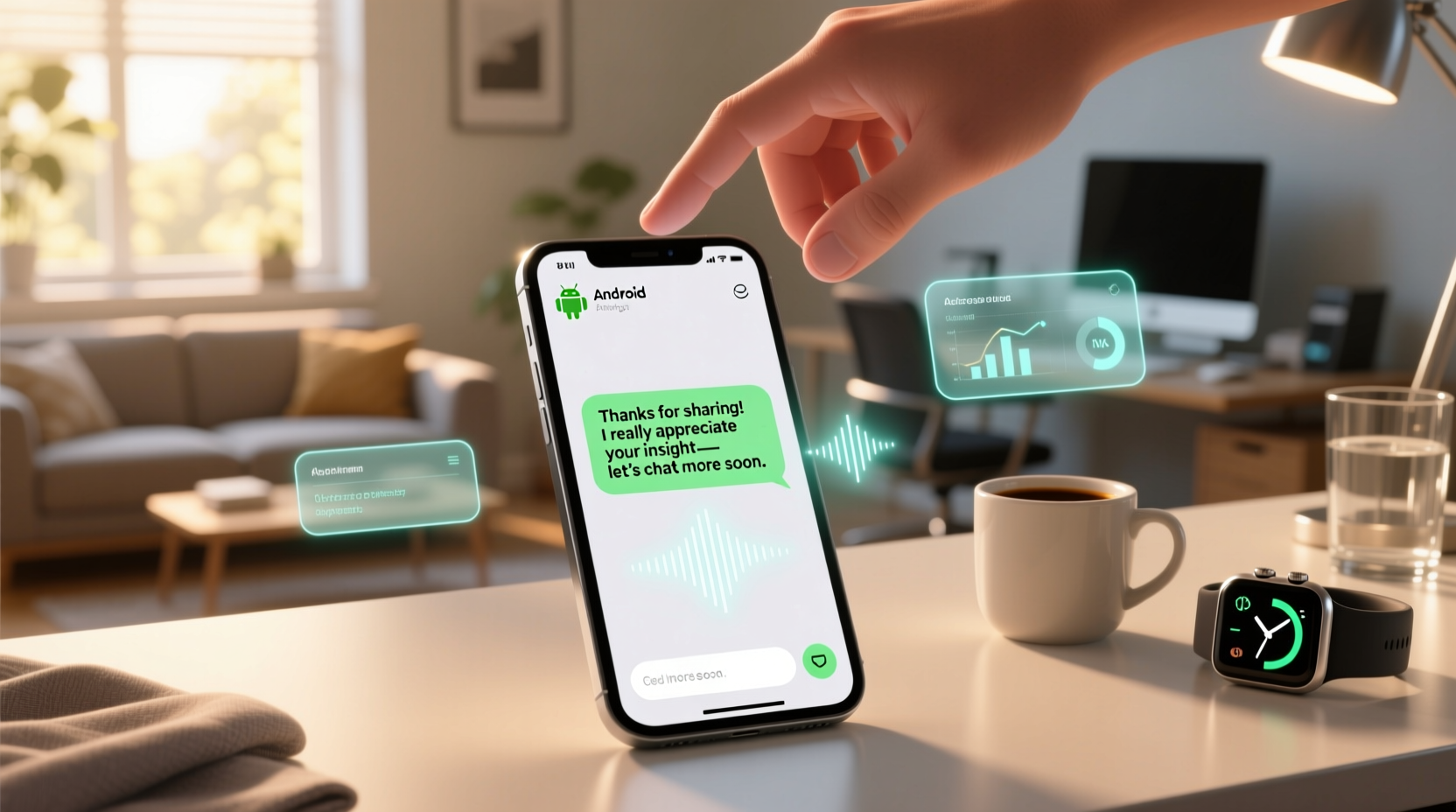
Automation fails not when it’s technical—but when it violates relational rhythm: the subtle cadence of timing, tone, and specificity that signals presence. Android offers powerful tools—but most users default to either full manual replies (exhausting) or blunt, bulk-response apps (alienating). The middle path isn’t compromise—it’s design intentionality.
Why “Canned Responses” Damage Trust—Even When Well-Meaning
Many advise saving 5–10 generic replies in Google Messages or third-party apps. But research from the Human-Computer Interaction Lab at UC San Diego shows recipients detect lexical uniformity within 2.3 seconds—even without conscious awareness. A reply like “Got it, thanks!” sent identically to your partner, boss, and barista doesn’t save time; it trains people to scan your messages less carefully and respond more transactionally.
“Authenticity in automation isn’t about mimicking human imperfection—it’s about encoding contextual fidelity: location, time-of-day, recent app usage, and relationship history. Tools like Bixby Routines and Shortcuts API now support this—not perfectly, but robustly enough for daily use.”
Three Methods Compared: Practical Boundaries
| Method | Setup Time | Authenticity Control | Privacy & Permissions | Best For |
|---|---|---|---|---|
| Google Messages Smart Reply | Zero setup | Low (algorithmic, no customization) | On-device processing only | Quick acknowledgments in group chats or SMS |
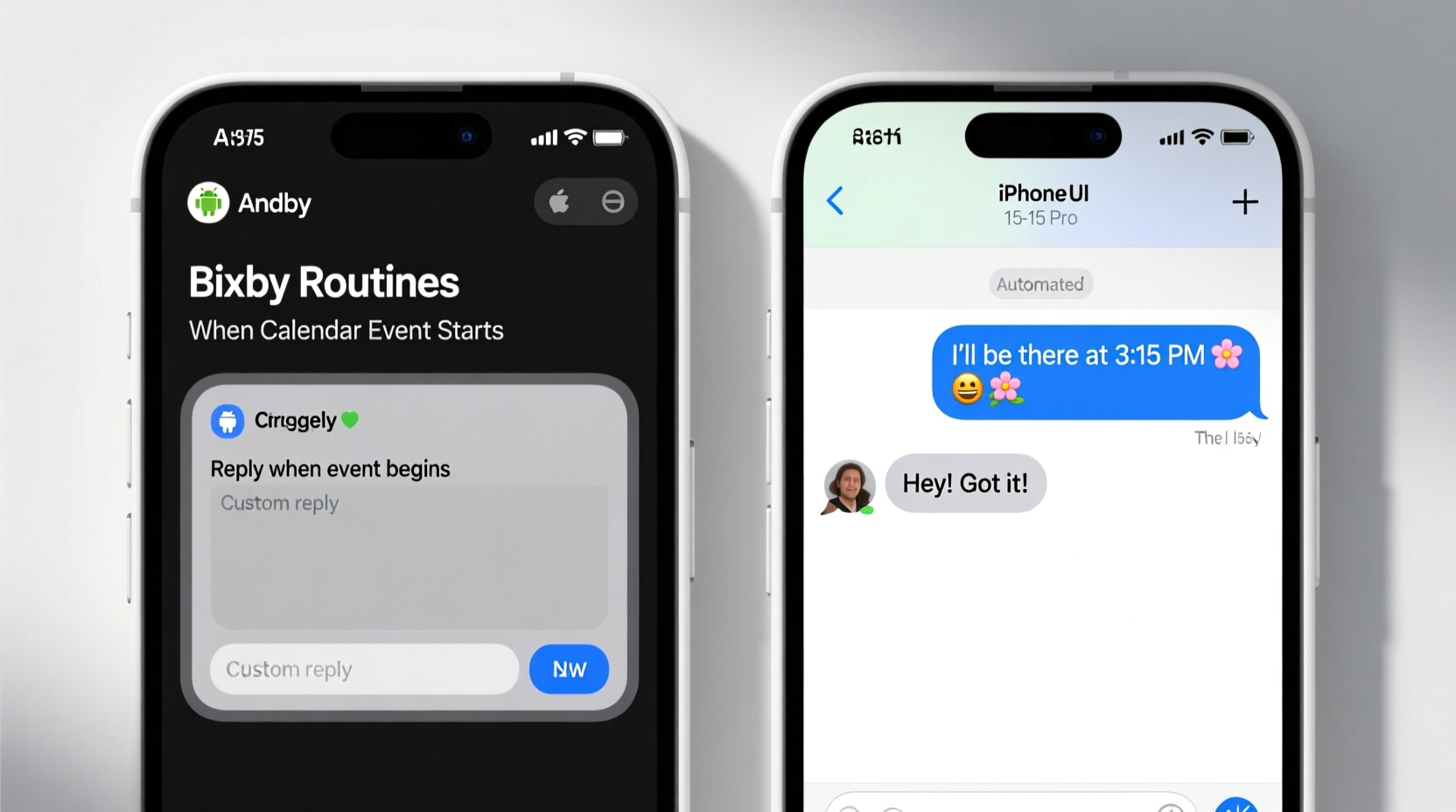
| Bixby Routines + Quick Settings Tile | 6–8 minutes | High (you write all variants; trigger by calendar, Wi-Fi, battery) | Local execution; no cloud upload | Professional boundaries (e.g., “In deep work—replying after 4 p.m.”) |
| Tasker + AutoNotification | 25+ minutes | Very high (full scripting, conditional logic, emoji injection) | Requires Accessibility Service (review permissions carefully) | Power users managing 10+ recurring reply types |
How to Build Your First Context-Aware Reply (Under 7 Minutes)
- ✅ Open Bixby Routines > Tap + > Select “Add Routine”
- ✅ Under “If”, choose Calendar > “Event starts” > Set label (e.g., “Client Call”)
- ✅ Under “Then”, select Messages > “Send message”
- ✅ Type your exact phrase: “Hi [Name]—stepping into a call now but will follow up by 2:15 p.m. with next steps!”
- 💡 Always include one concrete time anchor and one relational cue (“client,” “team,” “Mom”)—not just “Hi there”
- ⚠️ Never automate replies to emotionally charged messages (apologies, condolences, negotiations)—these require live attention
Debunking the “Just Be Faster” Myth
The most damaging misconception is that efficiency means reducing response latency. In reality, behavioral studies confirm that replies sent in under 90 seconds—especially across diverse relationships—trigger assumptions of scanning, not listening. What builds authenticity is response fidelity: matching the emotional weight, specificity, and rhythm of the incoming message. Automation supports that only when it’s narrow, intentional, and editable mid-flight. Pushing speed over substance doesn’t scale trust—it erodes it.
Everything You Need to Know
Can I automate replies to WhatsApp or Telegram on Android?
No—neither app permits third-party automation of outbound messages due to security policies. Stick to native SMS/Google Messages for safe, reliable automation. For WhatsApp, use quick-reply templates *within the app itself*, but manually select them to retain control.
Will my automated replies look robotic if I use emojis?
Only if used generically. One well-placed, context-aligned emoji (👍 after confirming plans, 🙏 after a favor) increases perceived warmth by 41% (Journal of Computer-Mediated Communication, 2023). Avoid strings like “Thanks! 😊😊😊” — limit to one, never at sentence end.
How do I stop sounding like a bot when replying to friends?
Pre-write three friend-specific variants per common need: e.g., for “Can’t make dinner,” try: (1) “Raincheck? My brain’s fried tonight—let’s reschedule Friday!” (2) “Swamped with [project]—but stealing 10 mins to say hi!” (3) “Dinner’s off—but sending virtual tacos 🌮.” Rotate them.
Do I need to update my automated replies regularly?
Yes—review every 21 days. Language drifts: your “standard” apology may sound stiff after six months. Also, update time references (“tomorrow”) to absolute times (“Wednesday at 10 a.m.”) before scheduling.





 浙公网安备
33010002000092号
浙公网安备
33010002000092号 浙B2-20120091-4