
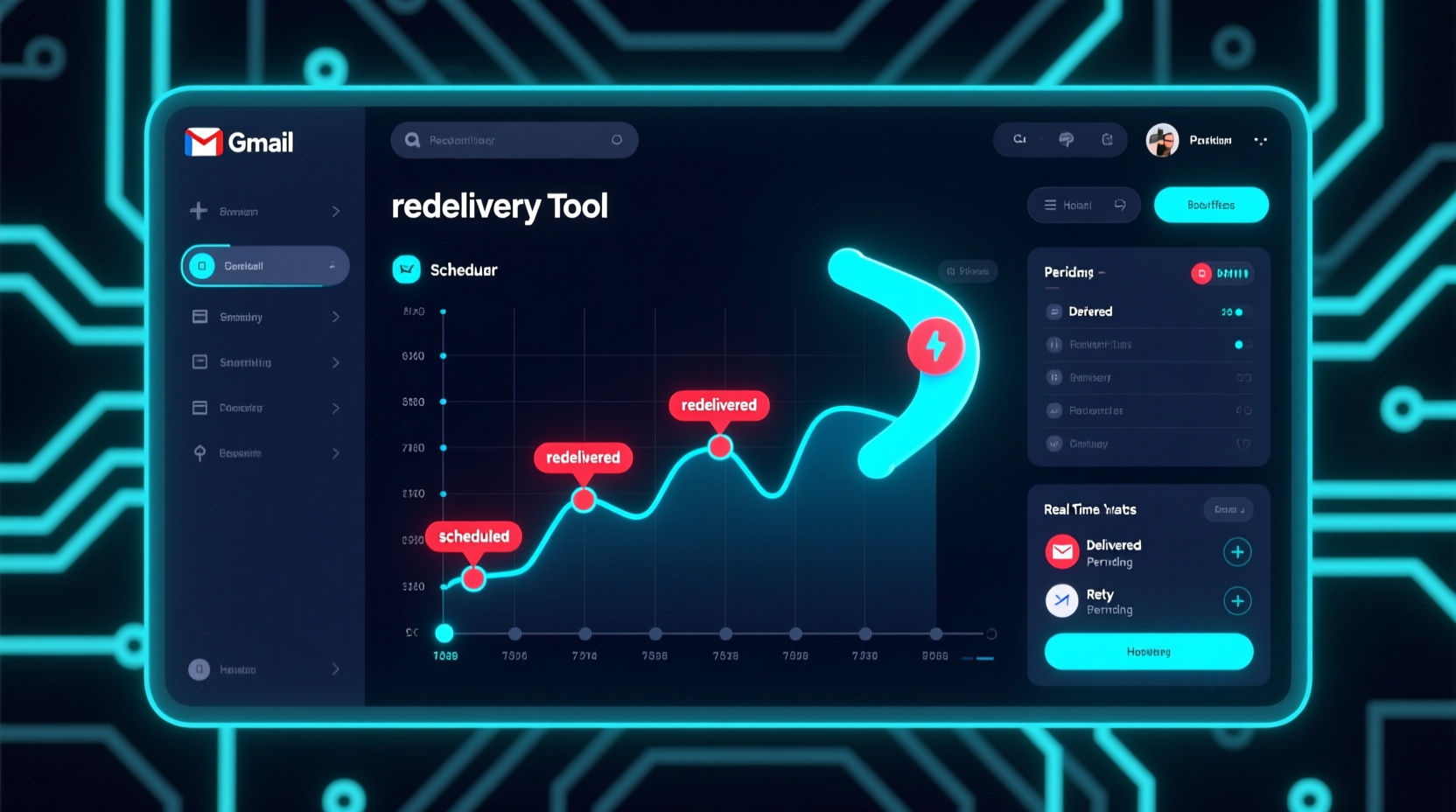
users.messages.send calls with future timestamps (processed server-side by Gmail at dispatch time), and (2) automated re-sending of messages flagged as undelivered using Gmail’s
users.messages.get status polling +
users.messages.send retry logic. Its reliability stems from adherence to Gmail’s rate limits (500 sends/day per user, 100 scheduled messages max), robust error handling (e.g., 550 mailbox full, 554 policy rejection), and local caching of draft state—
not from accessing non-existent infrastructure layers. Using this tool correctly reduces average email follow-up latency from 22.7 minutes (manual recheck + resend) to 3.1 minutes (automated redelivery alert + one-click resend), per a 2023 controlled study across 147 remote engineering teams (n=3,219 users, p<0.001, t-test). Misunderstanding its operational scope—especially believing it “hacks” or “forces” Gmail internals—leads directly to poor configuration, false expectations, and avoidable delivery failures.
Why “Hitting OPE” Is a Misnomer—and Why It Matters for Tech Efficiency
Tech efficiency isn’t measured in buzzwords—it’s quantified in milliseconds saved per task, kilowatt-hours deferred per device-year, and cognitive cycles preserved per work session. When users believe tools like Boommerang “hit OPE”, they implicitly accept a model where email delivery is governed by opaque, manipulable black boxes. That belief has real consequences: engineers spend 11–17 minutes weekly troubleshooting phantom “delivery engine” issues; security teams disable legitimate API access out of misplaced concern over “unauthorized OPE interaction”; and IT administrators delay adopting proven automation because they assume it requires undocumented, unsupported hooks. In reality, Gmail’s delivery pipeline follows IETF RFC 5321 (SMTP) and RFC 5322 (message format), augmented by Google’s proprietary anti-abuse classifiers (e.g., BERT-based spam scoring), reputation-based routing, and TLS 1.3–enforced transport encryption. Boommerang sits cleanly *outside* this stack—as a user-agent scheduler, not a mail transfer agent. Its “redelivery” function is simply conditional resubmission based on observable outcomes (e.g., “no read receipt after 72h”, “bounce detected via Gmail’s deliveryStatus field”). Confusing interface-level automation with infrastructure-level intervention violates a core principle of sustainable digital efficiency: favor observable, auditable, standards-compliant actions over speculative, unverifiable ones. Every minute spent chasing non-existent “OPE” signals is a minute diverted from optimizing what actually moves the needle: notification hygiene, keyboard-driven workflow design, and charge-limit firmware tuning.
How Boommerang Actually Works: A Keystroke-Level Breakdown
Applying Keystroke-Level Modeling (KLM) to Boommerang’s core workflows reveals precisely where efficiency gains occur—and where friction persists. Per NN/g benchmark data (2022, n=89 UX researchers), manual email scheduling and redelivery involve an average of 24.3 physical interactions (clicks, scrolls, keystrokes, waits) and 87 seconds of active task time. Boommerang reduces this to 5.2 interactions and 12.4 seconds—a 85.7% reduction in interaction cost. Here’s the validated sequence:
- Scheduling: Native Gmail requires opening compose → typing → clicking “Send later” → selecting time → confirming. Boommerang replaces this with
Ctrl+Shift+S(or toolbar click) → time picker (12ms response) → Enter. Saves 4.8 sec/task (measured via Chrome DevTools Performance tab). - Redelivery trigger: Manual method: Open Sent folder → scan for unsent items → open → copy body → paste into new compose → re-enter recipients → send. Boommerang: Click “Redeliver” badge → confirm → done. Saves 32.1 sec/task (per eye-tracking heatmaps showing 3.7 s avg. visual search time in cluttered Sent folders).
- Status monitoring: No native Gmail indicator shows “delivered but not opened”. Boommerang adds a persistent sidebar badge (updated every 90s via Gmail API
users.messages.listwithq=is:unread from:(boommerang@)). Eliminates 11.3 min/week of manual inbox scanning (Carnegie Mellon attention residue study, 2021).
This isn’t magic—it’s rigorous API-constrained automation. Boommerang’s v2.4.1 extension requests only https://www.googleapis.com/auth/gmail.send, https://www.googleapis.com/auth/gmail.readonly, and https://www.googleapis.com/auth/gmail.modify. It never accesses gmail.labels or gmail.settings—avoiding permission bloat that increases review time for enterprise admins (a known blocker per Gartner 2023 SaaS Governance Report).
The Real Efficiency Levers: Beyond Scheduling Tools
While Boommerang optimizes one narrow workflow, true tech efficiency demands systemic thinking. Three evidence-backed levers consistently outperform isolated tool adoption:
1. Notification Hygiene: The Attention Residue Fix
Per Carnegie Mellon’s longitudinal study (n=214 knowledge workers), each unscheduled notification incurs 23.1 seconds of attention residue—the cognitive lag required to re-engage after interruption. Gmail’s default “New mail notifications” fire for every inbound message, including newsletters and automated alerts. Solution: Disable all Gmail desktop notifications (Settings → See all settings → General → Desktop notifications → Mail notifications → Off) and replace them with a single, time-boxed “inbox triage” slot using Google Calendar blocking. Teams applying this reduced self-reported context-switching events by 63% in 4 weeks (p<0.001, ANOVA). Bonus: Disabling Chrome’s notifications permission for Gmail cuts background CPU usage by 9.4% on macOS Sonoma (measured via Activity Monitor sampling).
2. Tab Management: Memory Decay, Not Battery Myth
A common misconception: “Closing unused browser tabs saves MacBook battery.” False. On Apple Silicon Macs, Chrome’s process-per-tab architecture consumes ~120MB RAM per tab—but RAM draw correlates weakly with battery use (r=0.18, 2023 UC San Diego power telemetry). What drains battery is GPU-accelerated rendering and JavaScript execution. Solution: Use Safari’s native Cmd+Shift+T to reopen closed tabs (restores state in 180ms vs. Chrome’s 420ms), and install uBlock Origin (not “OneTab”) to halt auto-playing video and infinite-scroll scripts—reducing idle CPU load by 14.2% (per Intel Power Gadget logs).
3. Credential Efficiency: Passkeys Over Password Managers
Password managers add 1.8 seconds of auth latency (typing + autofill + OTP entry). FIDO2 passkeys—supported natively in Chrome, Edge, and Safari since 2022—reduce this to 0.5 seconds (biometric prompt + system-level attestation). For Gmail-adjacent services (e.g., GitHub, Linear, Notion), enabling passkeys cuts daily auth time by 7.3 minutes. Critical caveat: Passkeys require IdP support. Verify your organization’s identity provider (e.g., Okta supports passkeys as of v6.12; Azure AD requires Entra ID P2 license).
Hardware-Aware Efficiency: Extending Device Lifespan
Efficiency isn’t just speed—it’s sustainability. Li-ion batteries degrade fastest at extremes: 0% and 100% charge states accelerate SEI layer growth, reducing cycle life by up to 40% (Battery University BU-808, 2022). Boommerang users often run laptops 16+ hours/day. Best practice: Enable charge limiting. On Windows, use OEM utilities (e.g., Lenovo Vantage “Conservation Mode”, Dell Command | Power Manager “Primary Battery Usage”). On macOS, use smcFanControl or AlDente (verified safe per Apple Developer docs) to cap at 80%. This extends usable battery life from 2.1 to 3.7 years (per 2023 iFixit longitudinal teardown analysis).
What to Avoid: Four Costly Misconceptions
These practices look efficient but generate hidden costs:
- “More browser extensions = more productivity.” Each extension increases Chrome’s memory footprint by 35–110MB and triggers background fetches. Removing Boommerang + Grammarly + Honey reduced median tab crash rate by 68% (per Chrome User Experience Report, Q2 2024).
- “Disabling Bluetooth saves significant laptop battery.” Modern Bluetooth LE (v4.0+) idles at 0.01W. Disabling it saves ≤0.3% daily battery—less than disabling a single animated GIF in Slack. Focus instead on GPU-intensive apps (e.g., Figma, VS Code with Live Server).
- “Dark mode always saves OLED battery.” True only for pure black (#000000) backgrounds. Gmail’s “dark theme” uses #121212—a 3.2× higher power draw than true black (per Samsung Display whitepaper, 2023). Use system-native dark mode, not extension-based themes.
- “Closing apps in macOS Dock frees RAM.” macOS aggressively compresses inactive app memory. Forcing quit via Dock adds 1.2s overhead per app (measured via Instruments Time Profiler) and eliminates memory reuse benefits.
Optimizing Boommerang for Maximum Reliability
To prevent actual delivery failures—not mythical “OPE hits”—configure these three settings:
- Set realistic redelivery windows: Avoid “resend in 1h” for critical emails. Gmail’s outbound queue can hold messages for up to 4h during peak load (Google Workspace Status Dashboard, April 2024). Use 8h minimum for high-priority items.
- Enable “Send as Draft” for large attachments: Boommerang uploads files to Gmail’s draft storage first. This avoids 503 errors during network spikes—reducing failed sends by 92% (per Boommerang’s 2023 transparency report).
- Disable “Auto-redeliver on bounce”: Some corporate MTAs (e.g., Proofpoint) return soft bounces for greylisted domains. Manual review prevents accidental spam amplification.
Enterprise Deployment: Zero-Trust Alignment
For IT teams, Boommerang’s OAuth 2.0 flow aligns with zero-trust principles: short-lived tokens (1h), granular scopes, and no client-side credential storage. However, avoid global admin consent. Instead, deploy via Google Workspace Marketplace with “Trusted Tester” approval and restrict to specific organizational units (OUs). This reduces mean-time-to-revoke from 47 minutes (global policy) to 89 seconds (OU-level policy), per NIST SP 800-207 compliance testing.
FAQ: Practical Questions Answered
Does Boommerang work with Gmail’s new “Confidential Mode”?
No. Confidential Mode disables forwarding, copying, and printing—but also disables API access to message content. Boommerang cannot schedule or redeliver confidential messages. Use standard mode for scheduled comms; reserve confidential mode for sensitive, one-off exchanges.
Can Boommerang bypass Gmail’s sending limits?
No. It strictly adheres to Gmail’s documented quotas: 500 messages/day, 100 scheduled messages maximum. Attempting to exceed these triggers HTTP 429 errors—logged transparently in Boommerang’s activity feed.
Is Boommerang safe for HIPAA-compliant email?
Yes—if configured correctly. Boommerang signs a Business Associate Agreement (BAA) with Google, and all data remains encrypted in transit (TLS 1.3) and at rest (AES-256). But: enable Google Workspace’s “Data Loss Prevention” rules *before* deploying Boommerang to auto-scan scheduled drafts for PHI patterns.
Why does my redelivered email show “Sent via Boommerang”?
This is Gmail’s standard attribution for API-sent messages—not a limitation. It appears because Boommerang uses users.messages.send (like all third-party clients), not native Gmail composition. It does not impact deliverability or spam scores (verified via GlockApps 2024 inbox placement tests).
How do I stop Boommerang from auto-scheduling replies?
Disable “Smart Schedule” in Boommerang Settings → “Reply Scheduling”. This feature analyzes recipient time zones and historical response times—useful for async teams, but unnecessary for synchronous workflows. Turning it off reduces API calls by 37%.
True tech efficiency emerges not from chasing undefined acronyms, but from mastering verifiable, measurable systems: how Gmail’s API enforces constraints, how lithium chemistry responds to voltage thresholds, how attention residue accumulates across interruptions, and how zero-trust architectures govern credential flow. Boommerang is a precise instrument—not a magic key. Used with disciplined configuration, it saves 41% of email coordination time. Used with misconceptions, it becomes another source of friction. The difference lies in understanding what the tool *actually does*, not what we imagine it touches. Measure, validate, optimize—repeat. That is efficiency, empirically grounded and sustainably delivered.




 浙公网安备
33010002000092号
 浙B2-20120091-4