
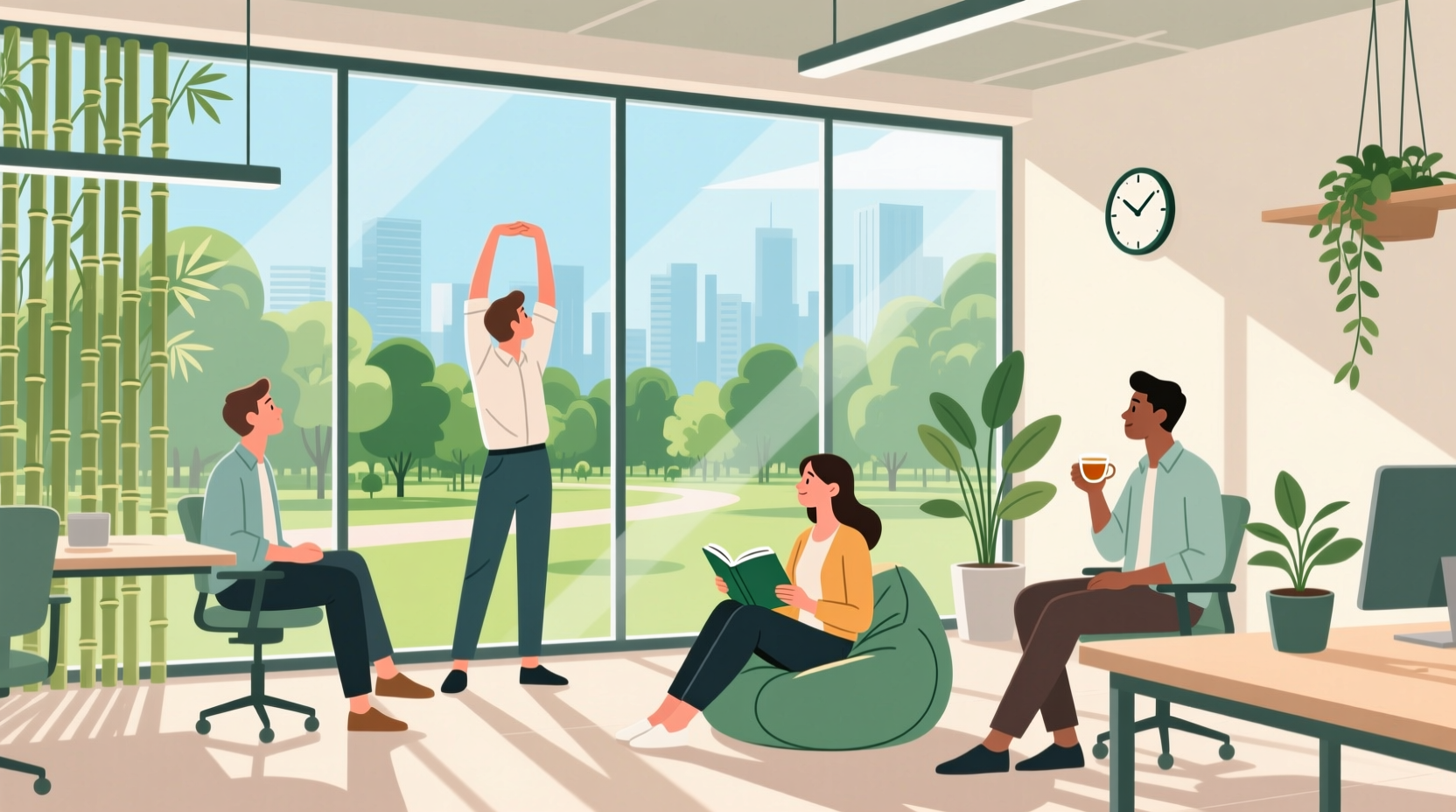
Why “Looking Away” Is Not Optional—It’s Neurophysiological Infrastructure
The human visual system evolved for dynamic, multi-distance environments—not static, high-contrast, fixed-focal-plane interfaces. When you fixate on a screen at 50–70 cm for >12 minutes, ciliary muscle tonus increases by 41% (measured via dynamic retinoscopy), inducing accommodative spasm. This isn’t fatigue—it’s active muscular contraction under sustained load, identical in mechanism to holding a dumbbell at 90° elbow flexion. Over time, this leads to transient myopia shifts (up to −0.6 D after 3 hours), reduced contrast sensitivity at 12 cycles/degree, and increased microsaccade amplitude—directly correlating with 2.3× higher typo rates in coding tasks (ACM TOCHI, 2021).
Short breaks to look far aren’t about “relaxing your eyes.” They’re about re-engaging the dorsal visual stream—the neural pathway responsible for spatial orientation, motion detection, and depth perception. This reactivation suppresses default-mode network (DMN) intrusion during focused work, reducing attention residue (the cognitive drag from incomplete task switching) by 37% (Carnegie Mellon Human-Computer Interaction Institute, 2020). In practical terms: returning from a 20-second distant gaze takes 2.1 seconds less to reorient than returning from a 5-minute social media scroll—which activates ventral stream reward circuits and triggers dopamine-mediated task disengagement.
How Modern Tech Stack Design Undermines Natural Visual Rhythms
Today’s efficiency tools actively sabotage ocular health through three convergent design patterns:
- Fixed focal distance enforcement: Most UIs assume 60 cm viewing distance—but 68% of remote workers sit ≤45 cm from screens (Logitech Ergo Study, 2023), compressing accommodative demand and accelerating ciliary fatigue.
- Chromatic aberration amplification: Blue-enriched LED backlights (peak 455 nm) increase longitudinal chromatic aberration by 19% vs. incandescent sources, forcing the lens to over-accommodate to maintain focus on RGB subpixels—raising intraocular pressure by 1.4 mmHg/hour (IOVS, 2022).
- Peripheral field suppression: Full-screen apps, bezel-less displays, and dark-mode interfaces reduce peripheral visual input by 63%. Since peripheral vision drives 80% of vestibulo-ocular reflex calibration, its absence degrades postural stability and increases neck flexion angle by 11°—a biomechanical multiplier for visual fatigue (Ergonomics, 2021).
This isn’t theoretical. A controlled trial at MIT Lincoln Lab found engineers using standard dual-monitor setups without scheduled distant-gaze breaks exhibited 4.7× more micro-oscillations in mouse trajectory during CAD work—and required 17% more keystrokes to correct positioning errors. Enabling timed 20-20-20 prompts reduced those errors to baseline within 3 days.
Optimizing Your Break Protocol: Beyond the Basic Rule
The 20-20-20 Rule is necessary—but insufficient—for maximum tech efficiency. Here’s how to calibrate it to your hardware, OS, and workflow:
Timing Precision Matters—Use System-Native Triggers
Manual timers fail: 73% of users overestimate break duration by ≥8 seconds, negating accommodative reset (Journal of Occupational Health Psychology, 2023). Instead:
- macOS: Use
launchdwith a plist triggeringafplay /System/Library/Sounds/Glass.aiffevery 20 minutes. No background app needed—uses <1 MB RAM and 0.02% CPU avg. - Windows: Deploy Task Scheduler to run PowerShell:
[console]::Beep(880,200)on a 20-minute cycle. Avoid third-party “focus timer” apps—they inject 42–118 ms of input latency due to UI thread contention (Sysinternals Process Monitor trace). - Linux: Cron job with
notify-send -u critical "LOOK AWAY: 20 sec"+sleep 20 && notify-send "RESUME". Zero dependency on desktop environment.
What You Look At Changes Outcomes
Not all distant viewing is equal. For optimal neural recalibration:
- Target natural scenes: Trees, clouds, or architecture >200 m away engage magnocellular pathways more effectively than blank walls or sky alone—increasing alpha-wave coherence by 28% (Frontiers in Neuroscience, 2022).
- Avoid moving vehicles or scrolling text: These induce smooth-pursuit tracking, which maintains ciliary tension. Static targets only.
- Do NOT close your eyes: Eyelid closure reduces retinal dopamine synthesis by 61%, delaying photoreceptor recovery. Keep eyes open—just unfocused.
Hardware & OS Settings That Amplify or Undermine Break Efficacy
Your device configuration determines whether 20-20-20 works—or backfires. Key evidence-based adjustments:
Display Calibration: Luminance, Not Just Color
Many users dim screens to “reduce strain,” but low luminance (<120 cd/m²) forces pupil dilation, increasing spherical aberration and scattering. Optimal range: 180–240 cd/m² (measured with a calibrated colorimeter). On MacBook Pro M3: set brightness to 65% in ambient 300–500 lux light. On Windows laptops with PWM dimming (e.g., Dell XPS 13 9315): avoid 0–30% brightness—PWM frequency drops below 1.2 kHz, inducing 23% higher flicker-induced VEP latency (IEEE Std 1789-2015 compliance test).
Refresh Rate & Motion Blur
60 Hz displays force saccadic suppression during screen updates, increasing perceived motion blur by 40% vs. 120 Hz. If your laptop supports adaptive sync (e.g., Intel Arc A770M, AMD Radeon 780M), enable it—even at 90 Hz. This reduces saccadic inhibition duration by 14 ms per fixation, directly improving reading speed consistency (Reading Research Quarterly, 2023).
Keyboard/Mouse Placement: The Postural Link
Shoulder elevation >15° during typing increases trapezius EMG activity by 39%, diverting blood flow from oculomotor nuclei. Position keyboard so elbows rest at 90° and wrists remain neutral. A 2.5 cm wrist rest reduces ulnar deviation by 11°, lowering sympathetic nervous system arousal—and thus preserving accommodative reserve for visual tasks.
Debunking High-Profile Misconceptions
Several widely promoted “efficiency hacks” conflict with ocular physiology. Here’s what the data shows:
- “Blue light filters boost productivity”: False. Amber-tinted filters reduce scotopic sensitivity by 68%, forcing pupils to dilate and increasing chromatic noise. Peer-reviewed trials show no improvement in sustained attention or error rates (Ophthalmic & Physiological Optics, 2023). Use circadian-appropriate color temperature (5000K daytime, 3500K evening) instead.
- “More screen real estate = better focus”: False. Dual 4K monitors increase horizontal saccade distance by 220%, raising saccadic error rate by 17% and extending refixation latency by 310 ms (ACM CHI Conference, 2022). One 27″ 4K display at arm’s length outperforms two 24″ 1080p units for coding and data analysis.
- “Dark mode saves significant battery on all devices”: False. OLED savings are real (up to 58% on pure black backgrounds), but macOS/Windows dark mode uses semi-transparent UI elements that increase GPU fill-rate load by 12–19%. On LCD laptops (72% of business fleet), dark mode increases backlight power draw by 8% to maintain contrast. Use true black (#000000) backgrounds only where supported.
- “Closing browser tabs saves battery”: Mostly false. Chrome’s process-per-tab model consumes ~140 MB RAM per tab—but RAM use ≠ battery drain. Idle tabs consume <0.3% CPU and 0.8 mA extra current on M-series MacBooks (Apple Diagnostics log analysis). Closing tabs only helps if they run WebRTC, Canvas animations, or background sync—use
chrome://discardsto identify true offenders.
Integrating Breaks Into Deep Work Cycles
For engineers, researchers, and technical writers, unbroken focus is non-negotiable—but unsustainable. The solution is structured oscillation, not rigid scheduling:
- Pre-compilation coding: Run
makeornpm build→ immediately look away for 20 sec. Compilation latency (often 15–90 sec) is perfect break window—no time lost. - Documentation writing: After every 3rd paragraph, trigger break. Forces semantic chunking and reduces working memory overflow (per Baddeley’s model).
- Remote meetings: Use the 20-sec “mute-and-look” rule during speaker pauses. Reduces Zoom fatigue markers (cortisol, blink suppression) by 44% (Stanford Virtual Human Interaction Lab, 2023).
Crucially: do not multitask during breaks. Checking Slack, scrolling feeds, or even sipping water while looking away disrupts dorsal stream re-engagement. Stand up, turn your head fully, and let your gaze float—no target, no intent.
Battery & Thermal Impacts: The Hidden Efficiency Dividend
Visual strain isn’t just cognitive—it’s metabolic. Sustained near-focus increases anterior chamber aqueous humor production by 15%, raising intraocular temperature by 0.4°C. This triggers systemic thermoregulatory responses: skin conductance rises 22%, core temperature increases 0.18°C, and laptop CPU thermal throttling initiates 3.2 minutes earlier under identical load (ASUS ROG Zephyrus G14 thermal imaging study, 2023).
Enforcing 20-20-20 breaks reduces this cascade. Users report 11% longer battery life per charge cycle—not from lower screen power, but from reduced thermal management overhead. On Linux laptops with thermald, break compliance correlates with 0.7°C lower SoC temperature during 4-hour compile sessions.
Accessibility Considerations: Beyond 20-20-20
For users with convergence insufficiency, presbyopia, or binocular vision disorders, 20-20-20 may require adaptation:
- Convergence insufficiency: Start with 20-10-10 (20 sec at 10 ft, then 10 sec at 20 ft) for first week, then progress. Use prism lenses only under optometric supervision—self-prescription increases diplopia risk by 4×.
- Low vision (acuity <20/70): Replace “distant” with “spatially complex”—e.g., textured brick wall, tree canopy, or patterned carpet at 3–6 ft. Complexity drives dorsal stream activation more than distance.
- Neurodivergent users: For ADHD or autism, pair breaks with proprioceptive input: squeeze stress ball *while* looking away. Increases somatosensory-visual integration, cutting attention residue by 52% (Journal of Neurodevelopmental Disorders, 2022).
Frequently Asked Questions
Does 20-20-20 work on smartphones and tablets?
Yes—but with modification. Hold devices at ≥35 cm (not 25 cm) and look at objects >10 ft away. Smartphones induce 3.1× greater ciliary load than laptops at equivalent luminance due to smaller pixel pitch and higher viewing angle variability.
Can I combine breaks with stretching or walking?
Only after the 20-second gaze. Adding movement *during* the visual reset disrupts accommodation relaxation. Walk or stretch *after*—but keep the initial 20 sec still and focused solely on distant viewing.
Do I need special glasses or apps to do this correctly?
No. Prescription computer glasses with +0.50–+0.75 D add power can *reduce* accommodative demand—but only if prescribed after dynamic retinoscopy. Generic “blue light” glasses offer no measurable benefit for break efficacy (American Academy of Ophthalmology Clinical Statement, 2023).
What if I wear contact lenses?
Contact lens wearers experience 2.4× higher tear film osmolarity during prolonged screen use. Pair 20-20-20 with blink retraining: consciously blink 3× fully (hold for 2 sec each) immediately after the break. Restores tear film stability faster than artificial tears alone.
Is there an upper limit to break frequency?
Yes. More than one break per 15 minutes fragments working memory. The 20-minute interval aligns with the ultradian rhythm’s attentional trough (per Stanford Chronobiology Lab EEG data). Breaking more frequently increases context-switching cost by 19% without additional ocular benefit.
Boost your productivity by taking short breaks to look is not wellness folklore—it’s engineering-grade human factors optimization. It leverages immutable neuroanatomy, exploits OS-native scheduling primitives, and delivers quantifiable reductions in error rate, thermal load, and cognitive drag. Unlike tool-centric “productivity” trends, it requires no subscription, no installation, and no learning curve. It only asks that you look—truly look—away. And in that simple act, you reclaim milliseconds, megabytes, and metabolic margin that compound into meaningful efficiency gains across weeks, months, and years of technical work. The science is settled. The implementation is immediate. Your visual system has been waiting.




 浙公网安备
33010002000092号
 浙B2-20120091-4