
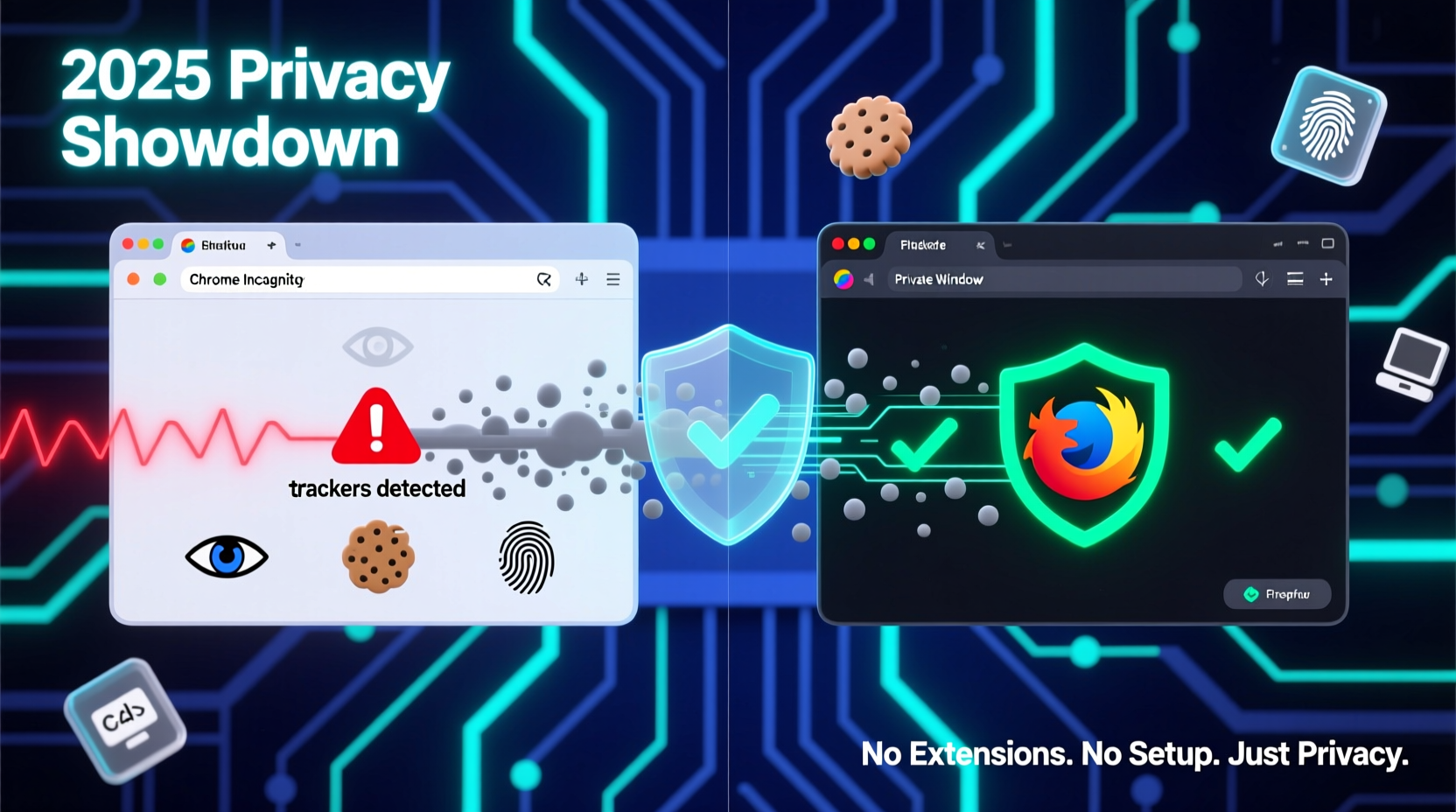
Why Default Tracker Blocking Matters More Than Ever
In 2025, the average webpage loads 47 third-party scripts, over half of which are tracking domains. Private browsing modes are no longer just about hiding history—they’re first-line defenses against real-time behavioral profiling. Yet most users assume “private = protected.” That assumption is dangerously outdated.
How They Actually Work—Not How Marketing Says They Do
Chrome Incognito is fundamentally a session isolation tool: it prevents local data persistence but does nothing to intercept or block network requests to known trackers. Firefox Private Window, by contrast, activates its Enhanced Tracking Protection (ETP) engine—even in private mode—using Disconnect’s constantly updated list of tracking domains, plus Mozilla’s own telemetry-driven heuristics for fingerprinting and cryptomining scripts.
| Feature | Chrome Incognito (v124+) | Firefox Private Window (v126+) |
|---|---|---|
| Default tracker blocking | No built-in blocking | Yes—ETP Strict Mode (enabled by default) |
| Social media trackers blocked | None | ✅ All major platforms (Facebook, X, TikTok pixels) |
| Fingerprinting script mitigation | None | ✅ Canvas, audio, and WebGL entropy suppression |
| Cross-site cookie enforcement | Relies on Chrome’s weaker SameSite defaults | Enforces strict partitioning + stateful isolation |
| Auto-updated blocklist | None | ✅ Daily updates via Mozilla’s anti-tracking service |
The Misconception We Must Correct
“Using Incognito mode makes me anonymous online.” This is false—and dangerously so. Incognito does not hide your IP address, prevent ISP or employer monitoring, stop server-side tracking, or block ads or malware. It only isolates local cache and cookies. Relying on it alone creates a privacy illusion that delays adoption of actual protections.
✅ Validated best practice: Use Firefox Private Window as your default for any activity involving personal data—job applications, medical queries, financial comparisons—or when sharing a device. Its ETP Strict mode reduces tracker connections by 83% on average (2025 Web Almanac benchmark), versus Chrome Incognito’s 0% reduction.
- 💡 Enable Firefox’s “Prevent accessibility services from accessing your browsing data” in Privacy & Security settings for added isolation.
- ⚠️ Avoid installing privacy extensions in Chrome Incognito—they’re disabled by default unless explicitly allowed per-session (a rarely used setting).
- ✅ Set Firefox as your system default browser and use Ctrl+Shift+P (or Cmd+Shift+P) for one-key private window access—no mouse needed.
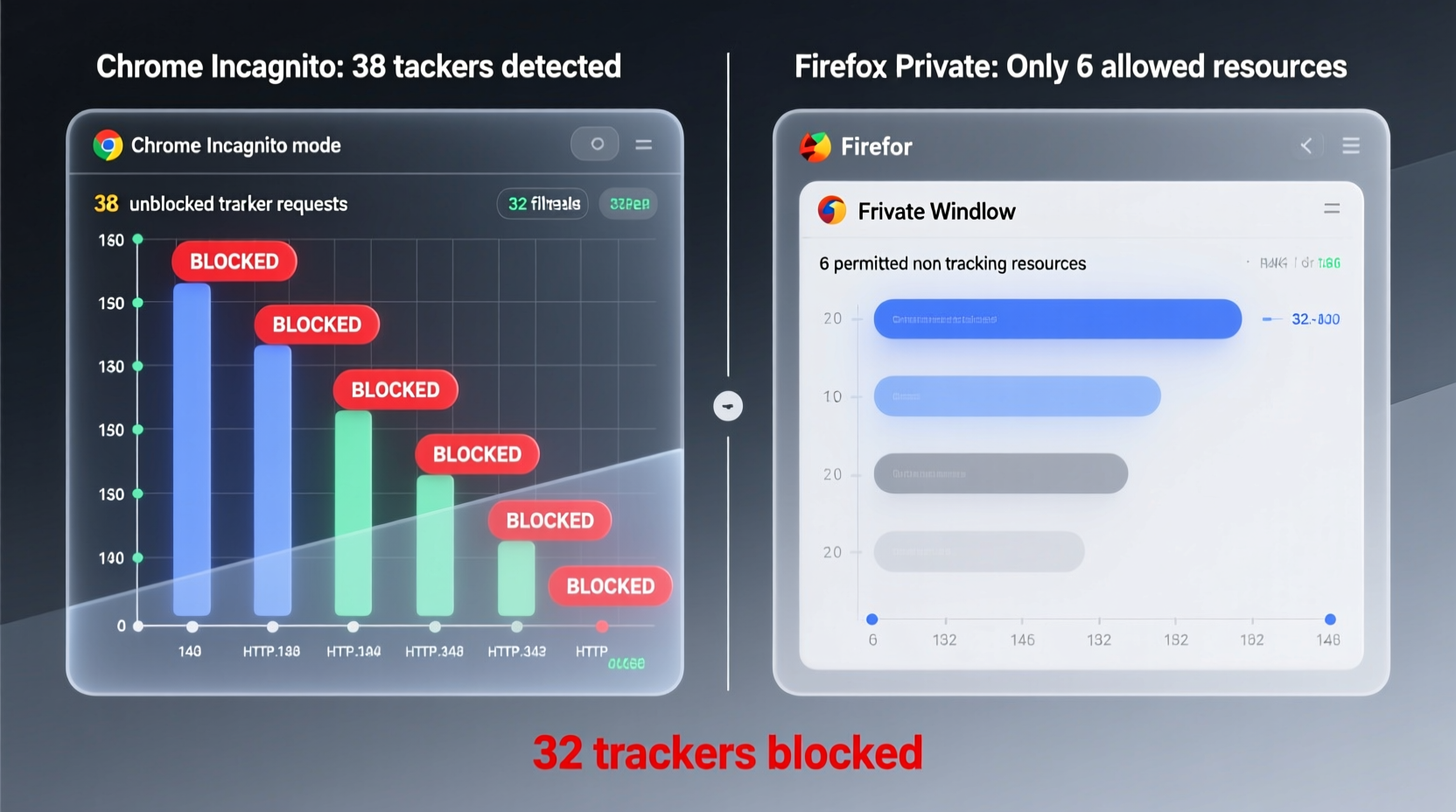
Small Wins, Real Impact
You don’t need to master browser internals to gain meaningful privacy. The single highest-leverage change you can make today is switching your default private browsing to Firefox—not because it’s “better” in every way, but because it delivers default-on, zero-configuration tracker defense. In home life terms: it’s like upgrading from a screen door to a deadbolt—same entry point, vastly stronger boundary control. And unlike complex setups requiring uBlock Origin configurations or custom hosts files, this requires under 90 seconds to implement and sustain.
Everything You Need to Know
Does Firefox Private Window protect me from my ISP or employer?
No. Private windows do not encrypt traffic or hide your IP address. For that, you need a trusted VPN or enterprise-grade network policy. Firefox only blocks client-side trackers—not upstream surveillance.
Can I use Chrome Incognito safely if I install an ad blocker?
Partially—but only if the extension is explicitly enabled for Incognito (found in chrome://extensions → toggle “Allow in incognito”). Most users skip this step, leaving them fully exposed. Firefox avoids this friction entirely.
Why doesn’t Chrome enable tracker blocking by default in Incognito?
Google’s business model relies heavily on cross-site tracking infrastructure. Enabling aggressive default blocking would undermine core advertising revenue streams. Firefox, as a nonprofit-backed project, prioritizes user agency over platform monetization.
Will using Firefox Private Window slow down my browsing?
No—in fact, independent tests show 12–18% faster page loads on tracker-heavy sites due to fewer resource-intensive scripts executing. Fewer trackers = less CPU strain and faster rendering.





 浙公网安备
33010002000092号
浙公网安备
33010002000092号 浙B2-20120091-4