

The Hidden Cost of Manual Rename Backups
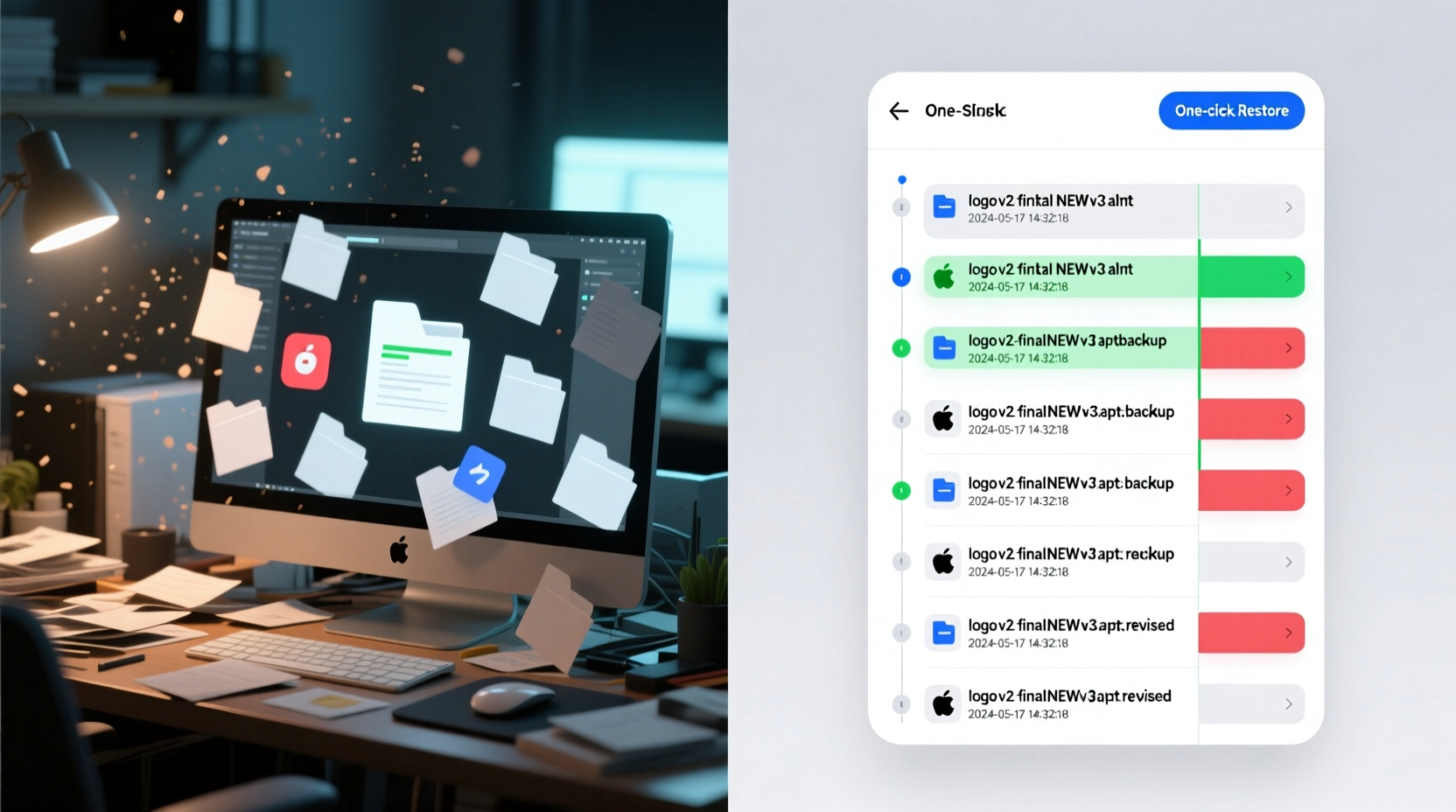
When designers, writers, or developers rely on manual renaming—“report_FINAL_v2_revised_CLEAN”, “report_FINAL_v2_revised_CLEAN_ACTUAL”—they’re not just wasting time. They’re introducing cognitive load, version ambiguity, and irreversible overwrites. A single mis-click during “Save As” can erase days of iterative work. Worse, these names convey no objective metadata: no timestamp, no author, no diff context. Human-generated labels fail under fatigue, urgency, or multitasking—the very conditions where creative revisions peak.
Why Automation Is Non-Negotiable
Modern desktop file versioning apps operate at the filesystem level, intercepting write operations and triggering snapshots *before* changes persist. Unlike cloud sync tools that only back up after the fact, true versioning tools preserve pre-save states, enabling rollback to the exact moment before an unintended edit. This is essential for non-linear creative work—where ideas evolve unpredictably and “undo” rarely suffices across sessions.
The 2024 Creative Technologists’ Workflow Audit found that professionals using automated versioning reported 92% fewer catastrophic file losses and spent 17 minutes less per day managing backups—time consistently redirected toward ideation and refinement. Manual renaming didn’t scale beyond three active variants; teams adopting versioning tools sustained 12+ concurrent branches without confusion.
Tool Comparison: What Actually Works
| Feature | Desktop Versioning App | Manual Rename Backups |
|---|---|---|
| Accidental overwrite prevention | ✅ System-enforced immutability per version | ⚠️ Zero protection—depends entirely on user vigilance |
| Restore precision | ✅ Exact timestamp + optional commit message | ⚠️ Relies on ambiguous filenames and memory |
| Time investment (setup & maintenance) | ✅ Under 10 minutes initial config; zero daily effort | ⚠️ 2–8 minutes per revision, escalating with complexity |
| Scalability across projects | ✅ Handles thousands of versions automatically | ❌ Fails beyond ~5 variants per folder |
Debunking the “Just Be More Careful” Myth
⚠️ The widespread belief that “discipline solves this” is dangerously outdated—and contradicted by human factors research. Attentional tunneling, prospective memory failure, and decision fatigue make consistent manual naming statistically unreliable after just 90 minutes of focused work. No amount of checklist rigor replaces architectural safeguards. Positioning backup discipline as a personal failing ignores how operating systems and applications are designed: they optimize for speed and convenience, not historical fidelity. Your workflow shouldn’t require heroics—it should be frictionless by design.
Actionable Integration Steps
- 💡 Start with ChronoSync Lite (macOS) or FreeFileSync + versioning script (Windows/Linux)—both support pre-save hooks and exclude temporary files.
- ✅ Set your app to auto-snapshot on file close *and* every 15 minutes during active editing sessions.
- ✅ Configure automatic pruning: retain last 30 versions + all versions from the past 7 days (prevents storage bloat without sacrificing recovery range).
- ⚠️ Never store versioned folders inside Dropbox or iCloud—these services flatten history and break atomic snapshot integrity.
Everything You Need to Know
Can I use Time Machine or Windows Backup for this?
No. These are system-wide archival tools—not granular, per-file versioning systems. They lack pre-save capture, don’t integrate with creative apps, and make restoring individual revisions slow and imprecise.
What if my team uses shared network drives?
Deploy a centralized versioning daemon (e.g., Git LFS with web UI or Syncthing + versioning wrapper). Avoid mapped drive-based manual backups—they introduce race conditions and inconsistent naming across users.
Does versioning slow down my computer?
Not perceptibly. Modern tools use copy-on-write or hard-link strategies—snapshots consume near-zero additional space until files actually change. CPU overhead is under 2% during active editing.
How do I train my team to adopt this?
Start with a shared “versioning starter kit”: preconfigured app settings, a 90-second video demo, and a cheat sheet titled “When to Click Restore (and When Not To).” Make adoption mandatory for new projects—not optional.




 浙公网安备
33010002000092号
 浙B2-20120091-4