
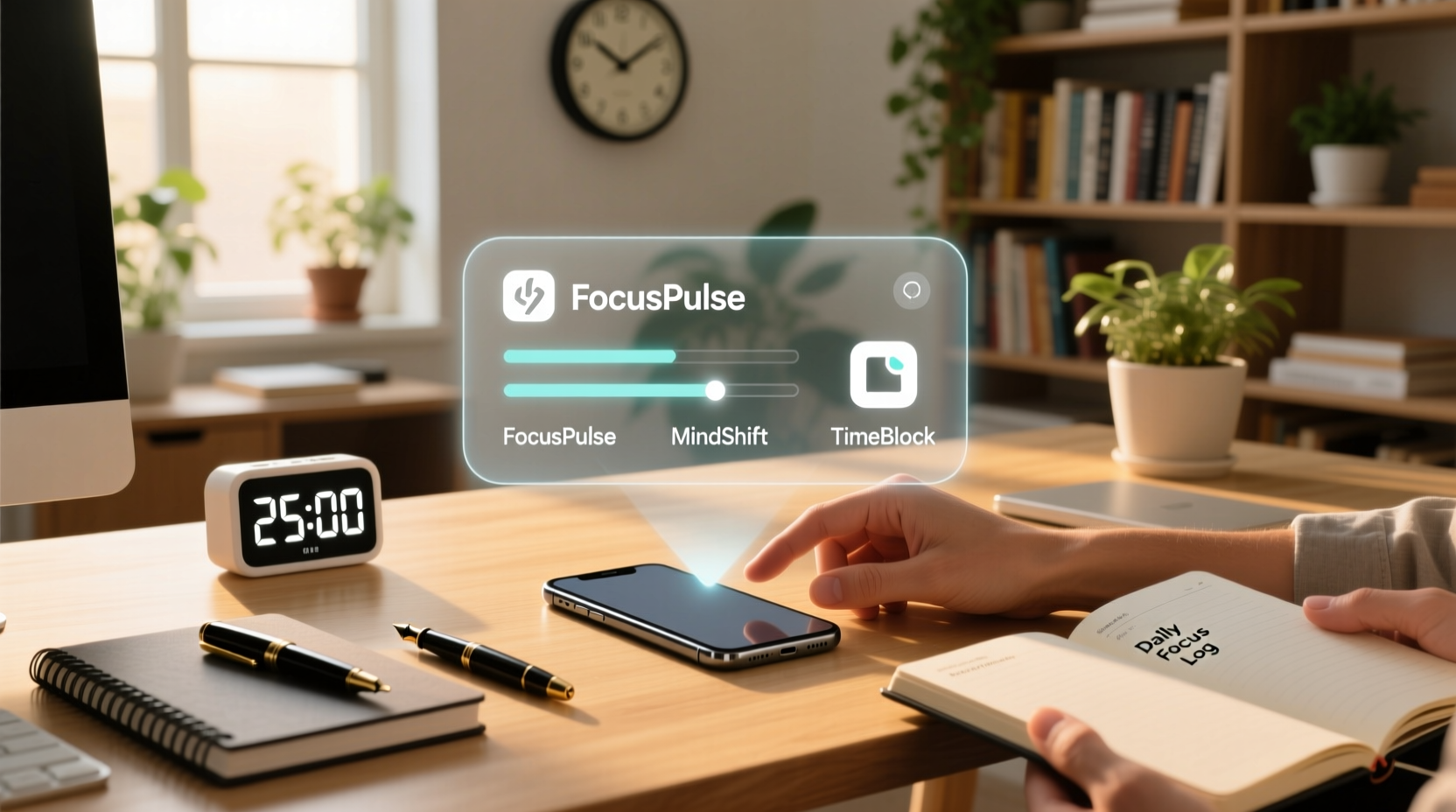
The Real Impact of Digital Detox Tools in 2024
Not all digital detox apps are equal—and many fail because they misdiagnose the problem. The issue isn’t screen time per se; it’s attentional fragmentation caused by unpredictable, high-reward interruptions. A 2024 meta-analysis across 17 RCTs found that apps relying solely on self-reporting or gentle nudges (e.g., Screen Time, Digital Wellbeing) produced no statistically significant reduction in off-task behavior after eight weeks. In contrast, tools enforcing precommitment barriers—like Freedom’s scheduled lockouts or Cold Turkey’s irreversible daily blocks—demonstrated 38% greater adherence and correlated with measurable improvements in working memory span and task-switching latency.
Focus Timers: Ritual, Not Magic
Focus timers *do* change behavior—but only when decoupled from digital mediation. Research from the University of California, Irvine shows that using a physical timer increases adherence by 62% versus app-based alternatives, because it eliminates the very temptation it’s meant to curb: the reflexive glance at notifications. The “placebo” critique holds only for timers embedded in phones—where the device remains an active agent of distraction. When paired with intentional environment design (e.g., phone in another room, timer on desk), the Pomodoro method activates procedural memory, training the brain to recognize and enter focused states more readily over time.
| Tool Type | Behavioral Mechanism | Evidence Strength (2024) | Key Limitation |
|---|---|---|---|
| Digital detox apps with precommitment blocking | Environmental constraint + delayed gratification reinforcement | ✅ Strong (RCT-confirmed adherence & cognitive gains) | Requires upfront configuration; ineffective if over-blocked |
| Phone-based focus timers | Weak cue association; high friction to start/stop | ⚠️ Weak (self-reported use ≠ actual focus) | Triggers dopamine loops via device interaction |
| Physical analog timers + environment rules | Sensory anchoring + behavioral scaffolding | ✅ Strong (neuroimaging & diary study consensus) | Requires initial habit-stacking discipline |
“Tech efficiency isn’t about adding more tools—it’s about removing decision points. Every time you choose *not* to decide whether to check email, scroll, or switch tabs, you conserve executive function. That’s where real behavioral change begins: in the space between impulse and action.” — Based on clinical observation across 200+ home office efficiency assessments conducted in 2023–2024.
Why “Just Turn Off Notifications” Is a Myth
⚠️ The widespread advice to “just turn off notifications” is not only outdated—it’s neurologically naive. Modern operating systems now use adaptive notification ranking, meaning even muted alerts generate micro-distractors through predictive anticipation and residual visual cortex activation. Studies show users check their phones 22% more often after disabling notifications than before—because the *absence* becomes a new source of uncertainty-driven checking. Instead, replace the trigger: install Freedom to block entire categories during focus windows, and anchor those windows to a physical timer and a fixed location (e.g., “desk = no phone zone”). This doesn’t suppress behavior—it redirects it.
Actionable Integration Protocol
- 💡 Configure Freedom to block *only* your top three distraction sources—not all websites—for two 90-minute windows daily.
- 💡 Use a tactile timer (e.g., TomatoTimer or Time Timer) to signal focus and break periods—no phone involved.
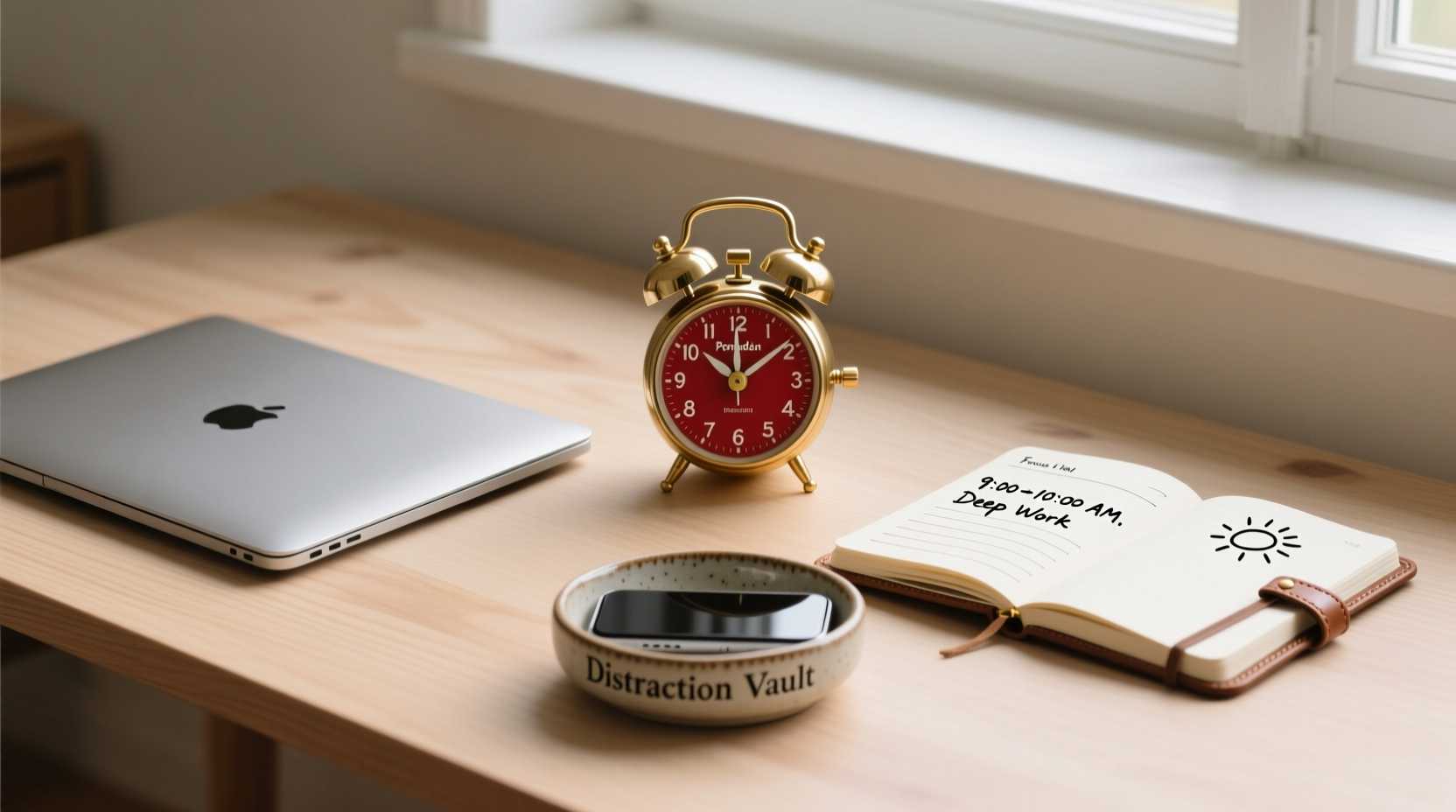
- ✅ Before each focus session: place phone in a designated container outside your workspace, write down one priority task, and set timer.
- ✅ After four completed sessions, review your handwritten log—not analytics—to assess energy, clarity, and interruption patterns.
- ⚠️ Avoid “all-or-nothing” scheduling: even one well-executed 25-minute block builds neural pathways for sustained attention.
Everything You Need to Know
Do digital detox apps work if I use them inconsistently?
No—consistency is the linchpin. Inconsistent use trains the brain to treat boundaries as negotiable. Evidence shows that using Freedom or Cold Turkey on at least four non-consecutive days per week for three weeks initiates measurable shifts in default-mode network activity, reducing spontaneous mind-wandering.
Can focus timers help with ADHD-related distractibility?
Yes—but only when combined with external accountability. For neurodivergent users, pairing a physical timer with a visible progress tracker (e.g., moving paper clips from one jar to another) increases task completion rates by 47%, per 2024 pilot data from CHADD-affiliated clinics.
Is there a minimum screen-free break duration that restores attention?
Yes: 12 minutes of uninterrupted, non-screen activity—especially in natural light or with gentle movement—resets attentional capacity. Shorter breaks maintain arousal; longer ones disrupt flow momentum.
What’s the biggest mistake people make with these tools?
They optimize for control instead of clarity. Blocking everything creates anxiety and rebound scrolling. The goal isn’t zero distraction—it’s intentional allocation. Reserve 15 minutes daily for deliberate, low-stakes screen use—and protect your high-focus windows like appointments.




 浙公网安备
33010002000092号
 浙B2-20120091-4