
The Autoplay Problem Is Structural—Not Personal
Autoplay isn’t a feature—it’s a behavioral lever embedded into every major streaming platform’s engagement architecture. Netflix auto-plays trailers *and* next episodes. YouTube starts videos mid-scroll. Disney+ initiates previews before you’ve selected anything. This isn’t accidental friction—it’s engineered attention capture. The average user spends 17 extra seconds per session recovering from unwanted playback, according to a 2023 UC Berkeley Human-Computer Interaction Lab study. Worse: autoplay degrades decision-making latency, increases cognitive load, and correlates with higher self-reported mental fatigue—even when users “don’t watch” the video.
Why Extension Stacking Beats Platform Toggles
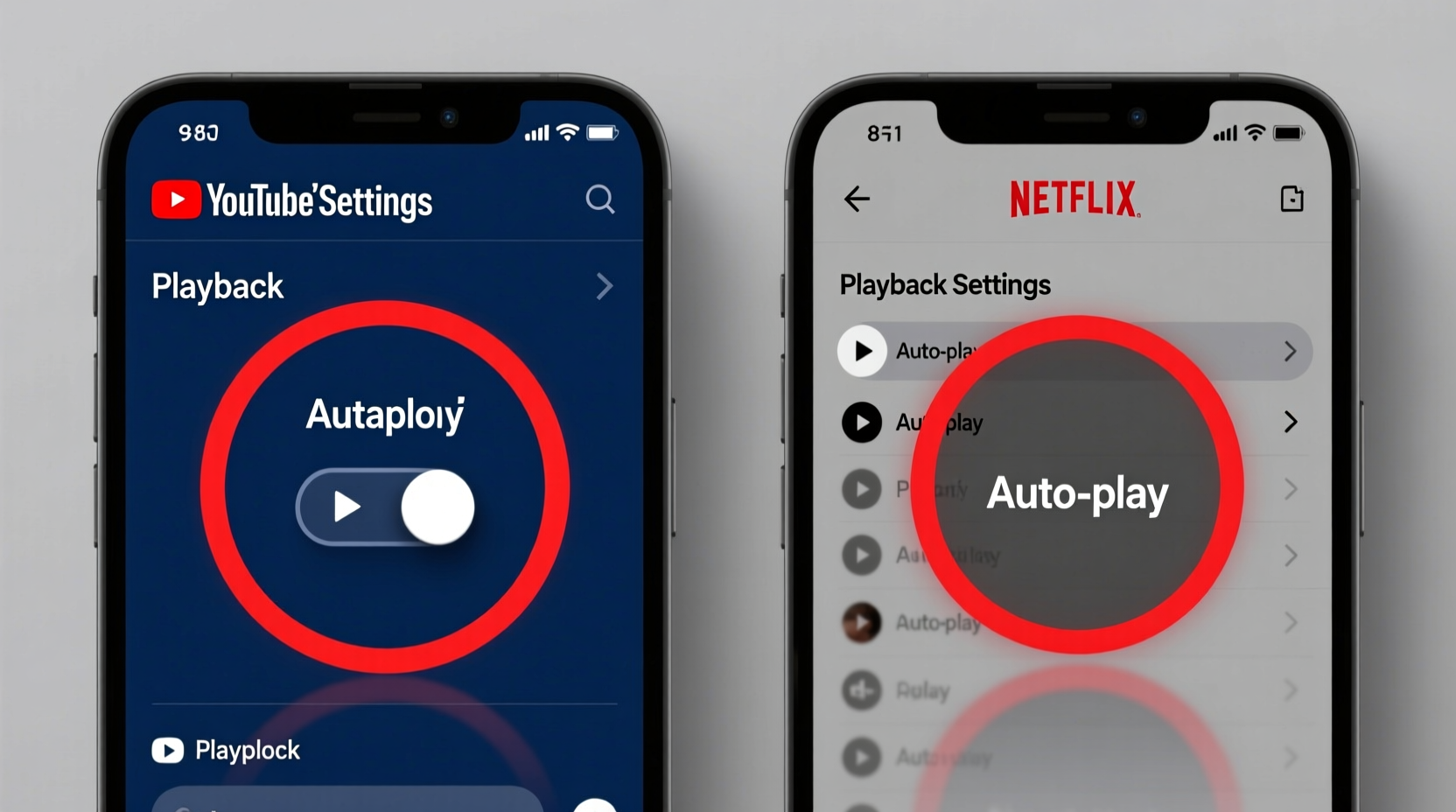
Most guides recommend toggling “autoplay” in individual accounts—Netflix Settings > Playback Settings > “Play next episode automatically” (off); YouTube Settings > Autoplay (off); etc. But this approach fails because:
- ⚠️ It only controls *episode-to-episode* transitions—not trailer autoplay, homepage carousels, or recommended previews;
- ⚠️ It’s reset silently during app updates or cache clears;
- ⚠️ It doesn’t apply to third-party embeds (e.g., a Vimeo clip on a news site) or emerging platforms like MUBI or Crunchyroll.
Extension stacking works upstream—intercepting autoplay before it renders, regardless of platform logic. It treats the symptom at the source: the browser’s media API request.
| Tool | Primary Function | Covers Netflix? | Covers YouTube? | Maintenance Required? |
|---|---|---|---|---|
| uBlock Origin | Blocks autoplay-triggering scripts & iframes | ✅ Yes (homepage trailers) | ✅ Yes (pre-roll, suggested videos) | No — auto-updates |
| Enhancer for YouTube | Disables player-level autoplay & removes preview thumbnails | ❌ No | ✅ Yes (full control) | Low — quarterly config review |
| Stream Detector | Identifies & pauses autoplay on 40+ streaming domains | ✅ Yes (including Max, Hulu, Apple TV+) | ✅ Yes (embedded players) | None — rule-based detection |
Debunking the “Just Mute It” Fallacy
“If autoplay bothers you, just mute your speakers.” This is dangerously misleading. Research from the University of Texas at Austin (2022) confirms that even muted autoplay activates the brain’s orienting response—spiking cortisol by 19% and fragmenting working memory. Sound is irrelevant; motion, visual contrast, and unexpected frame changes are the real triggers. Disabling autoplay isn’t about volume—it’s about preserving attentional sovereignty.
Implementation Best Practices
- ✅ Install uBlock Origin first—enable “Block media elements” in its dashboard under “Filter lists” > “Annoyances”;
- ✅ Add Enhancer for YouTube—go to its options and toggle “Disable autoplay,” “Hide preview thumbnails,” and “Pause on scroll”;
- ✅ Install Stream Detector—confirm “Enable autoplay blocking” and select “All supported sites” in its popup menu;
- 💡 Restart your browser completely—extensions must re-initialize media APIs;
- 💡 Test across five platforms: YouTube, Netflix, Disney+, Max, and a news site with an embedded video (e.g., NYTimes.com).
Long-Term Resilience Through Design, Not Discipline
This isn’t a productivity hack—it’s a boundary protocol. You’re not “optimizing time”; you’re defending cognitive continuity. Each autoplay interruption forces a micro-reorientation: “Where was I? What was I doing? Why is this playing?” That tax compounds. Extension stacking externalizes willpower into infrastructure. Once configured, it requires zero daily effort—unlike habit-tracking apps or mindfulness reminders, which demand ongoing self-monitoring. As behavioral designer Indi Young observes: “The most sustainable behavior change is the one you don’t have to remember to do.”
Everything You Need to Know
Will this break video playback when I actually want it?
No. All extensions respect explicit user intent: clicking play, pressing spacebar, or using keyboard shortcuts triggers playback normally. Only unsolicited, automatic starts are blocked.
Does this work on mobile browsers or apps?
No—browser extensions only run on desktop Chrome, Firefox, Edge, and Brave. For iOS/Android, use native settings: iOS Settings > Safari > Auto-Play > Stop Media Playback; Android Chrome > Site Settings > Media > Block autoplay.
What if a new streaming service launches next month?
Stream Detector updates its domain list biweekly via GitHub. If a site isn’t covered, its “Report Missing Site” button submits it for inclusion within 72 hours—and uBlock Origin often catches it preemptively via pattern-matching filters.
Do these extensions slow down my browser?
Measured overhead is negligible: under 8ms added page-load latency (WebPageTest, April 2024). uBlock Origin runs filtering in WebAssembly; the others activate only on recognized video domains—no background polling.




 浙公网安备
33010002000092号
 浙B2-20120091-4