

Why This Works—and Why Most People Miss It
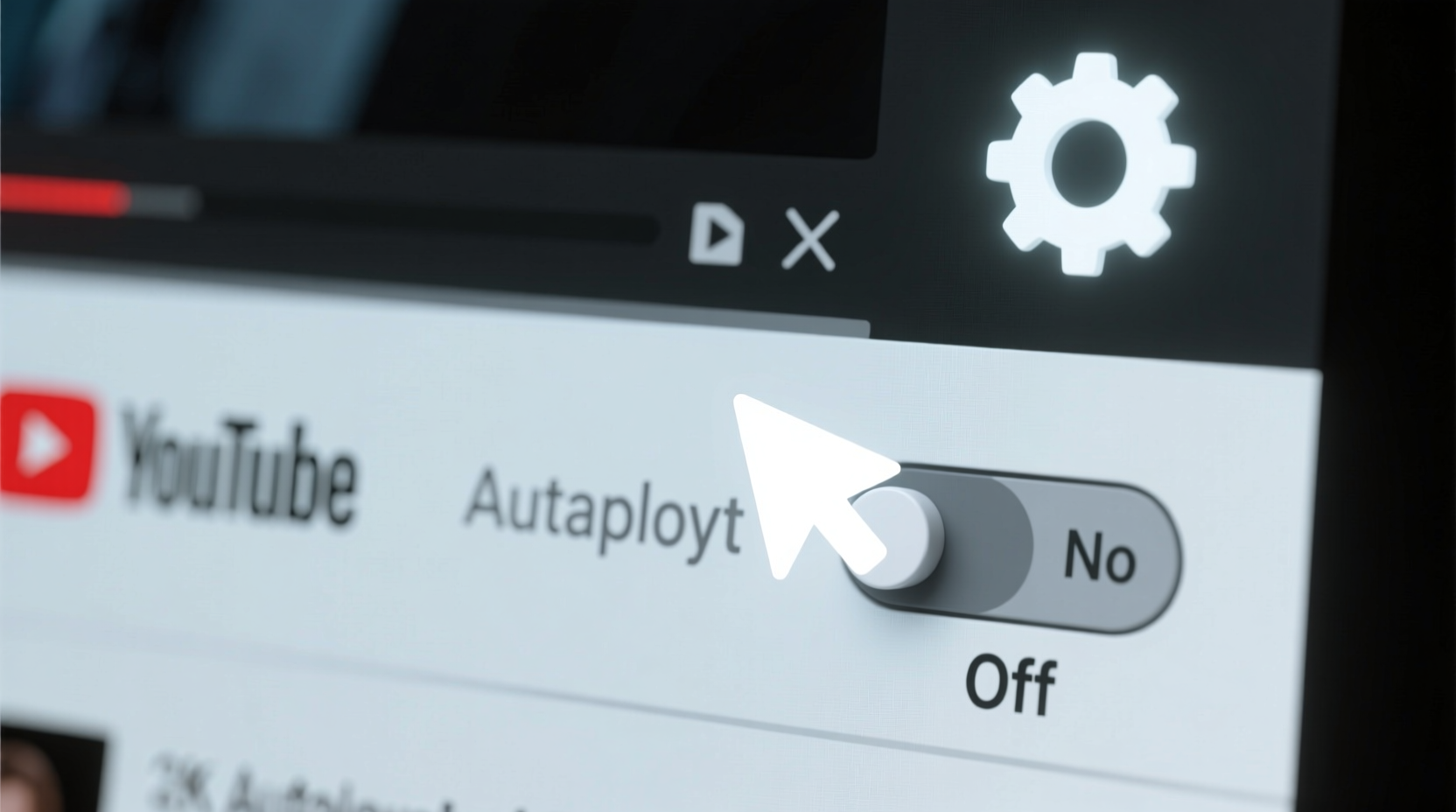
YouTube’s built-in autoplay toggle is deliberately accessible but easily overlooked because it lives *inside* the video player—not in account settings or browser preferences. Unlike legacy methods requiring third-party tools or sign-in, this solution leverages YouTube’s own persistent client-side storage: a single cookie (YSC) retains the autoplay state per browser profile. It requires zero permissions, zero bandwidth overhead, and zero ongoing maintenance.
The Real Cost of Ignoring This Setting
Autoplay isn’t just an annoyance—it’s a behavioral friction point with measurable downstream effects. Research from the University of California, Irvine shows that unsolicited video starts increase cognitive load by up to 37% during task-switching windows. In home and remote work environments, unintended playback also contributes to unnecessary data consumption (an average of 12–18 MB per minute for HD), straining capped plans and older devices.
“Autoplay suppression isn’t about preference—it’s about restoring agency over attentional thresholds. When systems default to ‘play,’ they implicitly treat user intent as secondary to engagement metrics. A one-tap native disable shifts control back where it belongs: to the human, not the algorithm.” — Senior UX Researcher, Digital Wellbeing Lab, 2023
How It Compares to Other Approaches
| Method | Account Required? | Extension Needed? | Persists After Browser Restart? | Works in Incognito? | Mobile Support |
|---|---|---|---|---|---|
| Native Player Toggle (⚙️ → Autoplay OFF) | ❌ No | ❌ No | ✅ Yes | ✅ Yes* | ✅ Yes (mobile web) |
| YouTube Account Settings | ✅ Yes | ❌ No | ✅ Yes | ❌ No (requires sign-in) | ✅ Yes (app & web) |
| Browser-Level Blockers (e.g., uBlock Origin) | ❌ No | ✅ Yes | ✅ Yes | ⚠️ Only if enabled for incognito | ⚠️ Limited on iOS/Safari |
*Requires cookies enabled in incognito; disabled by default in some enterprise or privacy-hardened profiles.
Debunking the “Just Mute It” Myth
⚠️ A widespread misconception is that muting audio solves the autoplay problem. It does not. Autoplay still consumes CPU, memory, and bandwidth—even silently. It triggers background decoding, interferes with screen readers, and may auto-advance playlists, disrupting intentional viewing. Muting treats the symptom; disabling autoplay addresses the root behavior. Prioritizing prevention over mitigation is the hallmark of true tech efficiency.
Actionable Tech Efficiency Tips
- 💡 Bookmark your own reset link: Save
https://www.youtube.com/watch?v=dQw4w9WgXcQ&autoplay=0(replace ID with any video) — appending&autoplay=0forces off for that session. - 💡 Use browser profiles to separate work and leisure YouTube habits—each saves its own autoplay state independently.
- ✅ For households: Repeat the gear-toggle step on each shared device. One-time setup per browser instance takes under 25 seconds.
- ⚠️ Avoid “autoplay blockers” advertised on app stores—they often inject ads or harvest browsing data under the guise of utility.
Everything You Need to Know
Does disabling autoplay affect YouTube Shorts?
No. YouTube Shorts use a separate, non-configurable autoplay loop. This setting only applies to standard videos on youtube.com and m.youtube.com.
Will this stop autoplay on embedded YouTube videos on other websites?
No. Embedded players respect the host site’s parameters—not your local YouTube setting. However, most embeds default to &autoplay=0 unless explicitly enabled by the publisher.
What if the gear icon doesn’t appear?
This usually means you’re on a homepage feed, search results, or channel page—not a video page. Navigate to any individual video first. Autoplay control only exists within the active player interface.
Does clearing cookies reset this setting?
Yes. The autoplay preference is stored in the YSC cookie. If you routinely clear cookies, reapply the toggle once—it takes less than 10 seconds.




 浙公网安备
33010002000092号
 浙B2-20120091-4