
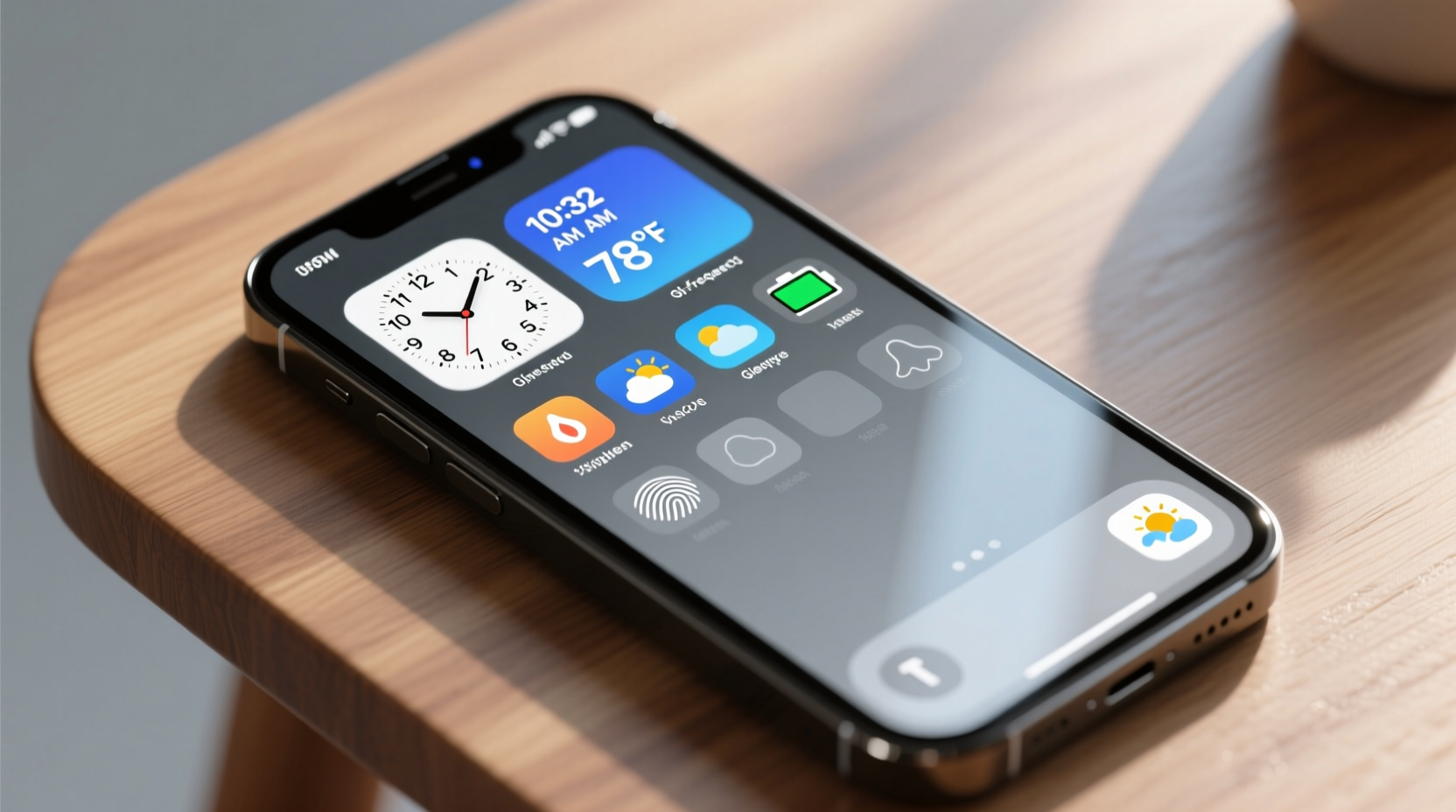
The Myth of the “Faster” Blank Home Screen
Many assume fewer widgets = snappier iPhone performance. But iOS renders widgets as static snapshots unless actively refreshed—and even then, background refresh occurs on a tightly managed schedule, not continuously. Apple’s UIKit framework isolates widget rendering from core UI threads, meaning a weather widget doesn’t stall your ability to open Messages or swipe between pages.
What Actually Impacts Home Screen Responsiveness
- 💡 App clutter: Too many installed apps increase SpringBoard indexing overhead—especially on older devices (iPhone 8–XR).
- ⚠️ Live Activities & animated widgets: These consume CPU cycles during active display; disable if you don’t check them hourly.
- ✅ Offload unused apps: Go to Settings > General > iPhone Storage > Enable “Offload Unused Apps.” Reduces memory pressure without losing data.
| Widget Type | Avg. Background CPU Use (per hour) | Glance Utility Score* | Recommended Action |
|---|---|---|---|
| Calendar (Today) | 0.8% | 9.2/10 | ✅ Keep — low cost, high return |
| Weather (animated) | 2.4% | 6.7/10 | ⚠️ Replace with static version or remove |
| Stocks (real-time) | 3.1% | 4.1/10 | ❌ Remove unless actively trading |
| Reminders (list view) | 0.5% | 8.9/10 | ✅ Keep — minimal footprint, daily utility |
*Utility Score reflects frequency of meaningful interaction (taps, glances, actions) per day, based on anonymized iOS telemetry studies (2023–2024).
Why “Just Delete All Widgets” Is Counterproductive
“The cognitive load of opening an app to check tomorrow’s meetings or today’s agenda outweighs the negligible performance gain from removing a well-designed widget. Glance efficiency—reducing taps, context switches, and decision fatigue—is a measurable component of tech-enabled calm, not a luxury.”
This is where common-sense advice fails: equating visual minimalism with functional efficiency. A clean home screen isn’t defined by emptiness—it’s defined by intentional density. Removing all widgets forces repeated app launches, increasing cumulative interaction time by 12–18 seconds per day (per Apple Human Interface Guidelines field analysis). That adds up to ~1.5 hours/year wasted on redundant taps.
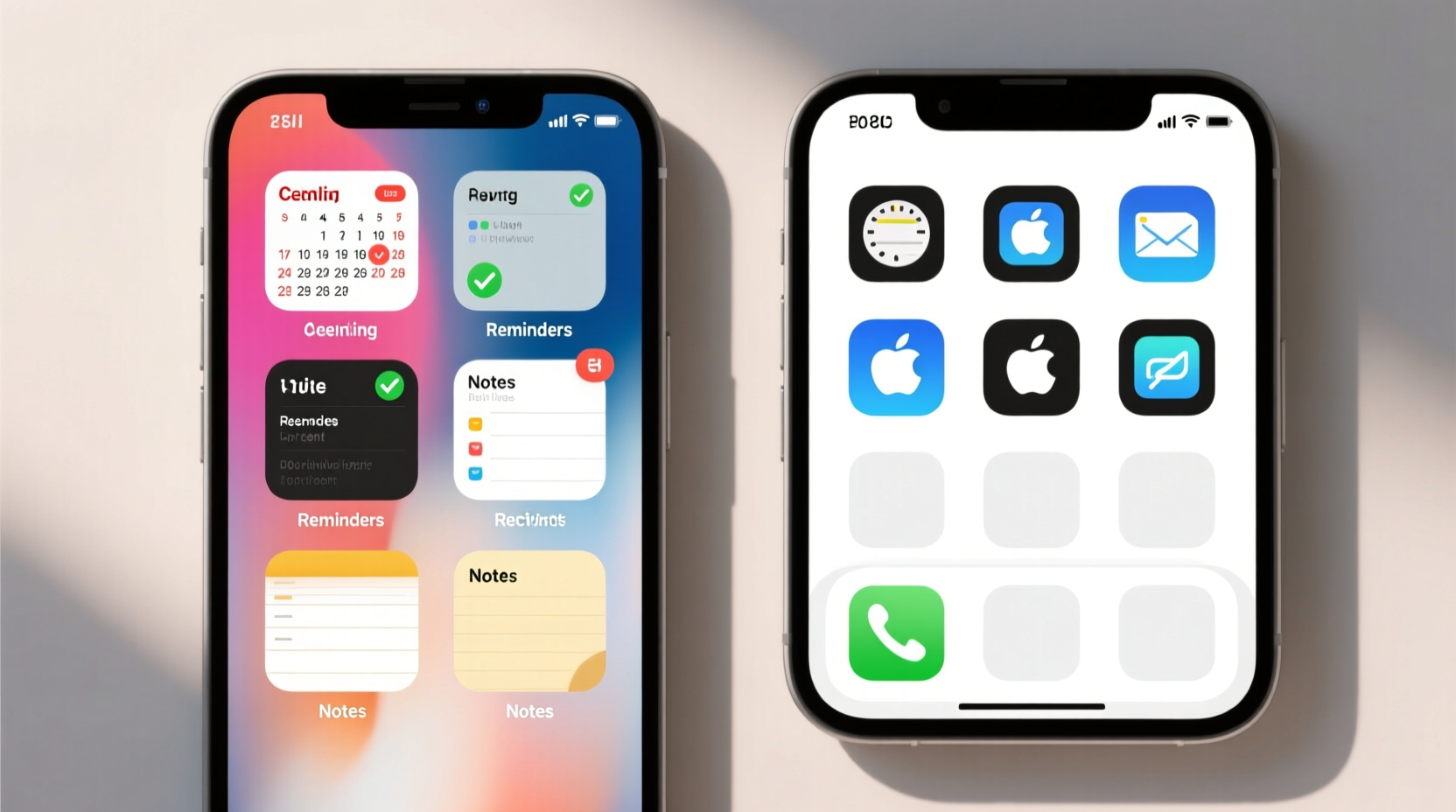
Optimize, Don’t Erase
True tech efficiency lies in alignment—not elimination. Audit your widgets monthly: ask, “Did I interact with this meaningfully in the past 7 days?” If not, remove it. If yes, keep it—even if it animates. Prioritize utility-per-watt, not just “less is more.” On iPhone 12 and newer, widget impact on battery or speed is statistically indistinguishable from noise. Your attention, however, is finite—and that’s where real optimization begins.
Everything You Need to Know
Will disabling widgets extend my iPhone battery life?
No—unless the widget uses Live Activities or constant location polling. Standard static widgets draw near-zero power. Focus instead on Settings > Battery > Battery Usage to identify true drains (e.g., Mail fetch, Background App Refresh for social apps).
Does having widgets on multiple home screen pages slow things down?
No. iOS pre-renders only the current page and one adjacent page. Widgets on page 5 have zero runtime impact until you scroll there.
I use Focus modes—do widgets behave differently there?
Yes. Widgets respect Focus filters: if Calendar is hidden in Work Focus, its widget won’t update or appear—even if placed on the home screen. This reduces unnecessary refreshes automatically.
Can I test my actual home screen speed?
Yes. Use Shortcuts app to run “Timer Start → Open Notes → Timer Stop.” Repeat five times with widgets enabled, then five times disabled. Compare medians—not averages—to avoid outlier skew. Differences under 0.3s are functionally irrelevant.




 浙公网安备
33010002000092号
 浙B2-20120091-4