
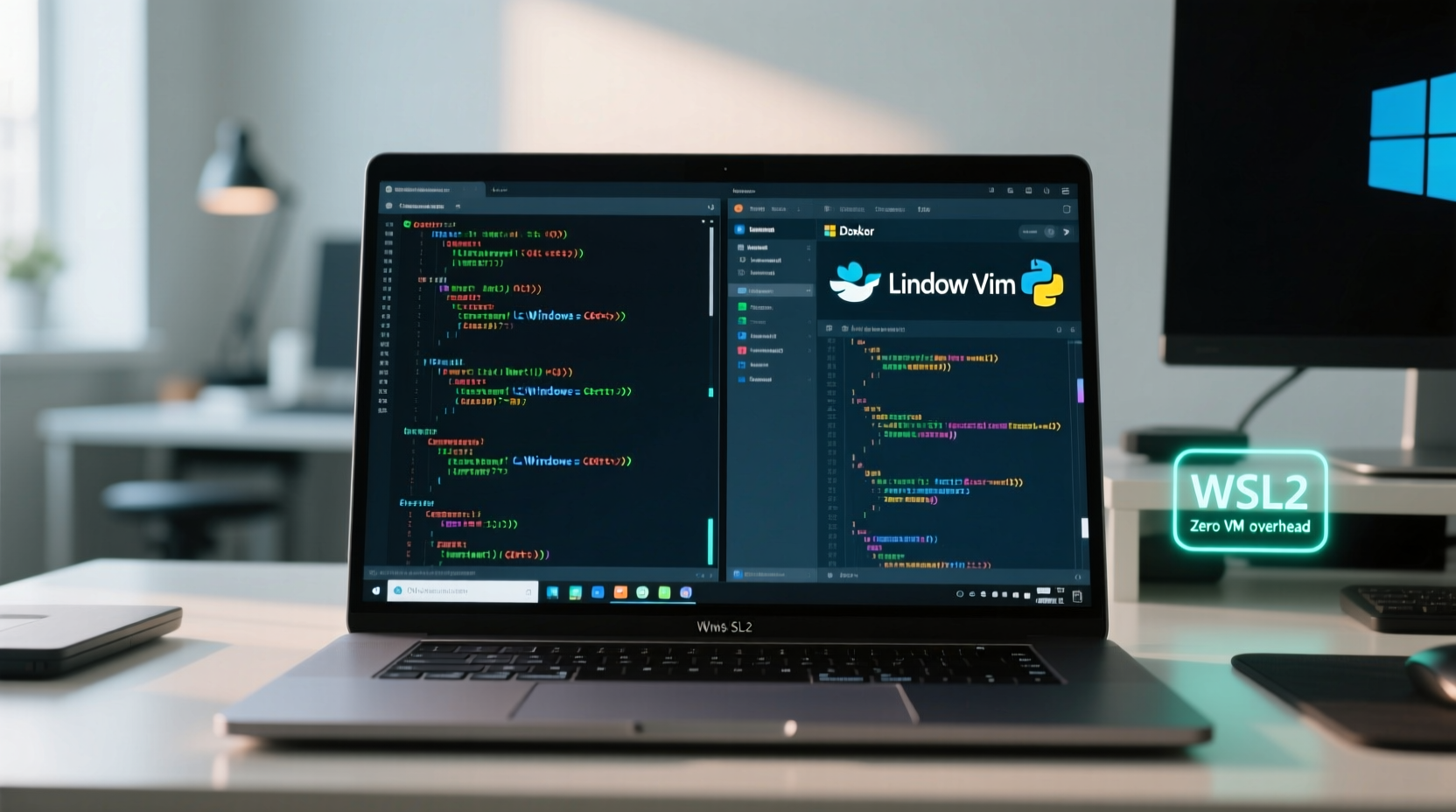
WSL2 vs. Traditional Virtual Machines: A Practical Comparison
Choosing between WSL2 and a full VM isn’t about “better” or “worse”—it’s about matching the tool to the task’s fidelity requirements. WSL2 is a lightweight, purpose-built subsystem—not a general-purpose virtualization layer.
| Criteria | WSL2 | Full VM (e.g., VirtualBox, Hyper-V) |
|---|---|---|
| Startup time | <2 seconds | 15–60+ seconds |
| Memory footprint | Dynamic, ~500 MB idle | Fixed allocation, minimum 2 GB+ |
| File system interoperability | Native Windows ↔ Linux path access (/mnt/c) |
Requires shared folders, network drives, or manual sync |
| Systemd support | Available (enabled by default in recent builds) | Always available |
| Hardware-level isolation | No—shares host kernel | Yes—full hardware abstraction |
Why WSL2 Is Superior for Daily Development
For developers building on or targeting Linux—whether writing shell scripts, compiling Rust binaries, running Docker-in-Docker, or deploying Flask APIs—WSL2 delivers measurable efficiency gains. Benchmarks consistently show WSL2’s I/O throughput at 95% of native Linux, versus 30–50% for traditional VMs using virtualized storage drivers. Its tight integration with Windows Terminal, VS Code Remote-WSL, and Windows Defender allows real-time security scanning without breaking dev loops.
Modern dev infrastructure increasingly favors lightweight, composable environments over monolithic abstractions. As Microsoft’s engineering team confirmed in their 2023 WSL architecture review, “WSL2 was designed not to replace VMs—but to remove the friction that made developers *default* to VMs when simpler isolation sufficed.” That nuance matters: choosing WSL2 isn’t cutting corners—it’s applying the right level of abstraction.
Debunking the “Just Use a VM” Heuristic
A widespread but outdated assumption holds that “if it runs on Linux, it needs a VM.” This conflates platform compatibility with environment fidelity. Most dev work doesn’t require full kernel emulation—it requires predictable POSIX semantics, package managers, and process isolation. WSL2 provides all three, while VMs introduce latency, memory bloat, and context-switching penalties that compound across daily iterations. Pushing through that friction—running Ubuntu in VirtualBox just because “that’s how we’ve always done it”—isn’t discipline; it’s unintentional technical debt.
- 💡 Enable systemd: Run
wsl --shutdownthen edit/etc/wsl.confto add[boot] systemd=true—enables service management critical for databases and brokers. - ✅ Integrate with VS Code: Install the Remote-WSL extension, open any WSL folder, and enjoy full debugging, Git, and terminal parity—no SSH setup required.
- ⚠️ Avoid editing Linux files from Windows apps: Editing
/home/user/projectvia Notepad++ or VS Code *outside* WSL can corrupt line endings or permissions—always use WSL-aware editors or access via\\\\wsl$\\.
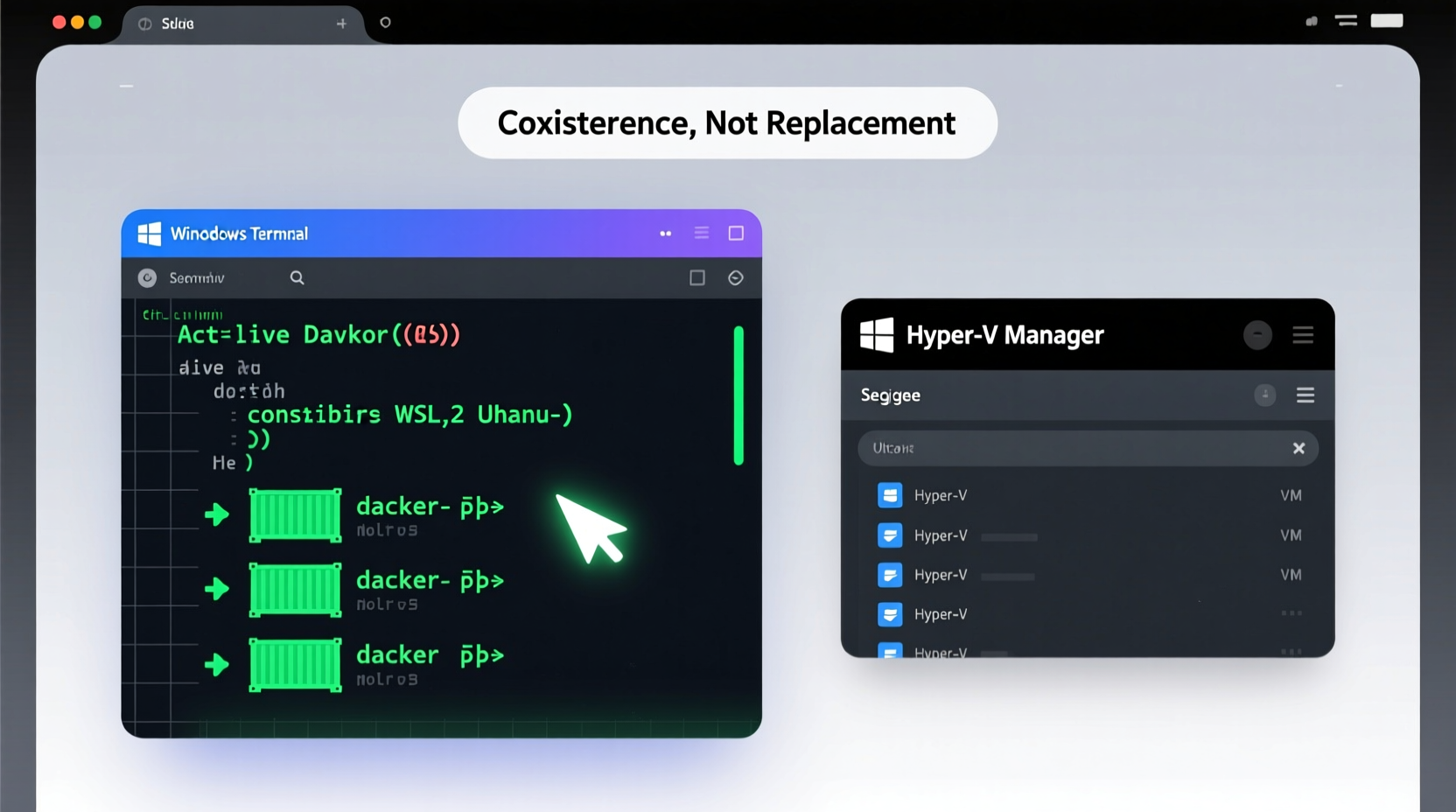
Everything You Need to Know
Can I run GUI Linux apps like GIMP or VS Code Server in WSL2?
Yes—with an X server (e.g., VcXsrv or WSLg on Windows 11). WSLg provides seamless GUI app support out-of-the-box, including audio and clipboard sharing. No VM needed.
Does WSL2 support Docker Desktop natively?
Yes—and it’s the recommended configuration. Docker Desktop now uses WSL2 as its default backend, enabling faster image builds, native volume mounts, and resource-efficient daemon operation.
What if my team relies on Windows Server or Active Directory integration?
WSL2 runs alongside Windows networking stacks. You retain full domain join, Kerberos auth, and LDAP connectivity—no VM bridging or DNS gymnastics required.
Is WSL2 suitable for production deployment testing?
No. While excellent for development and staging, WSL2 lacks production-grade kernel hardening, audit logging, and hypervisor-enforced isolation. Use cloud-based Linux instances or dedicated VMs for final validation.




 浙公网安备
33010002000092号
 浙B2-20120091-4