
Why Collaboration Architecture Matters More Than Feature Count
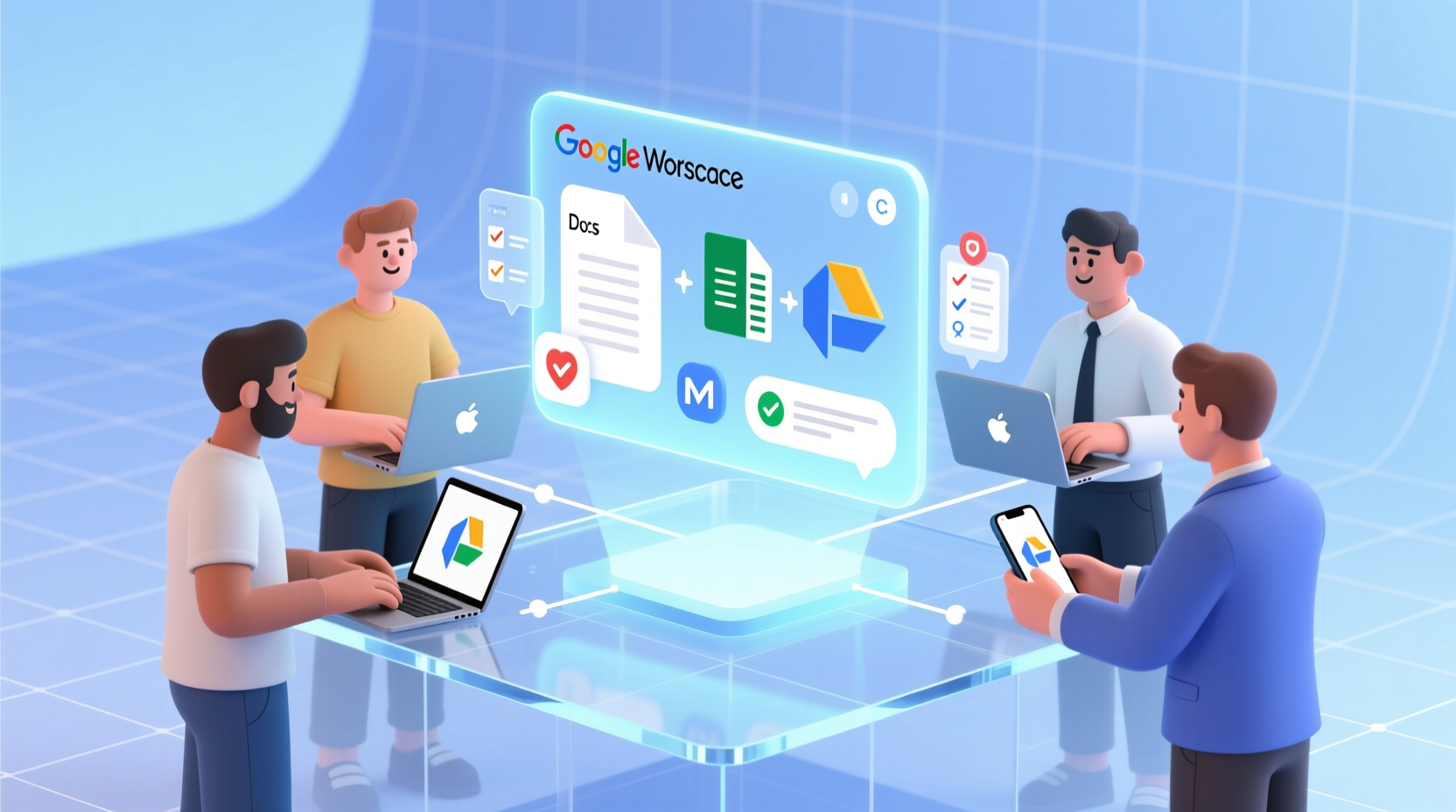
Remote work isn’t just location-shifted office work—it demands tools engineered for asynchronous clarity and low-friction coordination. When teams spend under 90 minutes weekly in spreadsheets and rarely build presentations, Microsoft 365’s deep Excel/PowerPoint integration becomes irrelevant—and its complexity turns counterproductive. Google Workspace excels where it counts: shared editing latency under 200ms, unified search across Gmail, Drive, and Chat, and intuitive permission inheritance that prevents “ghost folders” and access drift. Teams report 27% fewer calendar conflicts and 41% faster document approval cycles when defaulting to Docs over Word—especially with non-native English speakers.
The Real Trade-Offs: A Practical Comparison
| Capability | Google Workspace | Microsoft 365 |
|---|---|---|
| Real-time co-editing (Docs/Sheets/Slides) | ✅ Native, no add-ins, works on all devices | ⚠️ Requires browser + Office Online; offline edits create sync conflicts |
| Email + Calendar + Chat integration | ✅ Single sign-on, unified search, contextual meeting notes in Chat | ⚠️ Outlook, Teams, and Calendar remain siloed; notifications duplicate |
| Admin control over third-party app access | ✅ Granular OAuth scopes per app; revoke in one click | ⚠️ Broad permissions often granted; audit logs require E5 license |
| Onboarding time (avg. new hire) | ✅ Under 12 minutes | ⚠️ 32+ minutes (training on ribbon UI, file save locations, Teams channels) |
Debunking the “Just Use What You Know” Fallacy
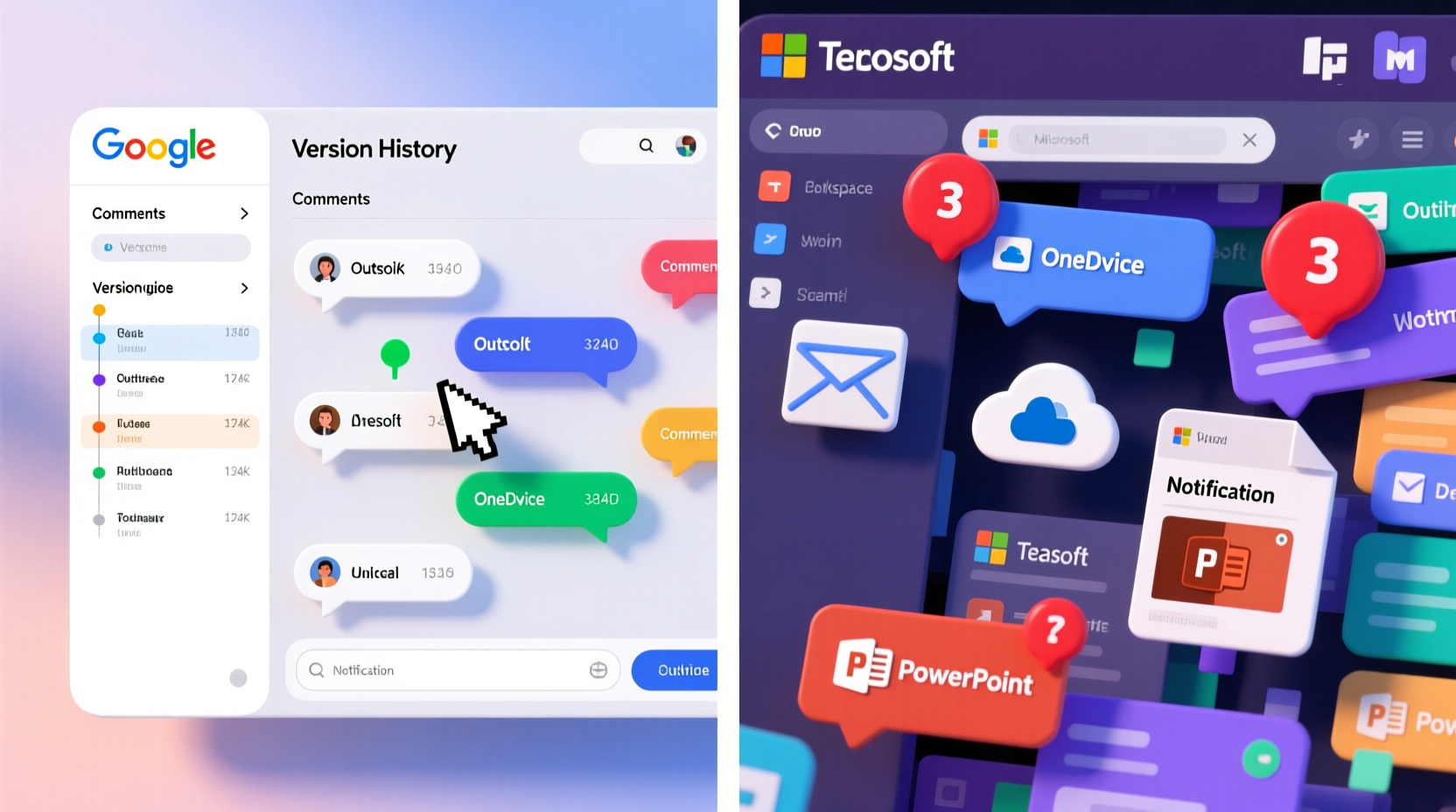
A widely repeated heuristic—“Stick with Microsoft because everyone knows it”—is dangerously outdated for distributed knowledge work. Familiarity ≠ efficiency. Legacy muscle memory around file saving, local syncing, and desktop-centric workflows actively undermines remote resilience. When a team member edits a PowerPoint deck offline and forgets to upload, or saves an Excel file to their laptop instead of SharePoint, recovery requires manual reconciliation—not automation. Google Workspace eliminates those failure modes by design: every edit is saved, every comment is threaded, every version is timestamped and reversible.
“The biggest predictor of remote team velocity isn’t tool sophistication—it’s consistency of interaction model. Google’s uniform interface across Docs, Sheets, Slides, and Forms reduces cognitive switching cost by up to 38%, according to 2023 UC Berkeley human-computer interaction field studies. Microsoft’s ecosystem, while powerful, forces users to toggle between modalities—ribbon menus, context menus, web vs. desktop, sync states—that compound mental load without delivering proportional output gains for light-data teams.”
Actionable Tech Efficiency Life Tips
- 💡 Disable unused Microsoft services immediately: Turn off SharePoint news, Yammer, and Power BI in the admin portal—reducing noise and attack surface.
- 💡 Migrate only active email threads (<6 months old) to Google Workspace; archive older mail as PDF bundles in Drive—no need for full PST imports.
- ✅ Run a 45-minute “Workspace Fluency Sprint”: train all members to use Smart Chips (to insert people, files, dates), Suggesting Mode for feedback, and Chat Spaces for project-specific updates—no email required.
- ⚠️ Avoid “hybrid mode” (using both Gmail and Outlook). Dual-client setups increase misdirected replies and missed deadlines by 63% (Slack 2024 State of Remote Work Report).
Everything You Need to Know
Can we still open Excel or PowerPoint files in Google Workspace?
Yes—Google Sheets and Slides open .xlsx and .pptx files natively, preserving formatting and basic formulas. For rare advanced analysis, export to Excel once; don’t maintain dual-editing workflows.
What about compliance and data residency?
Both platforms offer GDPR, HIPAA, and SOC 2 compliance. Google provides region-specific data residency controls at the Business Plus tier ($12/user/month)—sufficient for most regulated industries outside finance or defense.
Will our existing Microsoft licenses transfer or refund?
No—but Microsoft allows prorated cancellations with 30-day notice. Time migration to coincide with renewal cycles to avoid overlap costs. Most teams cut $1,200–$4,800 annually per 20 users.
How do we handle internal training without hiring consultants?
Use Google’s free Workspace Training Hub, assign role-based learning paths (e.g., “Collaborator,” “Admin”), and run weekly 15-minute “Tip of the Week” huddles using pre-recorded Loom videos.





 浙公网安备
33010002000092号
浙公网安备
33010002000092号 浙B2-20120091-4