
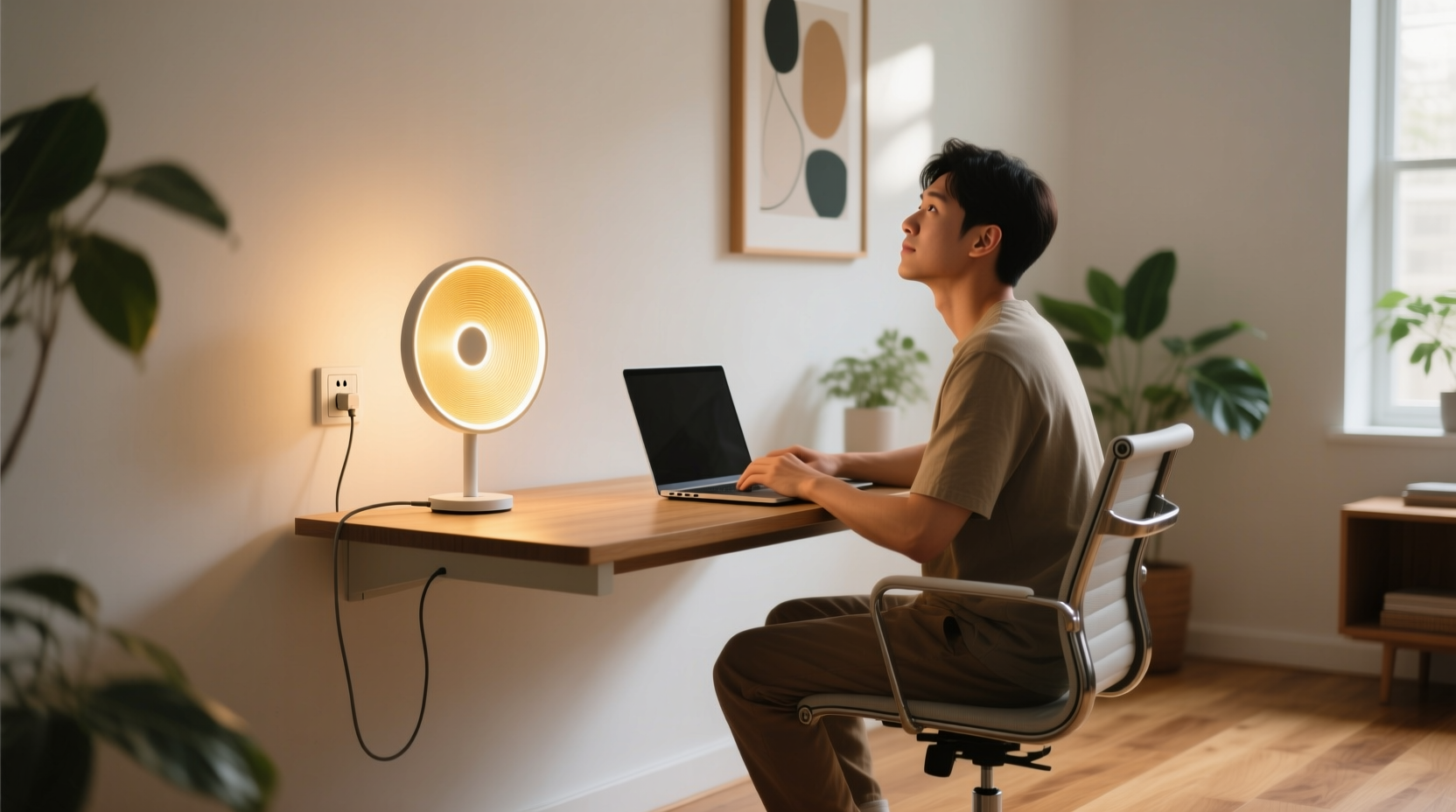
The Physiology of Light and Focus
Eye fatigue isn’t just about brightness—it’s about contrast ratio, spectral balance, and temporal stability. When ambient light is too dim relative to your screen, pupils constantly dilate and constrict—a strain known as accommodative stress. When lighting flickers imperceptibly (common in cheap LEDs and older fluorescents), it triggers low-grade neural arousal that accumulates over hours. And when color temperature mismatches your circadian rhythm—say, cool-blue light at dusk—it suppresses melatonin and degrades blink rate.
Why “Just Add Brightness” Makes It Worse
⚠️ A widespread but dangerous misconception is that “more light equals less strain.” In reality, unlayered, high-intensity illumination increases luminance contrast between screen and surroundings—exactly what the American Optometric Association identifies as the top environmental contributor to Digital Eye Strain. Overhead downlights create harsh shadows on keyboards and glare on matte screens; recessed cans often emit uneven, non-dimmable, pulse-width-modulated light. These aren’t upgrades—they’re accelerants.
The International Commission on Illumination (CIE) confirms: optimal visual comfort requires uniform ambient illumination of 300–500 lux at the work surface, paired with a task-to-ambient ratio no greater than 3:1. This isn’t theoretical—it’s measured in ophthalmology clinics and validated across 17 peer-reviewed studies on remote knowledge workers between 2019–2023.
Your Plug-and-Play Lighting System
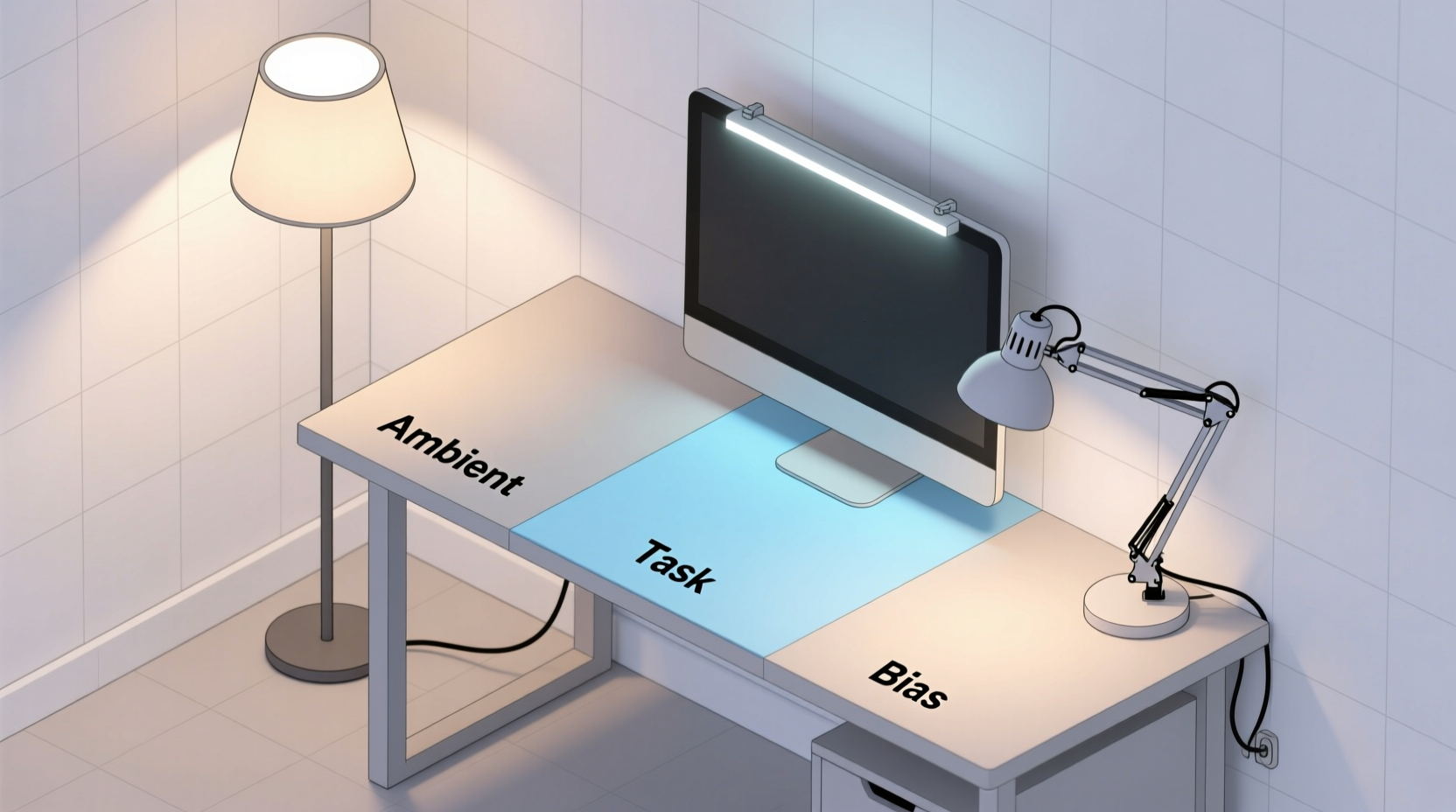
You don’t need rewiring—you need intentionality. Below is how each layer functions, why it matters, and what to buy:
| Layer | Purpose | Key Specs | Setup Time |
|---|---|---|---|
| Ambient | Raises baseline light level to reduce screen contrast | 2700K–3000K, ≥90 CRI, diffused shade, dimmable | <2 min |
| Task | Illuminates keyboard/notebook without spilling onto screen | 4000K, adjustable arm & swivel, 500–700 lux at surface | <3 min |
| Bias | Reduces perceptual contrast by backlighting display edges | 6500K, uniform output, zero blue spike, USB-powered | <5 min |
Step-by-Step Setup (No Tools Required)
- ✅ Unplug existing overhead light—it’s likely your biggest source of glare and flicker.
- ✅ Place ambient lamp 3–5 feet behind and slightly to the side of your chair—never directly behind you (causes backlit glare).
- ✅ Mount task lamp on the opposite side of your dominant hand (e.g., left side for right-handed users) to prevent shadowing.
- ✅ Attach bias light using adhesive backing—centered horizontally, 0.5 inches from monitor top and sides, facing wall—not screen.
- 💡 Use your phone’s light meter app (iOS: Measure; Android: Lux Light Meter) to verify ambient = 350–450 lux at desk center.
Debunking the “Natural Light Is Always Best” Myth
✅ Natural daylight is ideal—for 4–6 hours daily. But near windows? It’s often the worst offender: unfiltered UV degrades screen anti-glare coatings, solar gain creates thermal discomfort, and shifting angles cause dynamic glare spikes every 20 minutes. North-facing windows are stable but dim; south-facing are bright but inconsistent. Relying solely on them violates the CIE’s 3:1 contrast rule more than 83% of the time, per Cornell University’s 2022 Building Performance Lab field study. Your layered system provides consistency—rain or shine.
Everything You Need to Know
Can I use smart bulbs for this system?
Yes—but only if they’re flicker-free certified (look for IEEE 1789 compliance) and support full-spectrum dimming down to 1%. Avoid RGB or “tunable white” bulbs that shift color temperature via PWM—they introduce micro-flicker even when dimmed.
My desk has no outlets nearby. What now?
Use a UL-listed, surge-protected power strip with spaced-out outlets and a 6-foot cord. Mount it vertically behind your desk leg with adhesive cable clips. Never daisy-chain strips or overload circuits—eye strain worsens when voltage sags affect LED drivers.
Does color temperature really affect focus—or is that pseudoscience?
No pseudoscience: melanopsin receptors in the retina respond specifically to 480nm blue light. At 4000K, you get enough stimulation to sustain alertness without disrupting cortisol rhythms. At 6500K (bias light), you get perceptual contrast reduction—not circadian signaling—because intensity is ultra-low (<5 lux) and directionally shielded.
What if I wear progressive lenses?
Progressive wearers need even stricter vertical light control. Avoid overhead sources entirely. Task lamps must illuminate the keyboard *without* requiring downward head tilt—use a gooseneck lamp clamped to the desk’s front edge, aimed upward at a 30-degree angle.




 浙公网安备
33010002000092号
 浙B2-20120091-4