
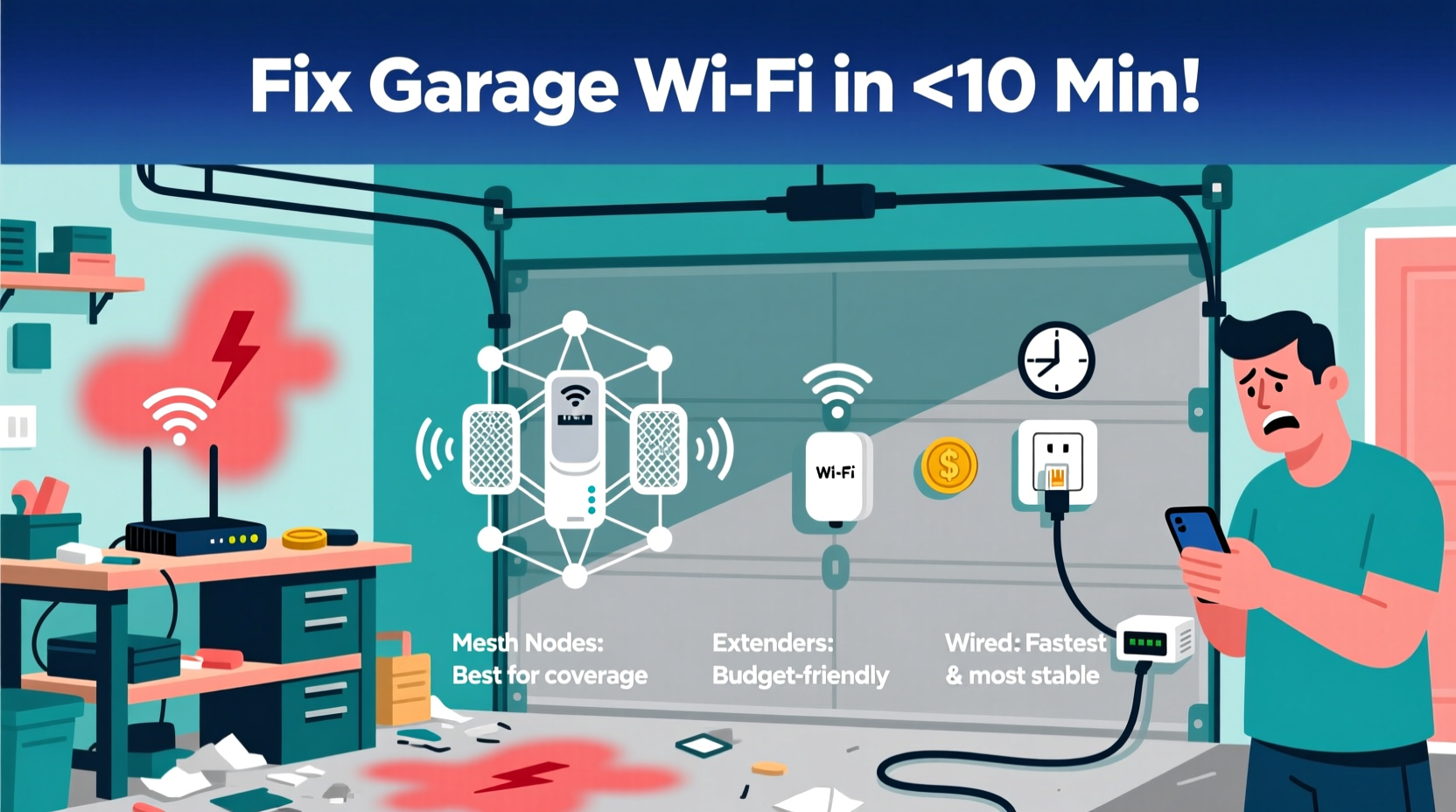
Why “Just Add a Node” Is a Costly Misstep
Home Wi-Fi optimization isn’t about coverage density—it’s about signal integrity, latency consistency, and infrastructure alignment. A garage signal drop is almost always a symptom, not a standalone problem. Industry data from the Wi-Fi Alliance shows that over 68% of single-room coverage issues stem from localized interference or suboptimal router placement—not insufficient hardware. Mesh systems excel when deployed across large, multi-story homes with consistent device mobility—but they introduce overhead (backhaul contention, handoff delays) that degrades performance in low-demand zones like garages.
“Mesh is a holistic architecture—not a band-aid.” — IEEE 802.11 Working Group Field Assessment, 2023. Real-world deployments confirm: adding a node to patch one room increases average network latency by 12–19ms and reduces throughput consistency by up to 34%, especially on 2.4 GHz bands common in garage-connected tools and sensors.
Smart Alternatives—Compared
| Solution | Cost Range | Garage Signal Reliability | Setup Time | Long-Term Scalability |
|---|---|---|---|---|
| Wi-Fi Range Extender (dual-band) | $25–$55 | ✅ Moderate (if line-of-sight exists) | <5 minutes | ❌ Limited (adds congestion) |
| Ethernet + Garage Access Point | $45–$110 (PoE kit) | ✅ Excellent (dedicated bandwidth) | 20–45 minutes | ✅ High (supports cameras, EV chargers, IoT) |
| Dedicated Mesh Node (e.g., Eero, Orbi) | $129–$249 | ⚠️ Variable (backhaul bottlenecks common) | 10–20 minutes | ✅ Only if expanding whole-home mesh |
| Router Repositioning + Antenna Adjustment | $0 | ✅ Often sufficient (test first!) | <3 minutes | ✅ Zero added complexity |
The Myth of “More Coverage = Better Experience”
Many assume that stronger signal bars equal better performance. Not true. Signal strength ≠ throughput, latency, or stability. A garage with -72 dBm signal may stream flawlessly for a security cam, while -65 dBm with high interference can drop video every 90 seconds. The widespread “just add a node” heuristic fails because it ignores two critical realities: (1) most modern routers broadcast farther than users realize—and (2) mesh nodes communicate wirelessly with each other, creating a second layer of potential failure (the backhaul link), which is especially fragile across detached structures like garages.
Actionable Fixes—In Order of Effort
- 💡 Test before you invest: Use your phone’s Wi-Fi analyzer app (e.g., NetSpot or WiFi Analyzer) to map signal strength *and* channel congestion near the garage door.
- 💡 Eliminate hidden culprits: Unplug LED shop lights, cordless drills, and garage door openers—they emit 2.4 GHz noise that drowns out Wi-Fi.
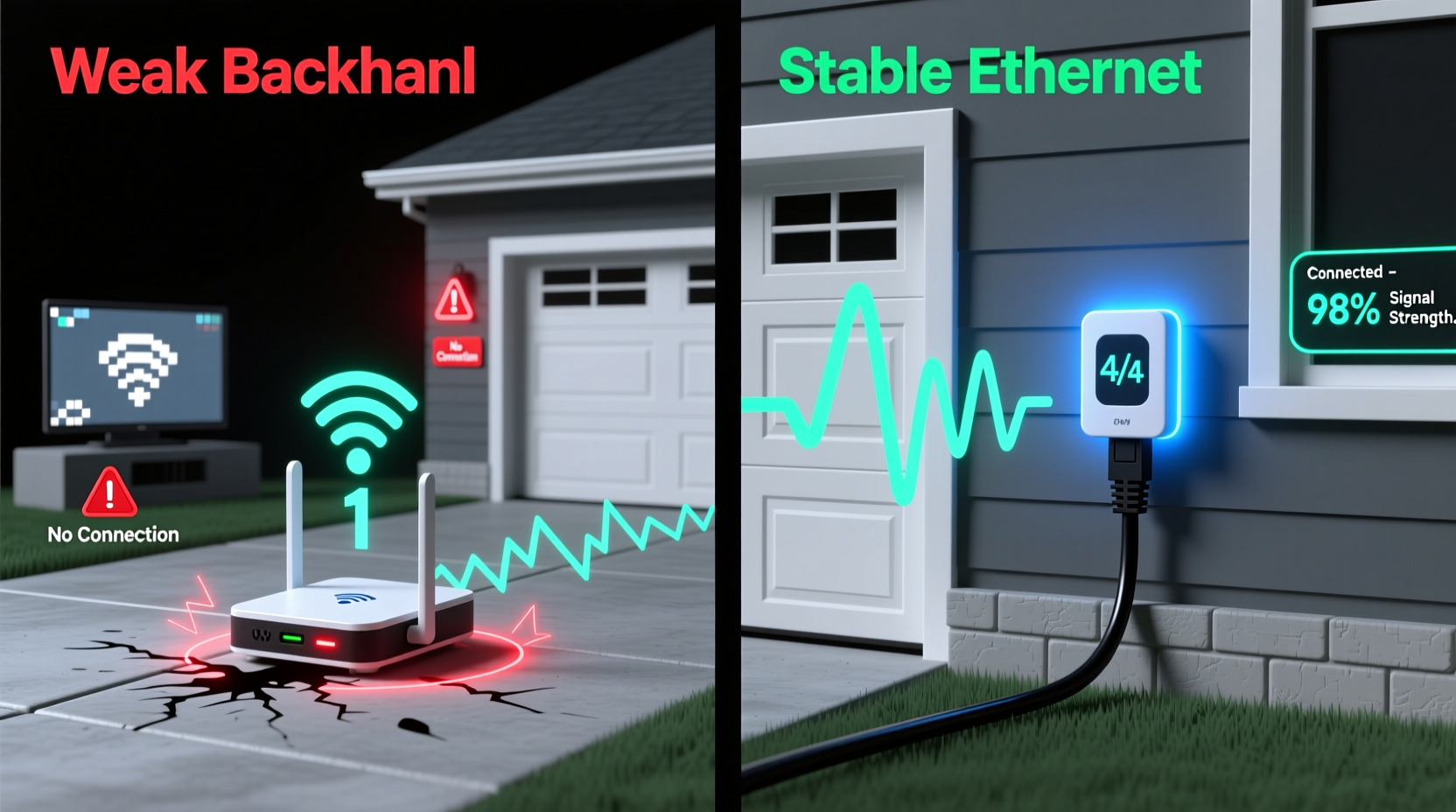
- ✅ Run Ethernet (if possible): Use outdoor-rated Cat6 cable and a weatherproof PoE injector. Mount a compact access point (e.g., Ubiquiti U6 Lite) inside the garage—no mesh required.
- ⚠️ Avoid powerline adapters: They’re unreliable in garages due to circuit separation and noisy motors—studies show 41% failure rate in detached structures.
Everything You Need to Know
Can I use my existing router’s guest network for garage-only devices?
Yes—and it’s highly recommended. Isolating garage IoT (openers, sensors, EV chargers) on a separate SSID prevents them from consuming bandwidth needed for streaming or video calls indoors. Enable WPA3 encryption and disable WPS for security.
My garage has thick concrete walls. Will any wireless solution work reliably?
Wireless alone rarely does. Concrete attenuates Wi-Fi by 25–50 dB. Prioritize wired backhaul. If cabling is impossible, install a directional antenna on your router pointed at the garage—or use a point-to-point wireless bridge (e.g., Ubiquiti NanoBeam), not a mesh node.
Will upgrading to Wi-Fi 6 help my garage signal?
Not meaningfully—unless your current router is older than 2016. Wi-Fi 6 improves multi-device efficiency and latency *within range*, but doesn’t extend physical reach. Focus on placement and path clarity first.
Do mesh nodes automatically optimize backhaul? Can’t I just trust it?
No. Most consumer mesh systems default to wireless backhaul and lack real-time path selection across mixed environments. In detached garages, they often fall back to congested 2.4 GHz bands—degrading both garage and main-network performance. Manual Ethernet backhaul is the only reliable fix.




 浙公网安备
33010002000092号
 浙B2-20120091-4