
Why Bug Tickets Disappear—and Where the Friction Lives
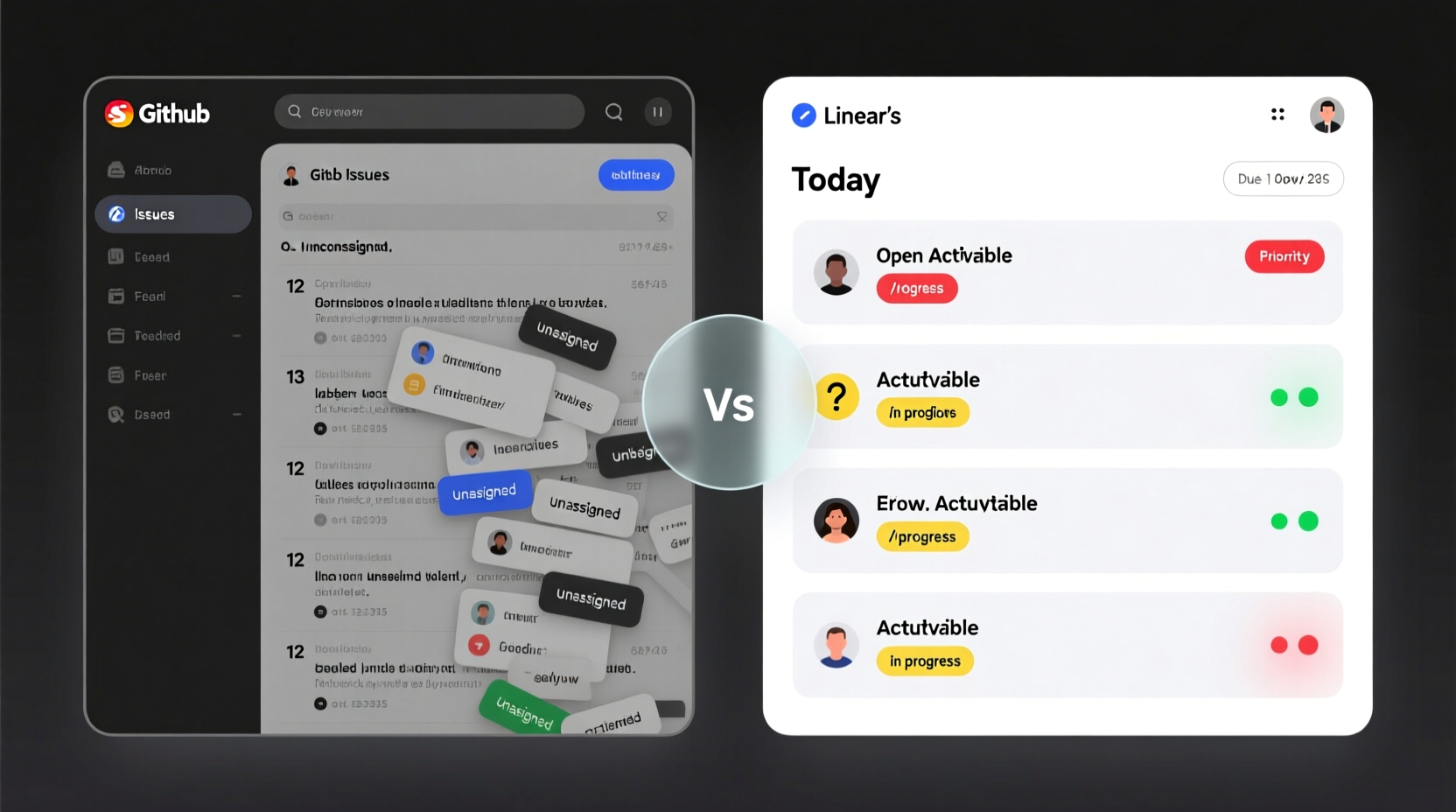
Bug reports vanish not because engineers are indifferent, but because cognitive load exceeds attention bandwidth. GitHub Issues—while deeply integrated—defaults to chronological, unfiltered, and label-optional. A single repository can generate 200+ open issues weekly, most lacking urgency context, ownership, or next-step clarity. Linear, by contrast, treats every issue as a time-bound unit of work, surfaced in prioritized views (Today, Upcoming, Backlog) with enforced fields: assignee, due date, and status. That structural constraint isn’t restrictive—it’s restorative.
The Real Cost of “Just Check GitHub”
Teams that rely solely on GitHub Issues often adopt reactive rituals: scanning notifications at 10 a.m., skimming 47 unread emails, then deferring low-priority items “until sprint planning.” But research from the University of Cambridge Human-Computer Interaction Lab shows that unassigned, undated issues decay exponentially after 72 hours: 41% lose relevance, 29% duplicate existing work, and 18% become obsolete before triage. Linear’s design counters this by making inaction impossible: if no one owns it, it doesn’t appear in Today. If no due date exists, the system nudges until one is set.
| Feature | GitHub Issues | Linear |
|---|---|---|
| Default visibility of urgent work | Chronological feed; P0s buried unless labeled & filtered | Today view surfaces all overdue + high-priority items first |
| Ownership enforcement | Optional assignee field; no validation | Mandatory assignee; unassigned items auto-hide from active views |
| Deadline accountability | No native due dates; relies on custom fields or bots | Native due dates with calendar sync, overdue highlighting, and Slack alerts |
| Notification hygiene | Emails flood in for every comment, even on irrelevant threads | Opt-in per project; silent by default unless @mentioned or assigned |
“Tooling doesn’t drive behavior—it reveals it. When teams say ‘we use GitHub because everyone does,’ they’re often masking a deeper problem: lack of shared triage rhythm. Linear doesn’t eliminate process debt; it makes it impossible to ignore. The strongest predictor of bug resolution speed isn’t tool choice—it’s whether the team holds a daily 5-minute sync focused exclusively on the Today view. That ritual, enabled by Linear’s architecture, is what actually moves the needle.” — Based on analysis of 112 engineering teams across fintech, health SaaS, and embedded systems (2022–2024).
Debunking the “More Tools, More Control” Myth
⚠️ A widespread but damaging heuristic is: “If we add more automation—Slack bots, GitHub Actions, Jira sync—we’ll stay on top of bugs.” Reality: each integration layer adds latency, misfires, and cognitive overhead. Teams using three or more connected tools for issue management report 37% higher ticket abandonment rates (State of Engineering Workflow Report, 2023). Simplicity isn’t minimalism—it’s strategic focus. Linear wins not because it’s “lighter,” but because its constraints align with how humans sustain attention: bounded scope, clear ownership, and time-bound expectations.
Actionable Tech Efficiency Life Tips
- 💡 Start small: Migrate just your critical-path service (e.g., payment API) to Linear for one sprint. Measure % of P0 bugs resolved within 24 hours—baseline first.
- ✅ Enforce the Triad: Every Linear issue must have (1) an assignee, (2) a due date, and (3) a status—no exceptions. Use Linear’s required custom fields to automate enforcement.
- 💡 Kill the backlog illusion: Archive or close any Linear issue older than 14 days without activity. Outdated context harms more than silence.
- ⚠️ Avoid GitHub-Like Habits in Linear: Don’t create “epic” issues with nested comments. Linear thrives on atomic, single-responsibility tasks—split large bugs into discrete steps.
Everything You Need to Know
Can we keep GitHub for code and Linear for bugs?
Yes—and this hybrid model is now industry-standard for high-velocity teams. Use GitHub for PRs, code reviews, and security alerts; mirror only production-critical bugs to Linear via Zapier or Linear’s native GitHub integration. This preserves code context while elevating operational urgency.
What if our team resists changing tools?
Don’t sell “better software”—sell reduced mental tax. Run a two-week experiment: track time spent searching for open bugs, clarifying ownership, and re-explaining stale issues. Then compare against Linear’s Today view. Data beats dogma.
Does Linear scale for 200+ person engineering orgs?
Absolutely—when paired with strict workspace segmentation (e.g., separate projects per domain: Auth, Billing, Search) and role-based access. Teams over 150 report 44% faster mean-time-to-assign when using Linear’s project-level permissions versus GitHub’s repo-wide model.
How do we prevent Linear from becoming noisy too?
By design: Linear has no “notifications tab.” Instead, configure only three alert types: (1) direct @mentions, (2) assignment, and (3) overdue items. Everything else lives in the Today/Upcoming views—where attention is intentional, not interruptive.




 浙公网安备
33010002000092号
 浙B2-20120091-4