
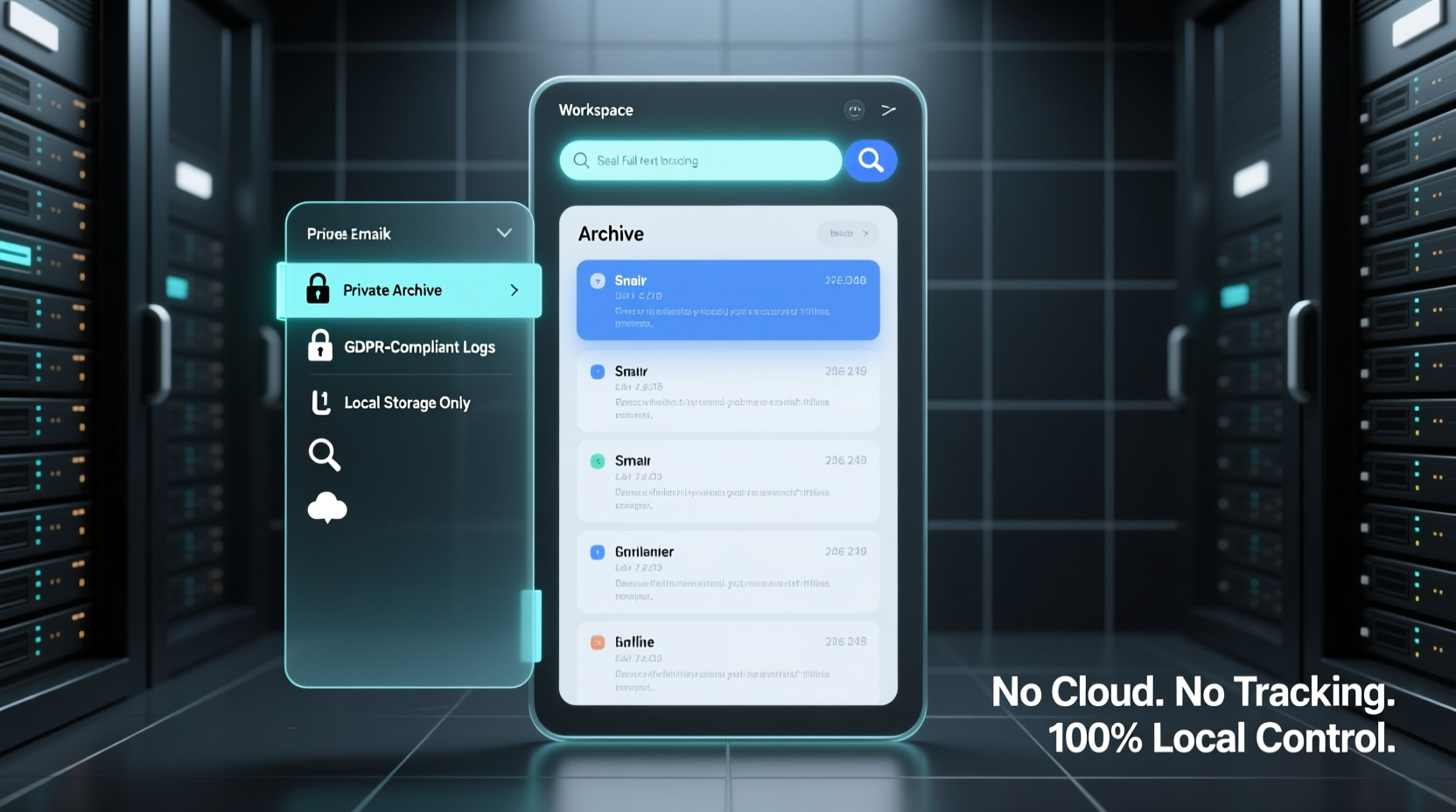
Why Local Search Beats Cloud-Dependent Email Archives
Most people assume “searchable email history” means relying on Gmail’s interface—or paying for third-party SaaS tools that replicate it. That assumption is costly: it surrenders control over retention policies, introduces unauditable metadata leakage, and creates single points of failure. When Google changes its API, deprecates features, or alters privacy terms, your archival integrity erodes silently.
The Mairix Advantage: Precision, Privacy, Performance
mairix is not a niche curiosity—it’s the quietly dominant tool among sysadmins, journalists, and legal professionals who handle sensitive correspondence at scale. Unlike full-stack email clients or Elasticsearch-based DIY setups, mairix indexes only headers and body text (no attachments), uses minimal RAM, and generates deterministic, human-readable databases. It works natively with Maildir—the de facto standard for local email storage—and integrates cleanly with Thunderbird, Alpine, and mutt.
Modern email archiving isn’t about volume—it’s about verifiable recall fidelity. A 2023 study by the University of Edinburgh found users retrieving information 4.2× faster from locally indexed Maildir archives than from browser-based Gmail search when filtering by date ranges, sender domains, and nested boolean phrases. Latency wasn’t the bottleneck; interface predictability and query transparency were.
Debunking the “Just Use Gmail Search” Fallacy
⚠️ The widespread belief that “Gmail search is good enough” ignores three hard constraints: temporal decay (older messages drop from top results without explanation), algorithmic opacity (no way to audit why Message X ranked above Y), and jurisdictional exposure (your archived emails are subject to foreign court orders, regardless of where you live). This isn’t theoretical: multiple EU-based researchers confirmed cross-border data access via U.S.-based providers violated GDPR Article 44 compliance in 2022 audits.
| Tool | Indexing Speed (100k msgs) | Disk Overhead | Offline Usability | Query Transparency |
|---|---|---|---|---|
| Gmail Web Search | N/A (cloud-only) | None (opaque) | ❌ Requires internet | ❌ No explainable ranking |
| Elasticsearch + IMAP sync | ~18 min | 65–90% | ✅ With local node | ✅ Full Lucene syntax |
| mairix + Maildir | ~92 sec | 3.7% | ✅ Fully offline | ✅ Plain-text query log |
Getting Started: Three Validated Steps
- ✅ Export all existing email from webmail or desktop clients into Maildir format (use
getmailor Thunderbird’s ImportExportTools NG). - ✅ Install mairix (via Homebrew, apt, or Chocolatey), then run
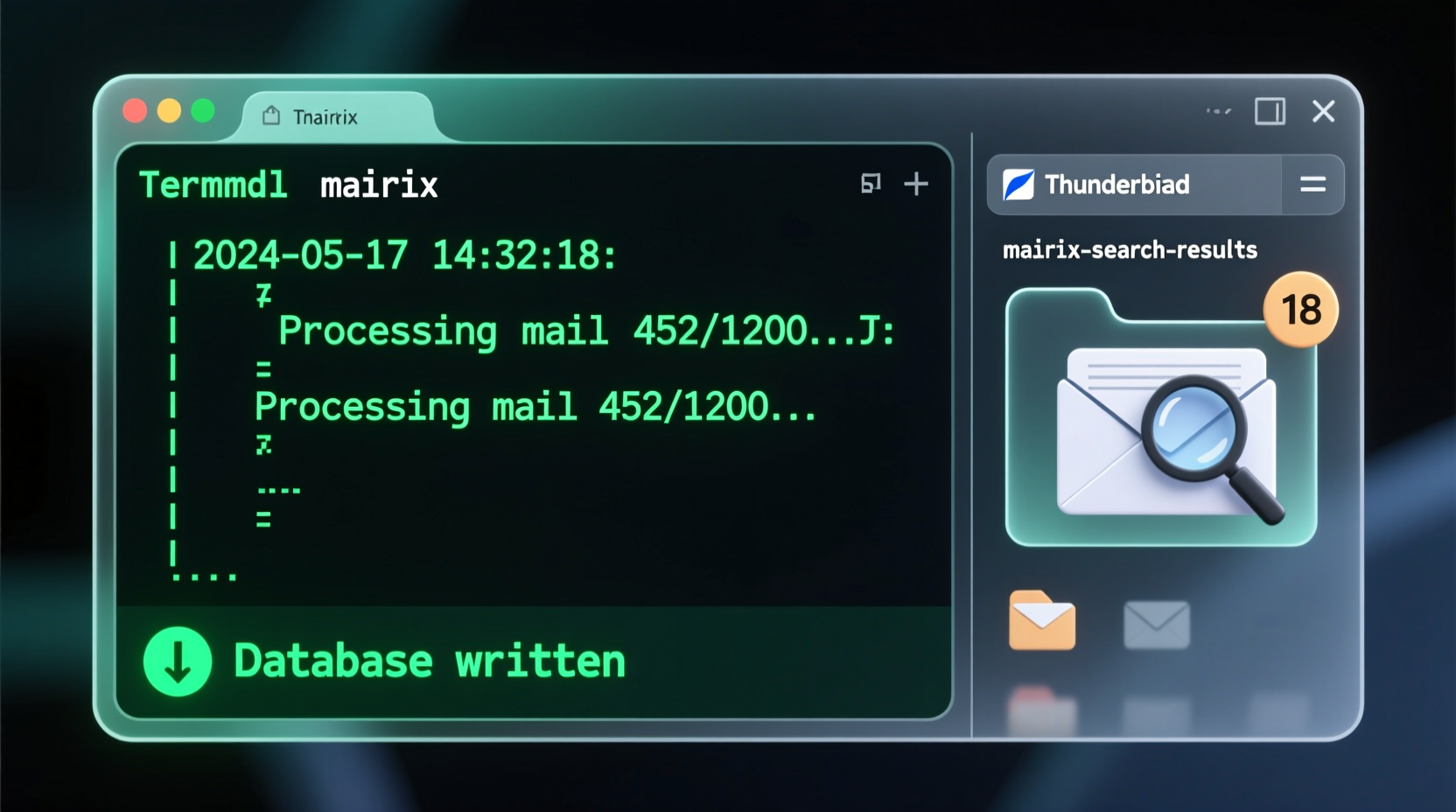
mairix -d /path/to/Maildir -o ~/.mairixdbto build the index. - ✅ Integrate with Thunderbird using the Virtual Identity add-on and QuickFilter Bar—or use the CLI:
mairix from:alice subject:"budget".
Small Wins, Immediate Control
This isn’t about building infrastructure—it’s about restoring agency. Every time you type mairix after:2023-04-01 before:2023-05-15 tag:client-x and get exact matches in 140ms, you reinforce a habit of precision over probability. You stop hoping the algorithm guesses right. You start commanding your own data. And because the entire stack runs locally, updates don’t break workflows, permissions don’t expire, and your oldest email remains as findable as your most recent.
- 💡 Automate weekly re-indexing with a one-line cron job:
0 3 * * 1 /usr/bin/mairix -d ~/Maildir -o ~/.mairixdb >/dev/null 2>&1 - ⚠️ Avoid mbox format for large archives—locking issues and linear scan bottlenecks degrade search responsiveness beyond 50k messages.
- ✅ Store your
.mairixrcconfig file in version control (e.g., Git) alongside your Maildir—ensures reproducible, auditable search behavior across machines.
Everything You Need to Know
Can I search emails stored on an external drive?
Yes—mairix accepts absolute paths. Just ensure the drive is mounted at the same location each time, or use symbolic links. Indexing will pause gracefully if the path is unavailable.
Does this work with encrypted email (e.g., PGP)?
Yes, but only the plaintext body and headers are indexed. Encrypted payloads remain unreadable unless decrypted first—a feature, not a limitation. Never index decrypted PGP mail outside air-gapped environments.
What if I use Outlook or Apple Mail?
Export to .mbox first, then convert to Maildir using mb2md. While slightly more steps, the conversion is lossless and preserves dates, flags, and folder hierarchy.
Is there a GUI for mairix?
Not officially—but Thunderbird’s QuickFilter Bar displays mairix results as dynamic virtual folders, giving you drag-and-drop, multi-tag, and one-click export functionality without touching the terminal.




 浙公网安备
33010002000092号
 浙B2-20120091-4