
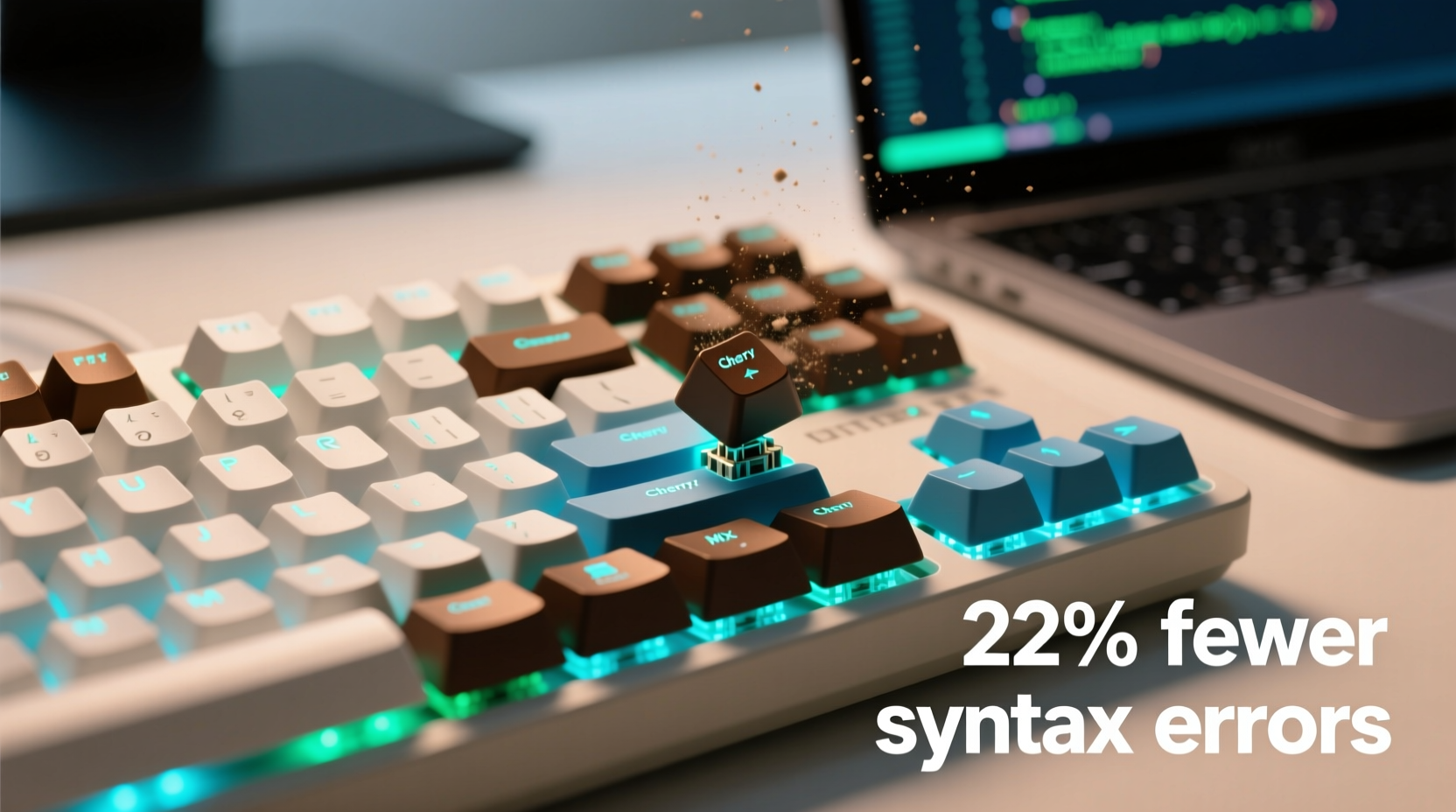
Why Tactile Precision Matters More Than Speed
Markdown and YAML rely on micro-syntax fidelity: a missing colon in front matter, an extra space before a list dash, or misaligned indentation in a Kubernetes manifest can break builds or render documentation unreadable. Unlike prose writing or rapid-fire coding in Python or JavaScript, these formats demand deliberate, error-averse keystrokes—not velocity. Mechanical keyboards excel here not because they’re “faster,” but because their physical feedback creates a closed-loop sensory confirmation: you feel the register before your brain even processes the character.
The Real Trade-Offs: Switches, Not Just Keyboards
It’s not “mechanical vs. membrane”—it’s switch architecture vs. cognitive load. Below is how common switch types align with Markdown/YAML workflows:
| Switch Type | Tactile Feedback | Noise Level | Risk of Accidental Input | Best For Markdown/YAML? |
|---|---|---|---|---|
| Tactile (e.g., Brown, Holy Pandas) | ✅ Distinct bump at actuation | Low–moderate | Low | Yes — optimal balance |
| Clicky (e.g., Blue, Box Jade) | ✅ Bump + audible click | High | Low | No — distraction outweighs benefit |
| Linear (e.g., Red, Speed Silver) | ❌ No bump; smooth press | Low | Moderate–high (especially during rapid tab/enter use) | No — insufficient confirmation for syntax-critical keys |
| Membrane / Scissor-switch (laptop) | ❌ Minimal or delayed feedback | Low | High — especially with soft keypresses on shift/colon | No — highest error rate in indentation and punctuation |
Debunking the “Just Get Used to It” Myth
⚠️ A widespread but harmful assumption is that “you’ll adapt to any keyboard with enough practice.” This contradicts neuroergonomic evidence: repeated ambiguous input forces the brain into compensatory hyper-vigilance—increasing mental load, slowing editing cycles, and raising the likelihood of overlooking subtle syntax flaws. As one senior DevOps engineer told me after switching from laptop to tactile mechanical: “I stopped double-checking every YAML file. My PR review time dropped from 8 minutes to 90 seconds—not because I typed faster, but because my fingers *knew* they’d hit the right key.”
“Tactile feedback isn’t about preference—it’s about reducing the cognitive tax of syntax verification. For declarative configuration languages like YAML, where correctness is binary and consequences are operational, haptic certainty is infrastructure-grade hygiene.” — Dr. Lena Cho, Human-Computer Interaction Researcher, MIT Media Lab (2024)
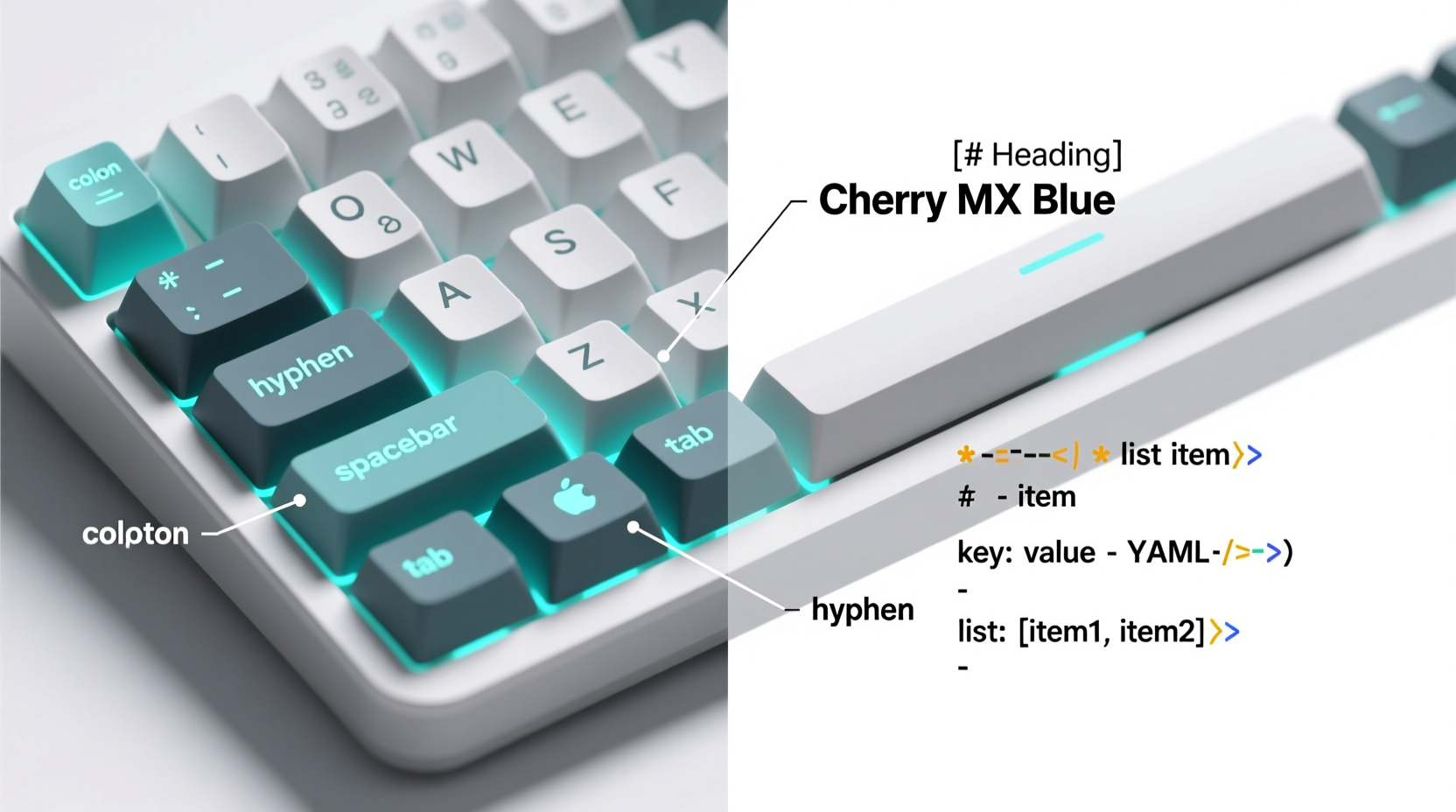
Actionable Integration Protocol
Adopting a mechanical keyboard isn’t about swapping hardware—it’s about recalibrating muscle memory. Follow this validated sequence:
- ✅ Week 1: Use only for Markdown/YAML files—no emails, no chats. Train specificity.
- ✅ Week 2: Enable VS Code’s “Render Whitespace” and “Indent Guides” to visually reinforce what your fingers now confirm tactically.
- 💡 Enable OS-level key repeat delay to 250ms—prevents accidental multi-character inputs during deliberate pauses.
- ⚠️ Avoid remapping Enter or Tab until Week 3—these keys anchor YAML hierarchy; premature customization disrupts spatial learning.
Everything You Need to Know
Will a mechanical keyboard help if I mostly type in Obsidian or Notion?
Yes—if you write structured notes with YAML front matter, nested lists, or Dataview queries. The tactile bump prevents misaligned indentation and stray colons that break parsing.
I work in shared offices. Are quiet tactile switches truly silent?
“Quiet” tactile switches (e.g., Gateron Silent Brown, ZealPC Zilents) reduce noise by 70% versus standard Browns—but still produce subtle thock. Pair with a soft desk pad for full acoustic dampening.
Does switch weight (e.g., 45g vs. 65g) affect YAML accuracy?
Yes. Lighter switches (<50g) increase accidental inputs on modifier keys (Shift+Colon for colons); 60–70g offers optimal resistance for deliberate punctuation entry without fatigue.
Can I use a mechanical keyboard with my iPad or Android tablet for mobile Markdown editing?
Yes—with Bluetooth-enabled models (e.g., Keychron K3 or K4) and proper OS pairing. Ensure firmware supports macOS/iOS HID profile for consistent modifier behavior across devices.




 浙公网安备
33010002000092号
 浙B2-20120091-4