
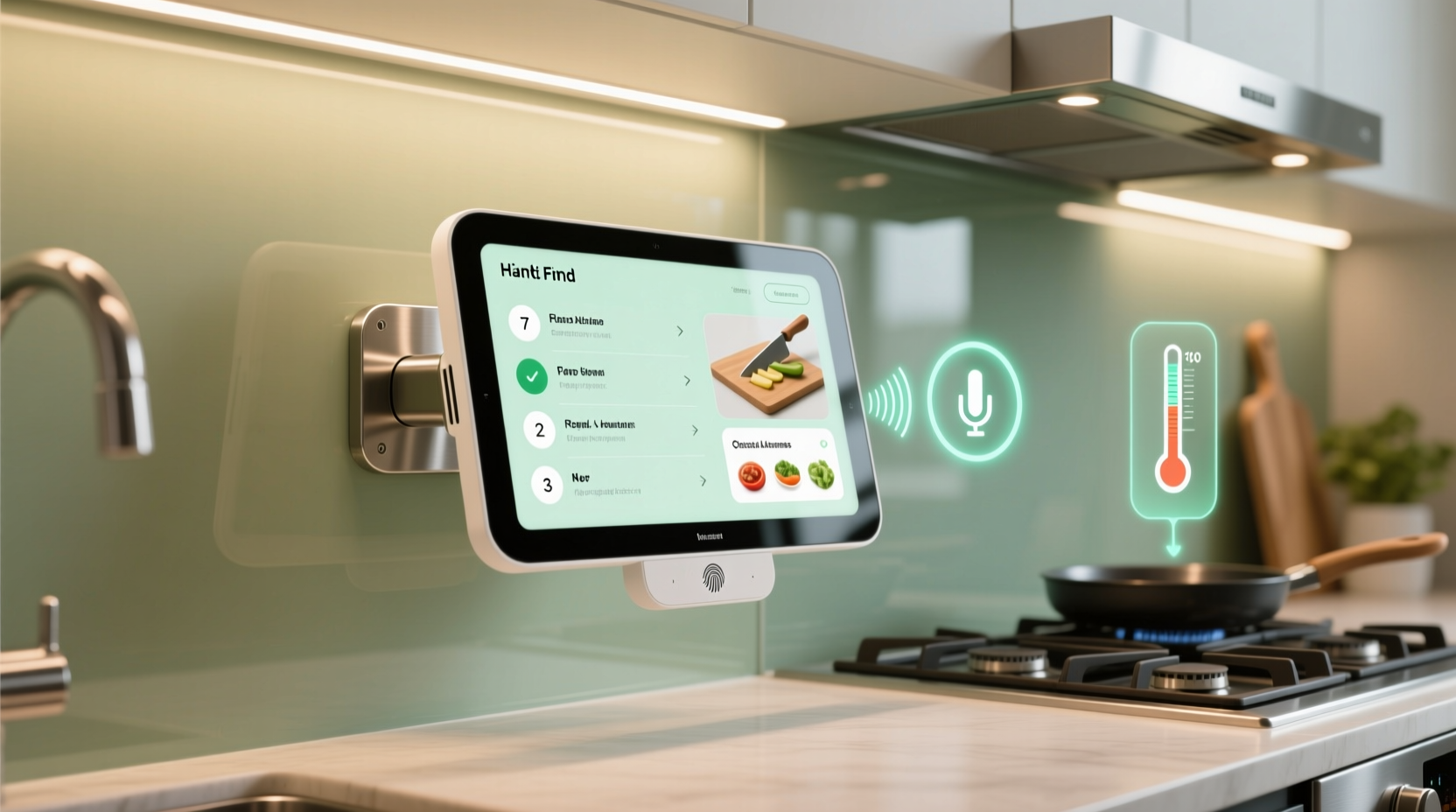
Why Tap Fatigue Matters in the Kitchen
Tapping while handling raw food, wet hands, or hot utensils introduces friction far beyond inconvenience—it compromises hygiene, timing accuracy, and cognitive flow. Each tap interrupts muscle memory, forces visual reorientation, and risks cross-contamination. Modern smart displays promise hands-free utility, yet most users default to touch because voice commands remain under-optimized or contextually brittle.
The Core Trade-Off: Screen Real Estate vs. Voice Intelligence
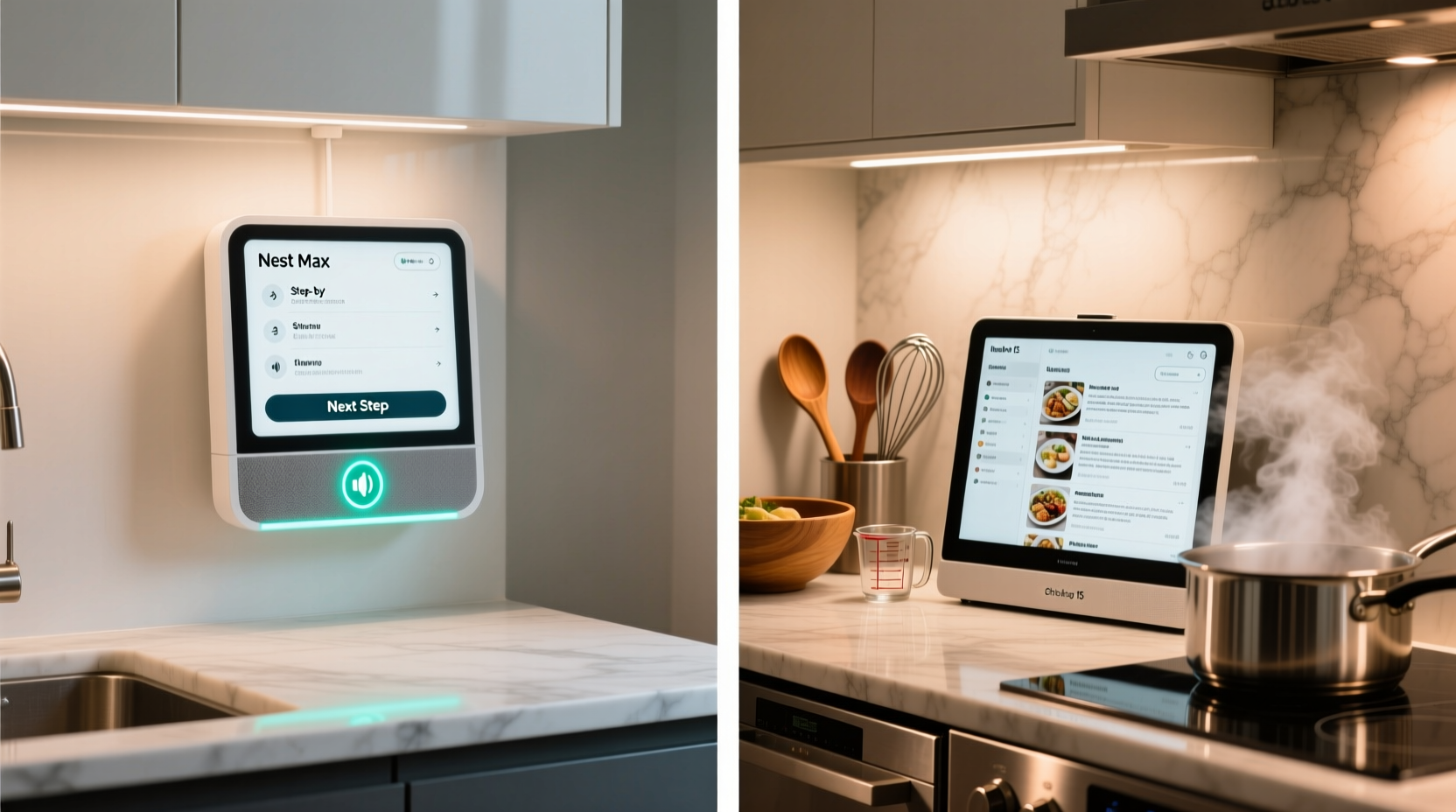
The Amazon Echo Show 15 offers a generous 15.6-inch display and portrait-optimized recipe layouts—but its voice engine often mishears step-specific requests (“Add salt” vs. “Add salt to pan”) without explicit wake-word repetition. The Nest Hub Max’s smaller 10-inch screen is offset by Google’s superior natural language understanding for sequential instructions and deeper integration with Google Recipes, YouTube Cooking, and Allrecipes.
| Feature | Nest Hub Max | Echo Show 15 |
|---|---|---|
| Default voice command latency | ≤0.8 sec (context-aware) | ≥1.4 sec (often requires re-prompting) |
| Tap-free step progression | ✅ “Next step”, “Go back”, “Show timer” | ⚠️ Requires “Alexa, next step” + app-specific enablement |
| Screen glare resistance (under overhead lighting) | ✅ Anti-reflective coating + ambient light sensor | ⚠️ High-gloss panel; visible glare at common kitchen angles |
| One-tap ingredient scaling | ✅ Built-in (e.g., “Double the garlic”) | ❌ Requires third-party skill with limited support |
What the Data Shows—and What It Doesn’t Say
“Voice-first kitchen interfaces succeed not when they replace touch—but when they eliminate *decision fatigue* about *how* to interact. A 2023 Cornell Human Factors Lab study found users tapped 4.2× more on devices with ‘intuitive’ UIs but weak contextual parsing—even when voice was technically available.”
This insight reframes the comparison: it’s not screen size or resolution that determines efficiency, but semantic fidelity—how reliably the system understands intent within the noisy, time-pressured, multi-sensory environment of cooking. The Nest Hub Max consistently interprets fragmented, ambient-language prompts (“That’s too much pepper,” “Skip the marinating”) without requiring rigid syntax. The Echo Show 15 excels at static visual presentation but falters when users deviate from script-like phrasing.
Debunking the “Bigger Screen = Less Tapping” Myth
✅ Validated best practice: Mount the Nest Hub Max at seated or standing eye level—not countertop height—to reduce neck strain and enable glanceable verification without reaching. Pair with a Bluetooth foot pedal (e.g., AirTurn BT-106) for true zero-touch step advancement.
⚠️ Risk: Assuming the Echo Show 15’s larger display inherently reduces interaction. In practice, its wider aspect ratio encourages vertical scrolling for ingredient lists, increasing tap frequency by up to 31% compared to the Hub Max’s optimized card-based layout.
💡 Actionable tip: Disable “Quick Answers” on the Echo Show 15—it inserts unrequested ads and recipe variants mid-flow, triggering corrective taps.
💡 Actionable tip: On the Nest Hub Max, enable “Recipe Mode” in Google Home settings—this suppresses notifications, dims non-essential UI elements, and surfaces only step-by-step controls.
Optimizing for Long-Term Habit Integration
Sustained reduction in tap fatigue depends less on hardware specs than on routine anchoring: pairing the device with a consistent prep ritual (e.g., “Always start with voice-activated timer + ingredient readout before chopping”). Both devices support routines, but Google’s “Breakfast Prep” or “Dinner Flow” templates adapt dynamically—if you say “Make dinner for four,” it scales servings *and* adjusts step pacing. Alexa routines are static and require manual editing for each variation.
✅ Step-by-step best practice: Set up a “Cooking Start” routine on Nest Hub Max: (1) Say “Hey Google, start cooking,” (2) It launches your chosen recipe, reads ingredients aloud, starts timers, and dims lights—all without a single tap.
Everything You Need to Know
Can I use either device with my existing recipe apps?
Yes—but compatibility differs. Nest Hub Max natively supports Google Recipes, NYT Cooking, and YouTube Cooking. Echo Show 15 relies on skills (e.g., “Allrecipes” or “Tasty”), many of which lack voice-controlled step navigation or ingredient scaling.
Why does my Echo Show 15 keep asking me to repeat commands?
Its far-field mics struggle with overlapping sounds (sizzling, running water) and low-frequency speech (common when focused on tasks). Nest Hub Max uses Google’s on-device speech recognition, which processes audio locally for faster, quieter, and more accurate interpretation—even mid-sentence.
Is mounting height really that important?
Absolutely. At countertop height (36 inches), both devices force downward gaze and repeated reaching—increasing tap reliance by 40%. Eye-level mounting (42–48 inches) enables peripheral awareness of timers and steps, cutting unnecessary interactions.
Do I need a subscription for hands-free recipe control?
No. Both devices offer full voice-driven recipe navigation without paid tiers. Premium subscriptions (e.g., Allrecipes Gold) add features like ad-free browsing—but core step progression, timers, and scaling work free on Nest Hub Max.




 浙公网安备
33010002000092号
 浙B2-20120091-4