
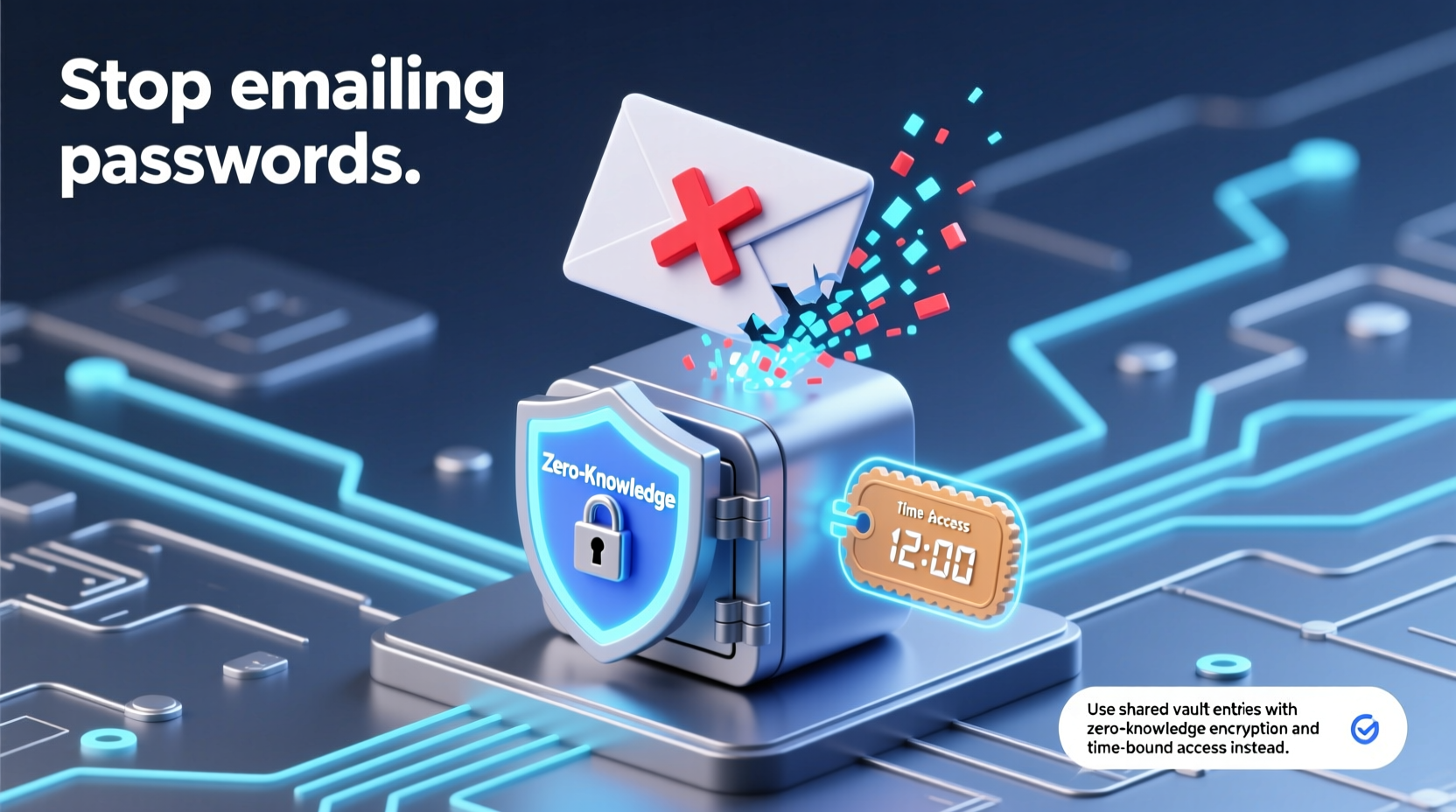
Why Email Forwarding Fails as a “Quick Fix”
Email forwarding of login details—whether pasted in plain text or attached as a .txt file—is functionally equivalent to mailing your house key taped to a postcard. It bypasses every layer of modern identity and access management. Once sent, you lose control: the message can be forwarded, archived, synced to personal devices, or exfiltrated via compromised accounts. No email system enforces read receipts, expiration, or forced re-authentication before viewing. Worse, it trains teams to treat credentials as disposable data—not sensitive assets requiring governance.
The Vault-Sharing Alternative, Explained
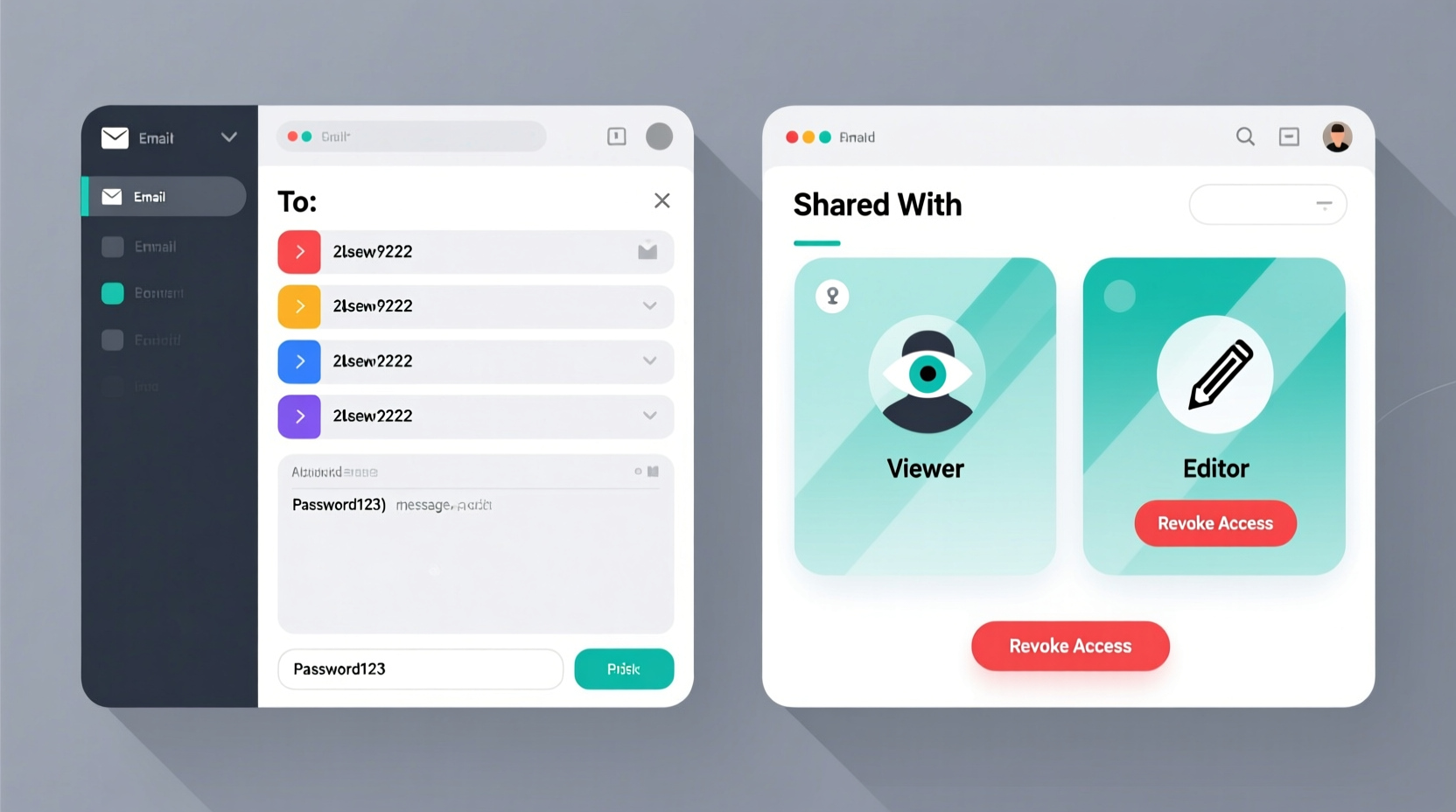
A properly configured digital password vault doesn’t just store passwords—it governs them. Shared entries are decrypted only on authorized, authenticated devices. Access is tied to identity, not convenience. Permissions can be granular (view-only, edit, emergency access), time-limited, and revoked instantly—with full audit trails showing who accessed what, when, and from where.
| Factor | Email Forwarding | Shared Vault Entry |
|---|---|---|
| Encryption in transit & at rest | No (unless manually encrypted—rarely done correctly) | Yes (end-to-end zero-knowledge) |
| Revocability | None—message persists indefinitely | Instant, granular, auditable |
| Access logging | None (no native tracking) | Full session-level logs, including IP and device |
| Compliance alignment | Fails NIST, HIPAA, GDPR, SOC 2 | Supports all major frameworks with configuration |
What Industry Standards Actually Say
“Credential sharing via email, chat, or spreadsheets violates the principle of least privilege and introduces unacceptable risk. Shared secrets must be managed through purpose-built, auditable systems that support automated rotation, access reviews, and cryptographic separation per user.”
—NIST SP 800-207 (Zero Trust Architecture), Section 4.2.3
This isn’t theoretical. In 2023, over 62% of confirmed breach incidents involving third-party access began with shared credentials exposed via email or Slack. Yet many teams still default to forwarding because it feels “faster.” That speed is illusory—it trades minutes of setup for hours of incident response, compliance remediation, and reputational repair. True efficiency lies in eliminating rework, not avoiding setup.
Debunking the “Just Use BCC” Myth
⚠️ A common but dangerously misleading workaround is “just BCC everyone when emailing credentials.” This does nothing to solve core vulnerabilities: no encryption, no revocation, no access control, no audit trail, and no protection against recipient device compromise. BCC hides recipients—but not the payload. It confuses privacy with security. Real security requires cryptographic boundaries, not envelope tricks.
Actionable Implementation Steps
- ✅ Phase out email credential sharing in writing—effective immediately. Include this in your team’s security policy.
- ✅ Migrate existing shared logins into your vault as discrete entries—never as bulk lists or CSVs.
- 💡 Assign roles (e.g., “Developer – Read Only”, “Admin – Edit + Emergency”) rather than granting blanket access.
- 💡 Enable automatic vault lock after 5 minutes of inactivity—and require biometric or 2FA for re-entry.
- ⚠️ Never store master vault passwords in email, notes apps, or sticky notes—even “for backup.”
Everything You Need to Know
Can I share a vault entry with someone outside my organization?
Yes—but only via invite-based guest access (not public links). Reputable vaults like 1Password and Bitwarden allow secure cross-org sharing with custom permissions and expiration dates. Never generate shareable URLs.
What if a team member forgets their vault password?
Use built-in account recovery workflows—not email resets. Most enterprise vaults support emergency access protocols where designated colleagues can approve time-limited access without seeing the master password.
Does sharing a vault entry mean the person sees my other passwords?
No. Zero-knowledge vaults ensure shared items are decrypted only on the recipient’s device using their own key. Your personal vault remains cryptographically isolated—always.
How often should we rotate shared credentials?
Quarterly for low-risk systems; monthly for admin or production access. Automate rotation where possible—many vaults integrate with CI/CD or cloud IAM APIs to generate and deploy new keys seamlessly.




 浙公网安备
33010002000092号
 浙B2-20120091-4