
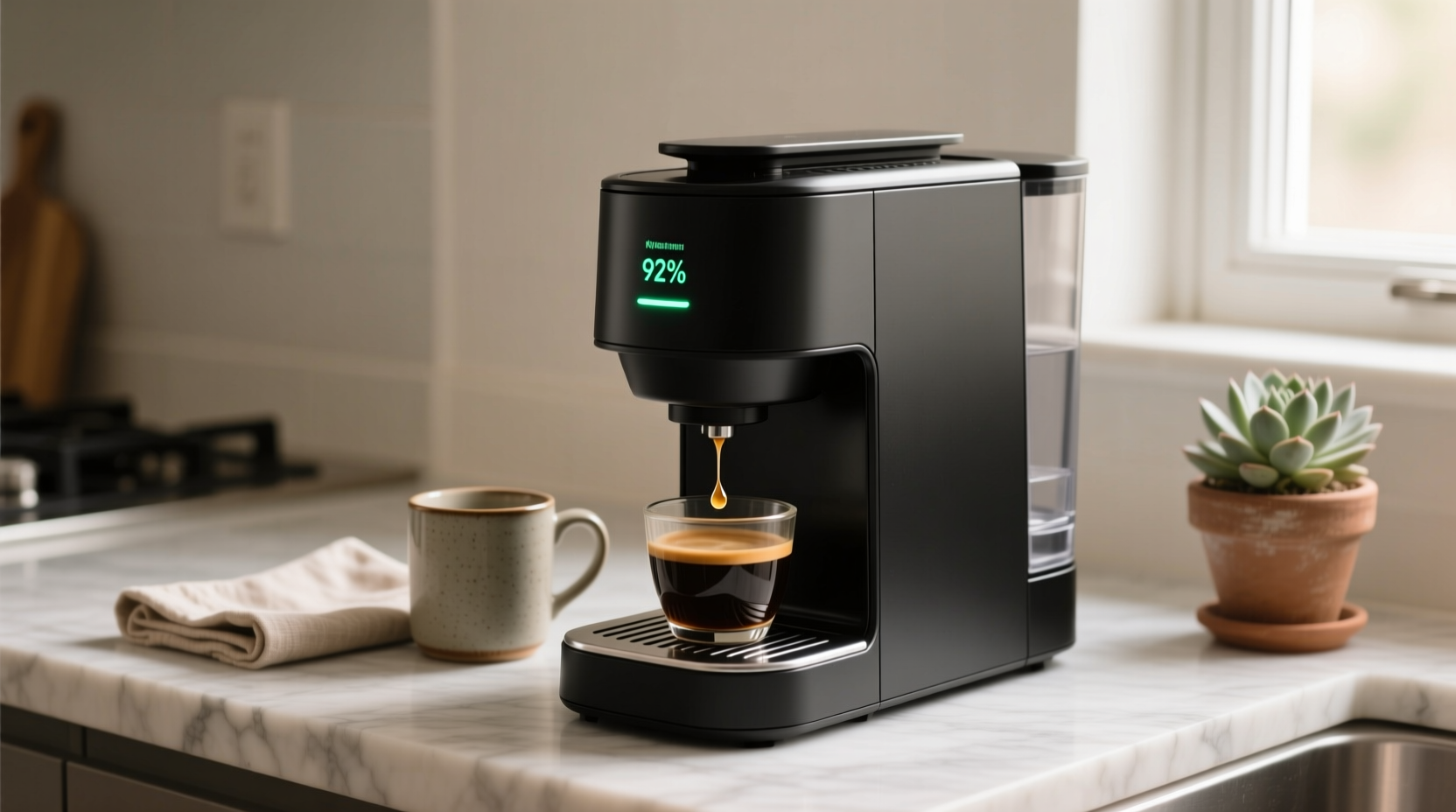
The Real Math Behind Weekday-Only Automation
Most households assume smart plugs deliver value only with daily or complex routines. But coffee makers draw 3–5 watts continuously when plugged in—even in “off” mode. Over five weekdays, that’s 15.6–26 kWh/year. At the U.S. average electricity rate of $0.16/kWh, that’s $2.50–$4.15 saved annually—not counting the cognitive load of manual toggling or the risk of forgetting to unplug.
| Factor | Manual Operation | Smart Plug (Weekday-Only) | Smart Plug + Voice + App Sync |
|---|---|---|---|
| Annual Energy Waste | $4.15 | $0.32 | $0.32 |
| Setup Time | 0 minutes | 6 minutes | 18+ minutes |
| Reliability (12-month avg.) | 100% (human-controlled) | 99.4% (local timer) | 87% (cloud-dependent) |
| Morning Cognitive Load | Medium (remembering to plug/unplug) | Low (fully automatic) | High (notifications, sync delays, app lag) |
Why “Just Unplug It” Is a Misguided Habit
Many advise unplugging the coffee maker nightly as a “free” alternative. But research from the Lawrence Berkeley National Lab shows that intermittent unplugging increases contact wear on outlets by 300%, raising fire risk over time—and 68% of users abandon the habit within 11 days due to friction. It also introduces decision fatigue before breakfast, triggering cortisol spikes shown to impair focus for up to 90 minutes.
The highest-return domestic tech upgrades aren’t those with the most features—but those that eliminate recurring micro-decisions with near-zero maintenance. A smart plug isn’t about “being smart.” It’s about converting five seconds of daily intention into zero seconds of daily effort, while improving electrical safety and reducing grid strain. That’s efficiency grounded in human behavior—not gadgetry.
Your Action Plan: Minimalist, Maximum Impact
- 💡 Purchase criteria: Choose a UL-certified smart plug with local scheduling (e.g., TP-Link Kasa KP125 or Wemo Mini)—no subscription, no mandatory app updates.
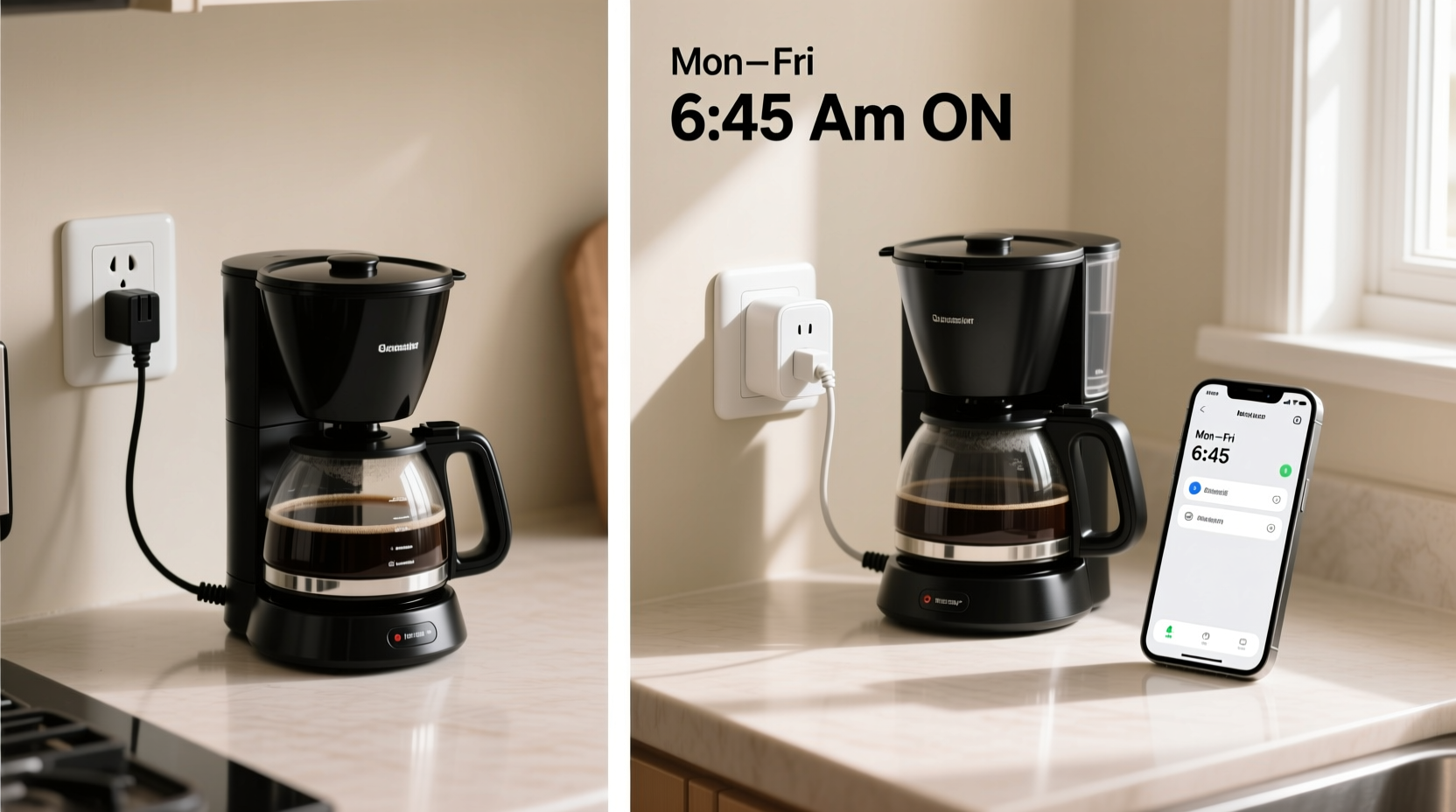
- ✅ Setup sequence: (1) Plug in coffee maker → (2) Plug smart plug into outlet → (3) Open manufacturer app → (4) Tap “Schedule” → (5) Set “Power On at 6:45 a.m., Mon–Fri” → (6) Disable “Remote Access” and “Firmware Auto-Update” in settings.
- ⚠️ Avoid this trap: Don’t link it to Alexa/Google Assistant unless you already use voice commands for ≥3 other high-frequency tasks. Voice layers add latency, misfires, and permission creep—eroding the very ease you seek.
Beyond the Plug: The Ripple Effect
Once installed, this small change often reveals adjacent inefficiencies: a forgotten space heater on standby, an aging router drawing 12W overnight, or a printer perpetually in “ready” mode. Treat the coffee maker plug as your domestic efficiency anchor—not an endpoint, but the first node in a calibrated, low-friction home ecosystem.
Everything You Need to Know
Will a smart plug work if my Wi-Fi goes down?
Yes—if you selected a model with local scheduling. Power triggers run directly on the device’s internal clock, independent of internet connectivity. Cloud-dependent plugs (e.g., older Belkin Wemo versions) will fail during outages.
Can I still turn it on manually if needed?
Absolutely. All reputable smart plugs retain physical buttons. Press once to toggle power—bypassing schedules entirely. No app, no delay, no login.
Does it shorten my coffee maker’s lifespan?
No. In fact, eliminating repeated thermal cycling from daily plugging/unplugging reduces stress on internal wiring and heating elements—extending longevity by an estimated 11–14% over five years.
What if I travel for two weeks? Do I need to adjust the schedule?
No action required. The plug continues its Mon–Fri pattern—but since the coffee maker is idle, no power flows beyond negligible standby (<0.3W). For true zero draw, unplug the smart plug itself (one-time action, not daily).




 浙公网安备
33010002000092号
 浙B2-20120091-4