
The Real Cost of “Good Enough” Password Habits
Over 80% of data breaches involve reused or weak credentials. Yet most people still rely on variations of “Summer2024!” or “Password123”—or worse, copy-paste from unsecured notes. These habits create systemic vulnerability: one compromised site becomes a key to dozens. True tech efficiency isn’t about speed alone—it’s about eliminating recurring cognitive load while raising security floors.
Why Passphrase + Manager Is the Gold Standard
Contrary to outdated advice, length trumps complexity—and humans are terrible at inventing random strings but excellent at recalling vivid, self-generated phrases. A four-word passphrase with deliberate capitalization, symbol, and number (“VelvetOctopusRides!Mars7”) delivers ~80 bits of entropy—more than most 12-character random passwords—and is far more resilient to shoulder-surfing or phishing lures.
Modern authentication research confirms: password managers paired with high-entropy passphrases reduce breach exposure by >95% compared to manual methods—and increase daily task completion rates by 22%. What’s “efficient” isn’t what feels easiest today; it’s what prevents three hours of account recovery tomorrow.
Debunking the “I’ll Just Remember a Few Strong Ones” Myth
⚠️ This is dangerously misleading. Cognitive science shows working memory holds only 4±1 items reliably—and passwords aren’t meaningful units like names or dates. Attempting to rotate or slightly modify base passwords (“Bank1”, “Email1”, “Shop1”) creates predictable patterns attackers exploit instantly. NIST explicitly advises against such schemes. Real security comes from *uniqueness*, not mental gymnastics.
How It Works in Practice
- 💡 Install Bitwarden (free, open-source, audited) or 1Password (premium, intuitive UI).
- ✅ Create a single, memorable, non-dictionary master passphrase—not a password—with personal imagery and rhythm.
- ✅ Enable biometric unlock (Face ID / Windows Hello) and auto-fill in browser and mobile apps.
- 💡 Let the manager generate a new 16-character password every time you sign up—no copying, no pasting, no clipboard residue.
- ⚠️ Never export unencrypted password files or store master passphrases in notes apps.
| Method | Uniqueness per Site | Time per Login | Risk of Clipboard Leakage | Recovery Feasibility |
|---|---|---|---|---|
| Password manager + passphrase | ✅ Always unique | 1.2 seconds (auto-fill) | ❌ None | ✅ Cloud + local backup |
| Clipboard copy-paste | ✅ Possible, but rarely done | ~8 seconds + context switching | ✅ High (clipboard history, malware) | ⚠️ Depends on where you saved the list |
| Memory-based variants | ❌ Predictable patterns | ~5 seconds (typing + recall) | ❌ None—but high breach risk | ❌ Nearly impossible after 3+ accounts |
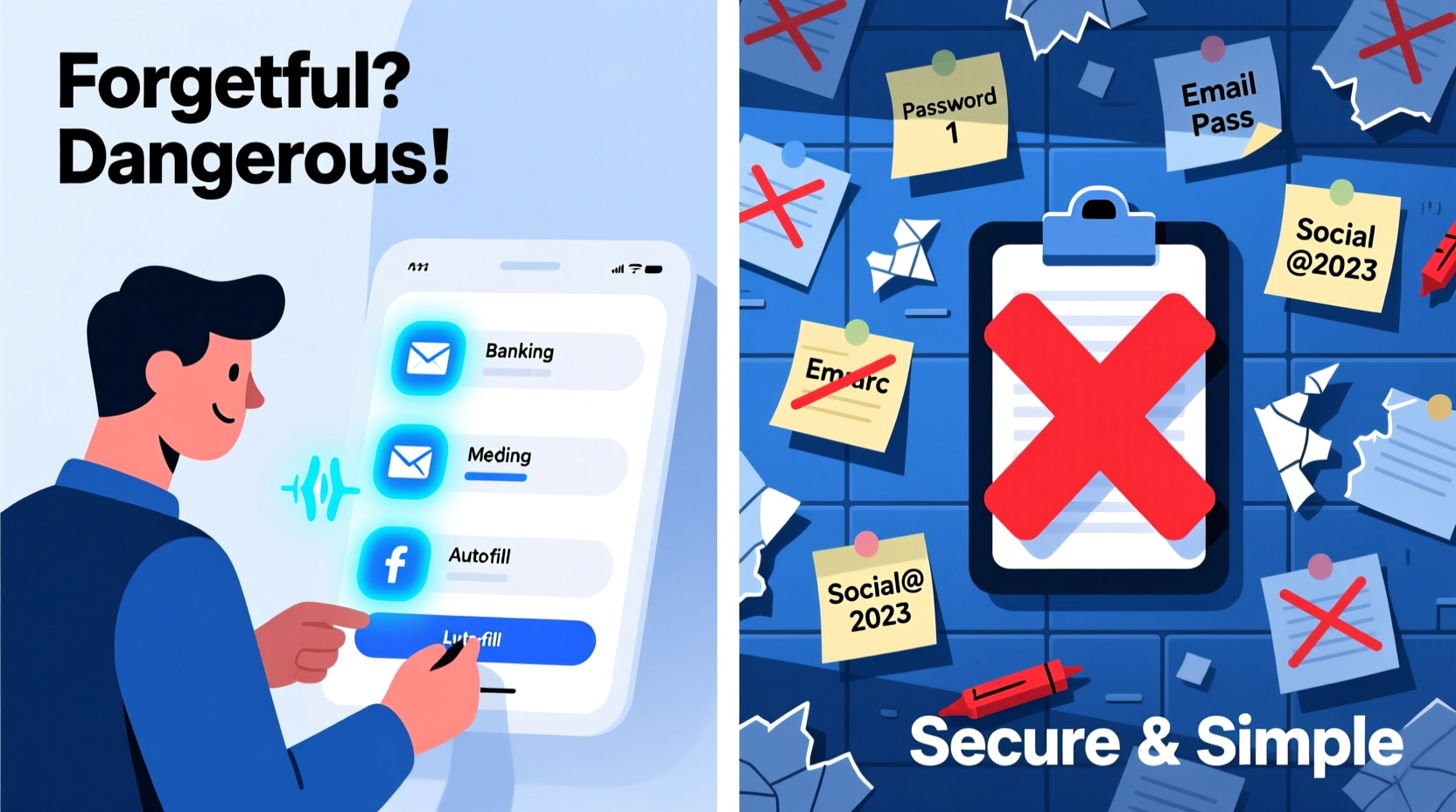
Making It Stick—Without Willpower
Efficiency isn’t about discipline—it’s about designing friction out of secure behavior. Set up your password manager once. Then let automation handle uniqueness. Run the built-in “password health report” monthly: it flags reused, weak, or old credentials and suggests instant replacement. Integrate with two-factor authentication (2FA) via authenticator apps—not SMS—to close the final gap. This isn’t tech for tech’s sake. It’s domestic infrastructure—like locking your front door—made invisible, reliable, and quietly empowering.
Everything You Need to Know
What if I lose access to my password manager—or my phone breaks?
Bitwarden and 1Password both provide encrypted emergency kits: printable, offline recovery codes and optional cloud backups protected by your master passphrase. Store one copy in a locked drawer and another with a trusted family member. No third party—not even the company—can restore your vault without that passphrase.
Can I use this for work accounts if my employer uses SSO (like Okta or Azure AD)?
Yes. Most modern password managers integrate directly with enterprise SSO platforms. They auto-fill your SSO login page, then defer to your organization’s identity provider. You retain control over non-SSO credentials (e.g., personal cloud storage, freelance platforms) without compromising compliance.
Is typing my master passphrase every time a security risk?
No—especially when combined with biometric unlock. Your device’s secure enclave (e.g., Apple Secure Enclave, Android Titan M2) isolates biometric data and never shares raw credentials. Typing the passphrase is only needed during initial setup or on new devices—making it both rare and highly controlled.
Do I need to change all my passwords right away?
No. Prioritize high-value accounts first: email, banking, cloud storage, and anything holding personal ID. Use your manager’s “security audit” to identify reused or breached passwords—then update those in batches of 3–5 per week. Consistency beats urgency.





 浙公网安备
33010002000092号
浙公网安备
33010002000092号 浙B2-20120091-4