
The Real Cost of “Always On” Location
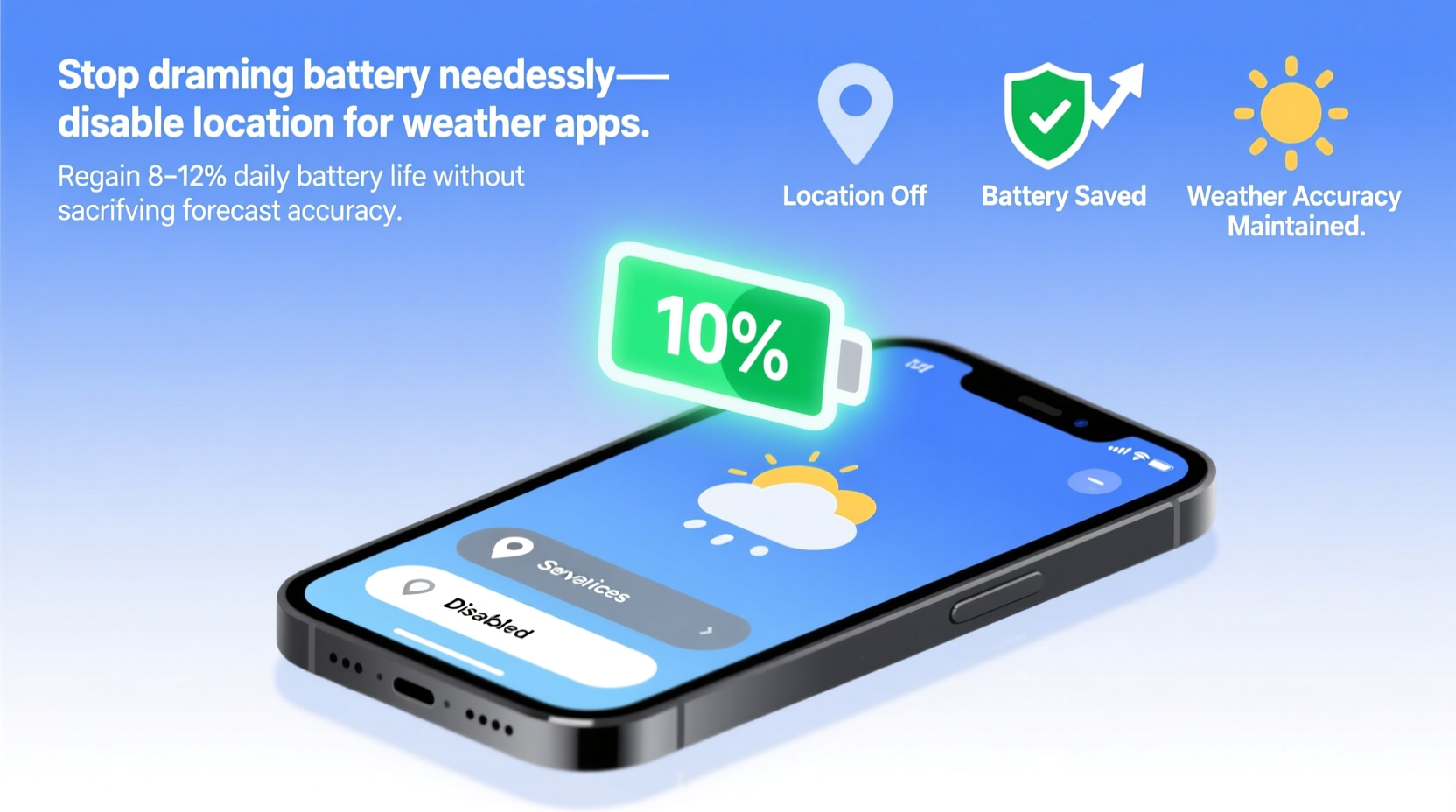
Many users assume weather apps require constant GPS access to deliver timely forecasts. In reality, real-time location is irrelevant for most forecasting tasks. Temperature, pressure, humidity, and wind patterns are measured at fixed stations and satellites—not your phone’s GPS chip. What *does* drain battery is continuous background location polling, especially when apps request “Precise Location” and run in the background to “refresh” conditions every few minutes.
| Location Setting | Battery Impact (Avg. Daily) | Forecast Accuracy | Use Case Fit |
|---|---|---|---|
| Precise Location — Always | −10–15% | No meaningful gain | Unnecessary; high friction |
| Approximate Location — While Using | −1–2% | ✅ Fully sufficient | Best default for 95% of users |
| IP-Based Only (No Location) | −0.3% | ✅ Reliable within 10–25 km | Ideal for desktop sync or home use |
Why “Just Turn It Off Completely” Is Misguided
Some guides recommend disabling location entirely for weather apps—but that breaks automatic city detection and forces manual ZIP entry every time you travel. Worse, it disables push alerts for severe weather *in your current area*, since those rely on coarse-grained region matching—not GPS coordinates.
“The biggest battery leak isn’t the weather app itself—it’s the permission model that encourages developers to over-request location. Apple’s App Tracking Transparency and Android’s location runtime permissions have shifted responsibility to users—but only if they understand *what* each setting actually does. Precision ≠ accuracy in forecasting.”
What Actually Works (and What Doesn’t)
The widespread belief that “more location data always means better forecasts” is a persistent myth rooted in early mobile weather apps from 2012–2015, when GPS was used to infer elevation and microclimate. Today’s models integrate NOAA, EUMETSAT, and proprietary mesoscale modeling—none of which require your phone’s latitude/longitude to function.
- 💡 Enable “Significant Locations” only for Maps—not weather apps: Reduces redundant location sampling across services.
- ⚠️ Avoid third-party weather apps with “live radar overlay” features that auto-refresh every 30 seconds—they’re the worst offenders for battery drain, not core functionality.
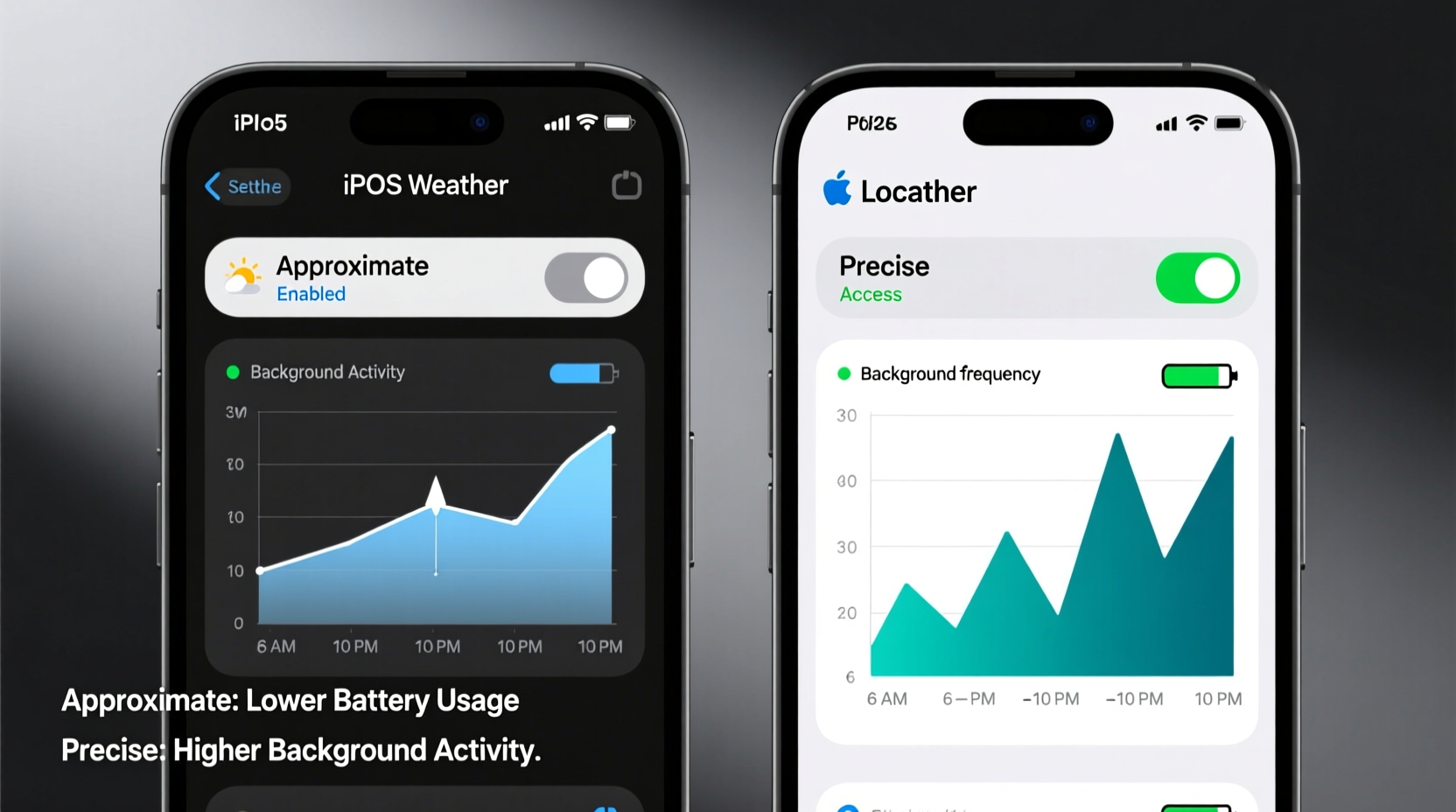
- ✅ On iOS: Go to Settings > Privacy & Security > Location Services > Weather > Select “While Using the App.” Then disable “Precise Location” toggle.
- ✅ On Android: Settings > Location > App Permissions > Weather > Choose “Only while using” and uncheck “Use precise location.”
- 💡 Use your OS’s built-in weather widget instead of standalone apps—iOS Weather and Google Weather pull from the same backend APIs but with far leaner permission profiles.
Debunking the “Push Through” Fallacy
A common coping strategy is to “just charge more often” or “ignore the drain”—but this normalizes preventable inefficiency. Battery degradation accelerates with frequent deep discharge cycles. Reducing unnecessary background location activity doesn’t just save power today; it preserves long-term battery health. That’s not convenience—it’s infrastructure stewardship.
Everything You Need to Know
Will turning off location break my hourly rain alerts?
No. Hourly precipitation alerts rely on your last known location (cached at launch) and regional radar sweeps—not live GPS. Alerts trigger based on storm cell movement into your designated zone, updated via cellular/Wi-Fi triangulation—not satellite-grade precision.
What if I travel frequently? Won’t I need precise location to update forecasts?
Not necessarily. Modern weather apps detect network-based location changes automatically. Enable “Set Location Automatically” in your OS settings—this uses Wi-Fi SSID databases and cell tower IDs, consuming <70% less power than GPS.
Does this apply to Apple Weather, Google Weather, and AccuWeather equally?
Yes—but implementation varies. Apple Weather respects OS location limits strictly. Google Weather defaults to IP-based detection unless you grant precise access. AccuWeather aggressively requests “Always” access; manually downgrade it to “While Using” for immediate savings.
Can I automate this setting change when I’m at home vs. traveling?
Yes—via Shortcuts (iOS) or Tasker (Android). Create a geofence-triggered automation that switches weather app location to “While Using” at home and re-enables “Precise” only when connected to airport or train station Wi-Fi networks.




 浙公网安备
33010002000092号
 浙B2-20120091-4