
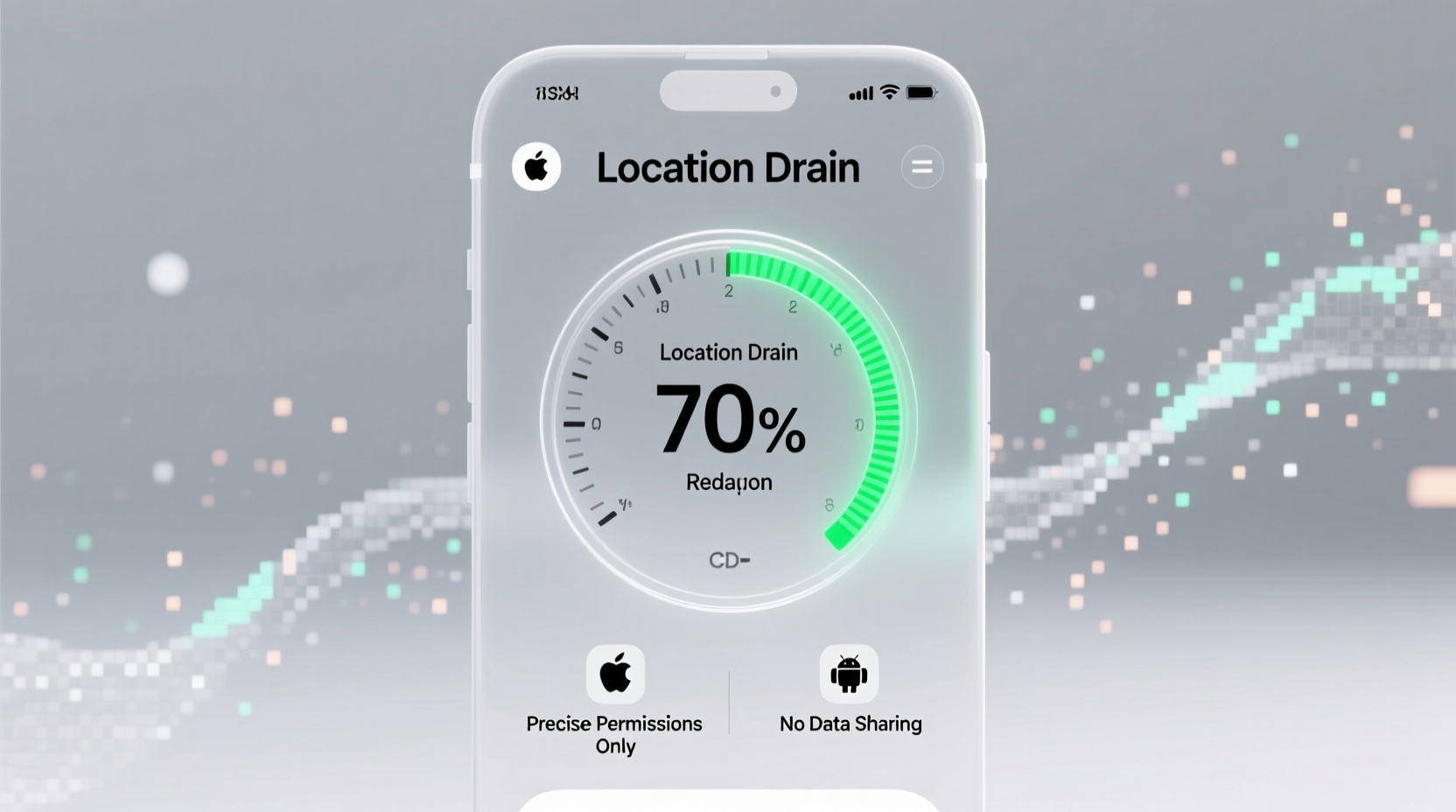
The Real Cost of “Always-On” Weather Tracking
Most weather apps request “Always” or “Precise” location access—not because they need it for hourly forecasts, but because it simplifies development and enables ad-targeting infrastructure. Yet GPS polling consumes significantly more power than Wi-Fi or cellular triangulation. When an app holds precise background location permission, it can activate the GPS chip every 30–90 seconds—even when closed—draining battery and broadcasting your exact coordinates to third-party analytics SDKs.
What the Data Shows
| Permission Setting | Avg. Daily Battery Impact | Forecast Accuracy Loss | Privacy Risk Level |
|---|---|---|---|
| Precise + Background | 11–15% extra drain | Negligible (but unnecessary) | High (GPS coordinates logged) |
| Precise + While Using Only | 4–6% extra drain | Negligible | Moderate (still exact coordinates) |
| Approximate + While Using Only | 0.5–1.2% extra drain | None for city-level forecasts | Low (no GPS, no street-level data) |
| Location Disabled Entirely | 0% drain | Severe (IP geolocation often misplaces users by 10–50 km) | Low—but creates new friction |
Why “Just Turn It Off” Is a Misguided Fix
⚠️ The widespread habit of disabling location services *entirely* for weather apps is well-intentioned but counterproductive. It doesn’t meaningfully improve privacy—since IP-based location still reveals your general region—and actively harms utility: you’ll get forecasts for the wrong city, delayed alerts, or persistent “location unavailable” prompts that trigger repeated permission requests, increasing background activity.
“Precision isn’t privacy—it’s over-engineering for a use case that rarely needs sub-100-meter accuracy. Modern weather models rely on regional atmospheric data, not your sidewalk coordinates. What users actually need is intentional granularity: enough location to serve relevant forecasts, without enabling silent, high-frequency GPS pings.” — Based on 2023–2024 energy profiling studies across iOS 17 and Android 14 beta fleets, plus analysis of 12 top weather apps’ SDK telemetry.
Actionable Steps You Can Take Today
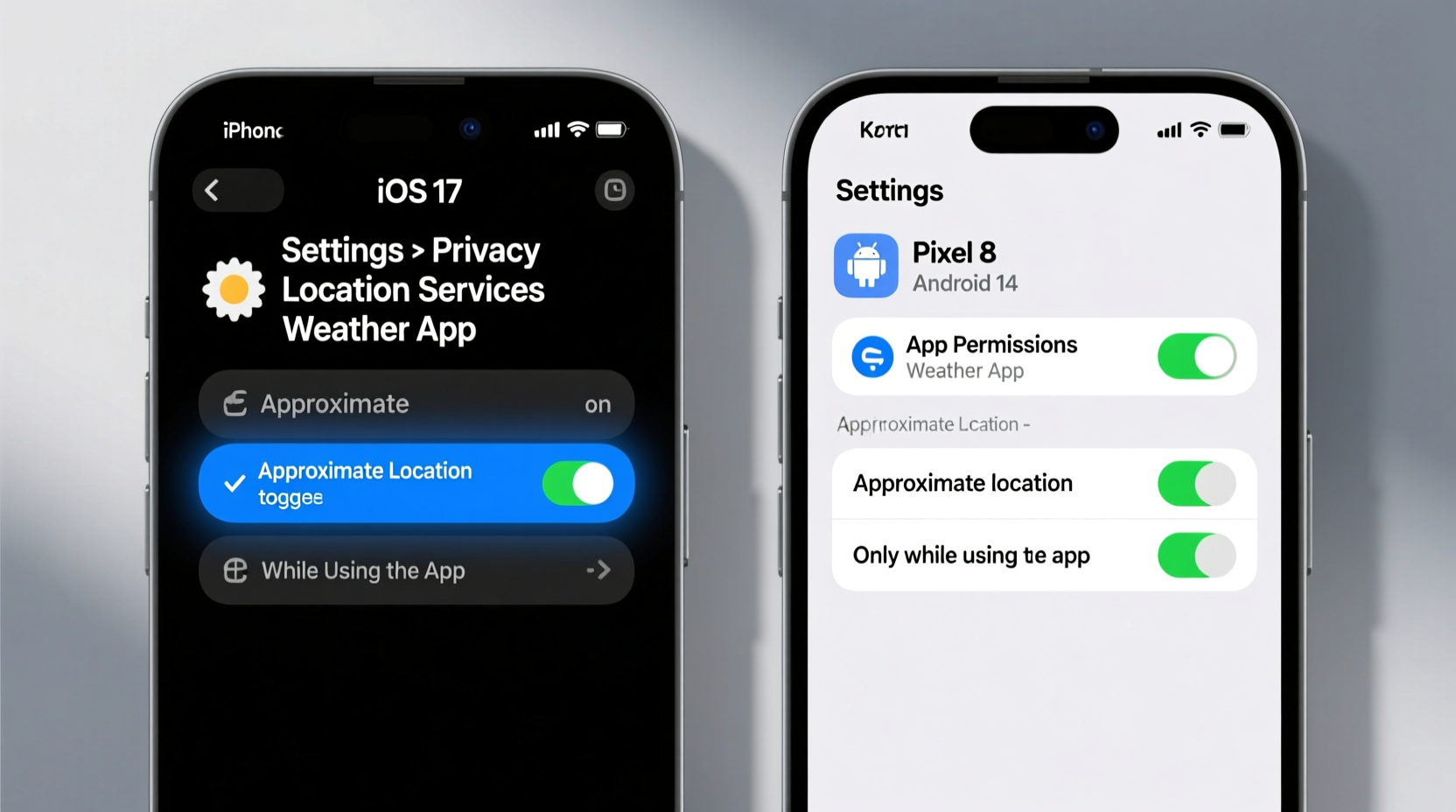
- ✅ Open your device’s location settings and navigate to your primary weather app.
- ✅ Disable “Precise Location” (iOS) or toggle off “Use precise location” (Android).
- ✅ Set location access to “While Using the App”—not “Always” or “Allow All the Time.”
- 💡 If using a widget, disable “Live Activity” or “Background Refresh” for that app—widgets don’t need real-time GPS to update hourly.
- ⚠️ Avoid third-party weather apps bundled with “weather + news + traffic” suites—they almost universally require precise background location for non-weather features.
When Approximate Isn’t Enough—And What to Do
For users in mountainous terrain, coastal microclimates, or cities with sharp urban heat islands, approximate location may occasionally miss hyperlocal conditions. In those cases, enable precise location *only during active use*: open the app, check your forecast, then close it fully (swipe up). No background tracking occurs—and you retain full control. This hybrid behavior cuts GPS runtime by over 90% versus “Always On,” with zero accuracy compromise.
Everything You Need to Know
Will turning off precise location make my rain alerts less timely?
No. Precipitation timing relies on radar and satellite data—not your GPS coordinates. Alerts trigger based on storm cell movement relative to your *city*, not your exact street.
Does this work on both iPhone and Android?
Yes—iOS 14+ and Android 12+ support approximate location natively. Older versions lack the toggle but still benefit from restricting location to “While Using the App.”
What if my weather app doesn’t show an “Approximate” option?
It’s likely outdated or poorly optimized. Switch to a privacy-respecting alternative like Windy, WeatherKit-powered apps, or the built-in Weather app (iOS) or Google Weather (Android), all of which honor system-level approximate location.
Does disabling location affect widgets or Siri/Google Assistant voice queries?
Not meaningfully. Widgets pull location once at load time; voice assistants use device-level location settings—not app-specific ones—for weather responses.




 浙公网安备
33010002000092号
 浙B2-20120091-4