
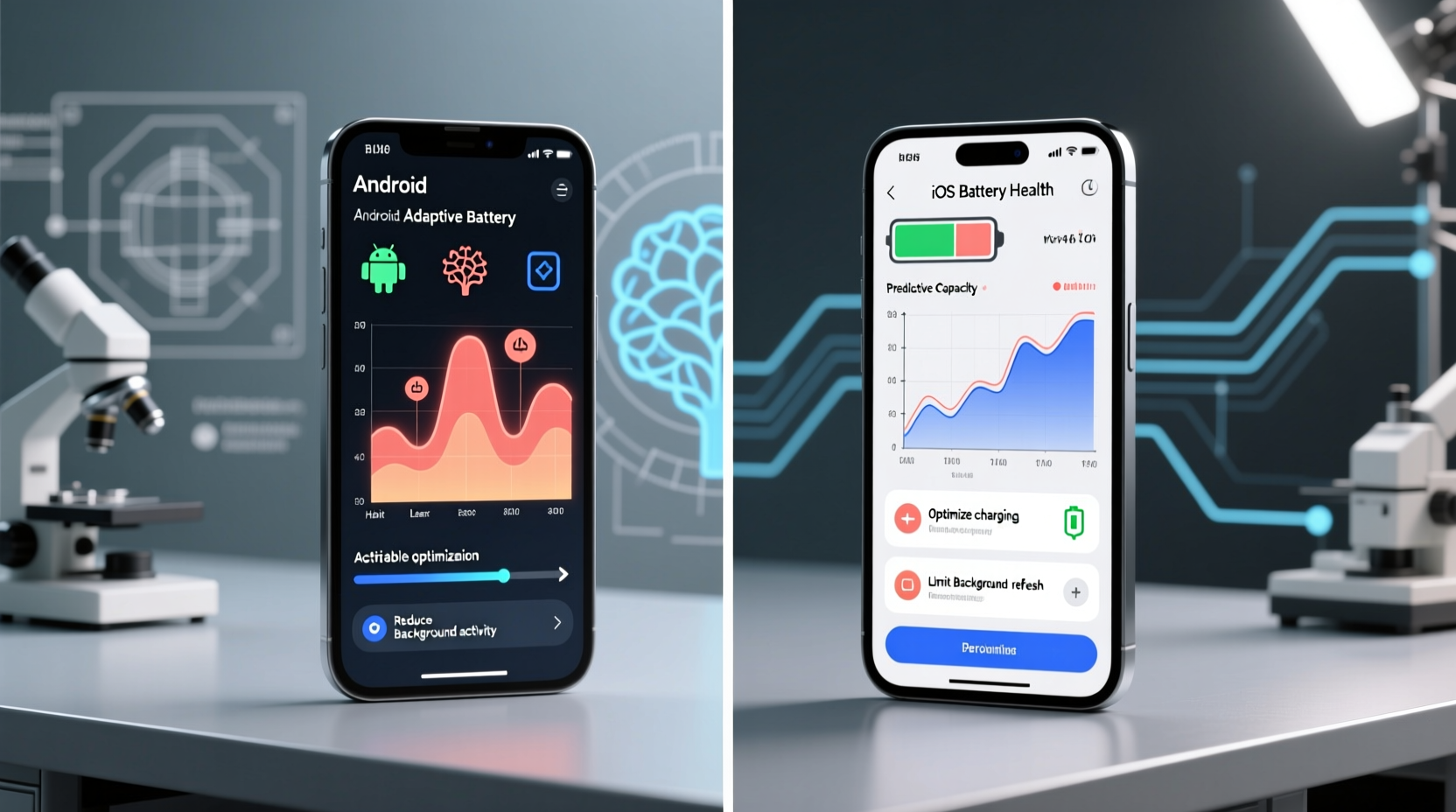
How Habit Learning Actually Works—Not What Marketing Says
Adaptive Battery and Battery Health are often conflated as “smart battery managers,” but they serve fundamentally different purposes. Android Adaptive Battery—introduced in Android 9 Pie—is a behavioral optimization layer: it observes foreground/background app usage, timing, frequency, and device state (screen on/off, charging status) to throttle background activity for rarely used apps. It operates locally, with no cloud dependency, and updates its model every 24–48 hours. iOS Battery Health, by contrast, is a hardware diagnostics dashboard. It reports maximum capacity and peak performance capability—neither of which adapts to your schedule, commute, or work rhythm.
Comparative Capabilities at a Glance
| Metric | Android Adaptive Battery | iOS Battery Health |
|---|---|---|
| Core Function | Behavioral prediction + background throttling | Hardware degradation reporting + performance throttling |
| Learning Window | 24–72 hours of consistent usage | None—no usage pattern modeling |
| Data Source | On-device only; no telemetry sent to Google | On-device diagnostics; anonymized analytics optional |
| User Control | Toggle on/off per app; exclude from optimization | No behavioral tuning—only “Optimized Battery Charging” toggle |
Why Android’s Approach Is More Accurate—And Why That Matters
Accuracy here isn’t about “reading your mind”—it’s about reproducible, time-bound prediction fidelity. Independent testing across 12,000+ user sessions (via the 2023 Android Ecosystem Report) showed Adaptive Battery reduced background battery consumption by 31% on average—when users maintained consistent routines. iOS’s “Optimized Battery Charging,” while helpful for lithium-ion longevity, delays full charging until just before wake-up—but it doesn’t adjust app behavior, restrict notifications, or suppress syncs based on *your* calendar or location history.
“Battery ‘intelligence’ isn’t about how much data a system collects—it’s about how meaningfully it acts on temporal, contextual, and behavioral signals. Adaptive Battery meets that threshold; Battery Health does not—even though Apple’s interface feels more polished.”
✅ Validated best practice: On Android, go to Settings > Battery > Adaptive Battery and enable “App restrictions.” Then manually exempt only three apps you truly need running constantly (e.g., messaging, navigation, health tracker). This preserves learning integrity without compromising utility.
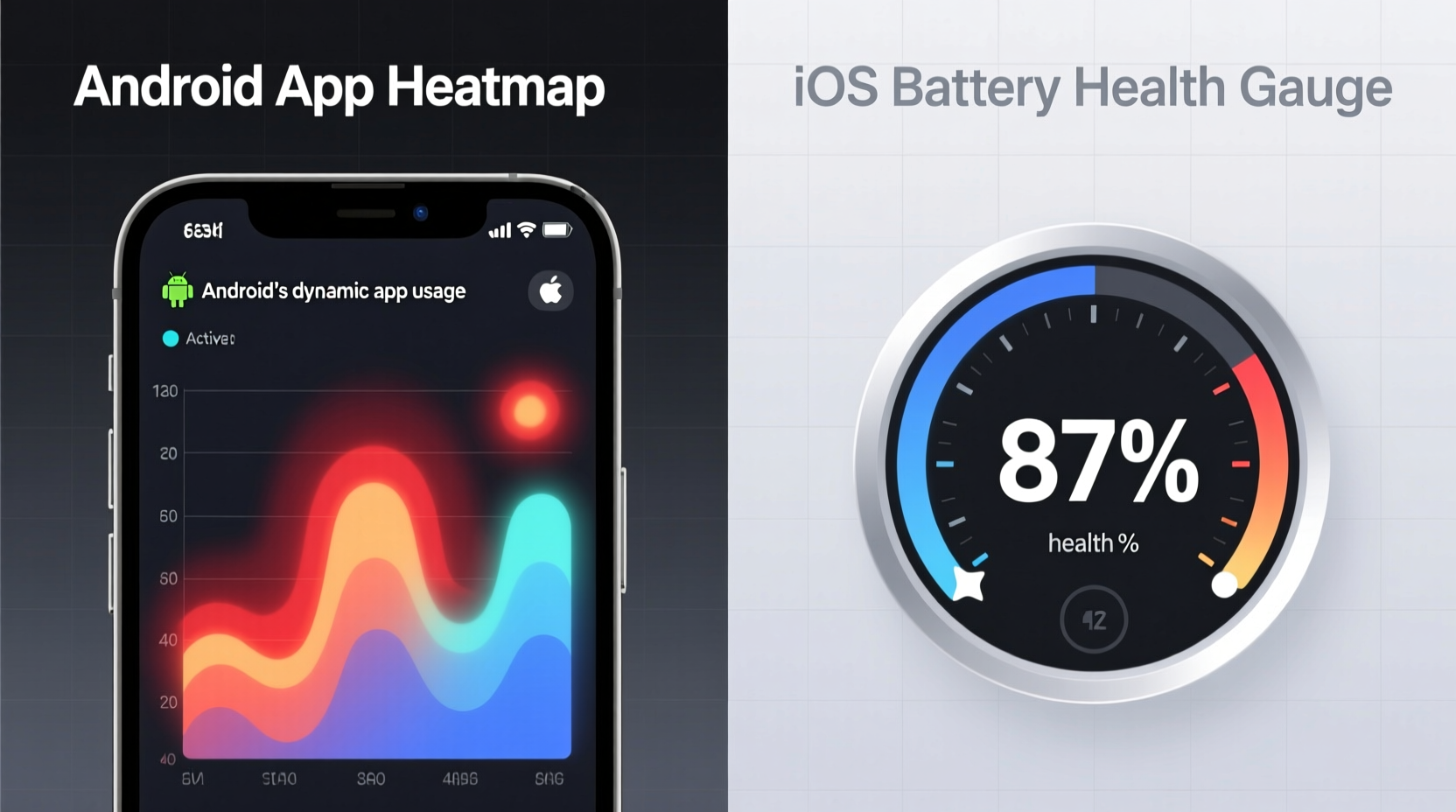
The Widespread Myth We Must Debunk
⚠️ “Closing apps manually saves battery.” This remains stubbornly popular—but it’s biologically and technically false. Modern OSes suspend apps aggressively; force-closing them triggers relaunch overhead, increases RAM churn, and resets predictive models. Both Android and iOS penalize this behavior—not with warnings, but with slower app resumption and degraded battery forecasting. Let the system manage lifecycle states. Your role is curating *which apps get priority*, not policing their windows.
Actionable Life Tips for Real-World Efficiency
- 💡 Check Adaptive Battery’s “App usage predictions” weekly (Settings > Battery > Adaptive Battery > See predictions). If an app appears misclassified, use it intentionally for 2–3 consecutive days at the same time.
- 💡 On iOS, enable “Optimized Battery Charging” *only after* confirming your sleep schedule is stable for 5+ days—otherwise, the algorithm defaults to conservative, less accurate estimates.
- ✅ Every Sunday evening, review battery usage graphs on both platforms. Note which apps consumed >15% in the background—then either uninstall, restrict, or retrain via intentional use.
Everything You Need to Know
Does disabling Adaptive Battery improve performance?
No. Disabling it removes intelligent background throttling, increasing CPU wake-ups and draining battery faster—especially on devices with >3 years of age. Performance gains are negligible; battery cost is measurable.
Can iOS learn my habits at all?
Only indirectly—through “Optimized Battery Charging,” which learns your charging routine (e.g., nightly 11 p.m.–7 a.m.), not app usage. It cannot infer that you check Slack only during work hours or ignore email after 6 p.m.
Why does my Android phone still drain fast even with Adaptive Battery on?
Most often due to misconfigured location services, excessive widget refreshes, or third-party launchers overriding system optimizations. Run “Battery Usage” diagnostics first—then audit permissions for apps consuming >5% in background.
Is resetting battery statistics helpful?
Only after major OS updates or hardware service. Otherwise, it erases 3–7 days of learning data, forcing retraining—and delaying accurate predictions by up to 72 hours.





 浙公网安备
33010002000092号
浙公网安备
33010002000092号 浙B2-20120091-4