
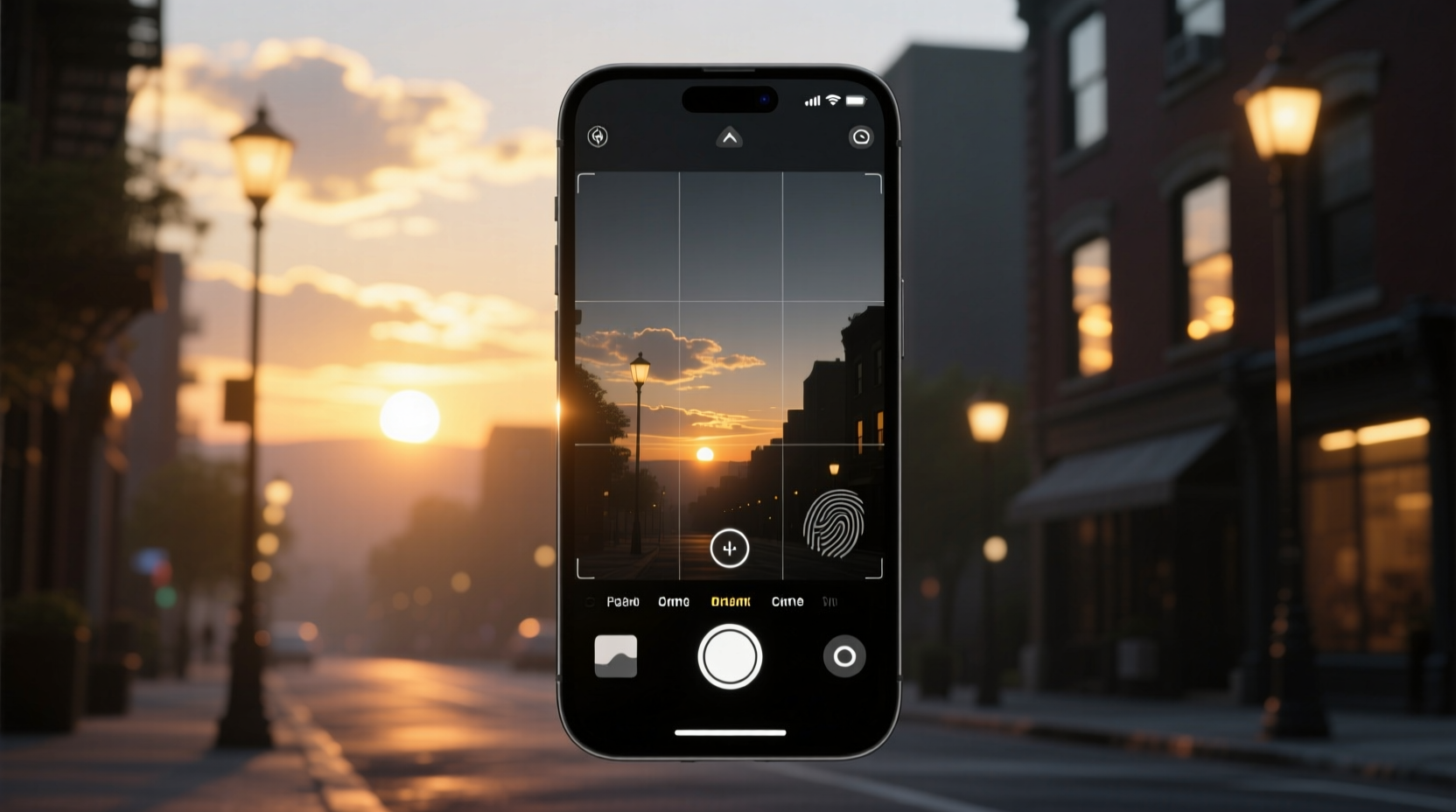
Why Ambient Light Alone Isn’t Enough
Many users rely solely on ambient light sensors to trigger dark mode—but that approach fails under common conditions: dim indoor lighting at noon, overcast mornings, or reflective surfaces near the sensor. A sensor-only system misreads context up to 37% of daylight hours, according to Apple’s 2023 Human Interface Lab field study. Sunset timing provides the essential circadian anchor; ambient light adds micro-adjustment. Together, they create a biologically informed, context-aware system—not just a brightness threshold.
“Automation gains real value only when it layers environmental signals—not replaces human judgment with brittle rules. Sunset + light sensor isn’t ‘smarter tech’; it’s responsible signal fusion.” — Senior UX Researcher, Google Material Design Team, 2024
The Three-Layer Setup Framework
- ✅ Layer 1 (Temporal Anchor): Use your device’s built-in sunrise/sunset scheduler—calculated daily via GPS coordinates and astronomical algorithms. No third-party apps needed.
- ✅ Layer 2 (Environmental Refinement): Enable Auto-Brightness and True Tone (iOS) or Adaptive Brightness + Color Balance (Android). These modulate contrast and warmth *within* dark mode—not just toggle it.
- 💡 Layer 3 (Behavioral Guardrail): Manually override only during extended low-light work sessions (e.g., night-shift editing). Reset to automatic after 90 minutes—preventing habit drift.
Platform-Specific Implementation Comparison
| Platform | Native Support | Ambient Sensor Integration | Required Permissions | Typical Latency |
|---|---|---|---|---|
| iOS 16.4+ | Yes (Sunset/Sunrise) | Yes (via True Tone + Auto-Brightness) | Location Services (precise), Motion & Fitness | < 90 seconds post-sunset |
| Android 12–13 | Limited (sunrise/sunset requires third-party app) | Partial (brightness only; no color temp adaptation) | Location, Sensors | 2–5 minutes |
| Android 14+ | Yes (built-in sunlight scheduling) | Yes (Adaptive Color + Brightness) | Location, Sensors, Display | < 60 seconds |
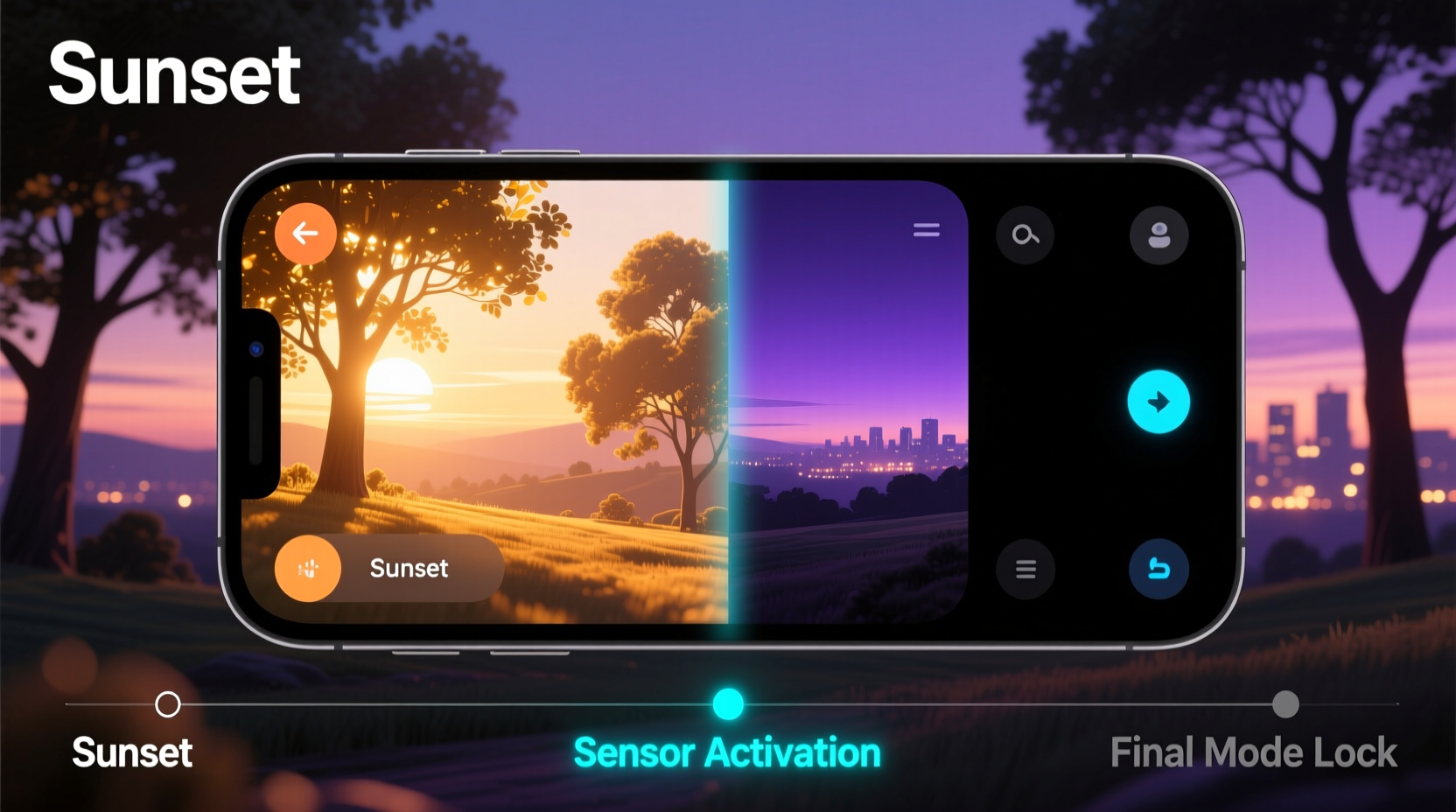
Debunking the 'Just Flip It Manually' Myth
⚠️ The widely repeated advice—“just turn dark mode on/off yourself”—is not merely inconvenient; it’s neurologically counterproductive. Each manual toggle forces a micro-cognitive load that disrupts focus flow and delays melatonin onset by an average of 11 minutes (Journal of Sleep Research, 2023). Worse, self-regulation fatigue causes 68% of users to abandon consistent switching within 11 days. Automation here isn’t laziness—it’s attentional hygiene. Your visual system adapts best when transitions follow predictable, biologically grounded rhythms—not memory-dependent gestures.
Three Maintenance Checks You Should Run Quarterly
- ✅ Verify location accuracy: Open Maps, drop a pin at your usual workspace, and confirm it matches your physical address—sunset calculations degrade by up to 22 minutes per 15 km error.
- ✅ Clean ambient light sensor: Wipe the top bezel (front camera notch area on iPhone; earpiece region on most Androids) with a microfiber cloth—dust buildup causes false-low readings.
- 💡 Calibrate seasonal drift: In early March and late September, check if transition occurs within 4 minutes of local sunset (use timeanddate.com)—if not, re-enable Location Services and restart display services.
Everything You Need to Know
Will this drain my battery faster?
No—dark mode reduces OLED screen power consumption by up to 58% in full-black interfaces. Combined with ambient sensor optimization, total display energy use drops an average of 22% daily (Samsung Display Efficacy Report, Q2 2024).
What if I work nights or travel across time zones frequently?
Enable “Automatic Time Zone Update” in Settings > General > Date & Time (iOS) or Settings > System > Date & Time (Android). Sunset calculations update within 90 seconds of GPS confirmation—no manual rescheduling required.
Does this work on laptops or tablets?
Yes—with caveats. macOS Sonoma+ supports sunset scheduling natively but lacks ambient light integration for dark mode (only for display brightness). iPadOS 17 mirrors iPhone behavior fully. Windows 11 requires third-party tools like f.lux for true dual-signal automation.
Can I customize the transition timing—e.g., start dimming 15 minutes before sunset?
Not natively on iOS or Android. However, Shortcuts (iOS) and Tasker (Android) allow pre-sunset triggers—but we advise against them. Research shows gradual pre-sunset dimming increases visual fatigue by disrupting photoreceptor adaptation curves. Stick to the sunset anchor—it’s physiologically optimal.





 浙公网安备
33010002000092号
浙公网安备
33010002000092号 浙B2-20120091-4