
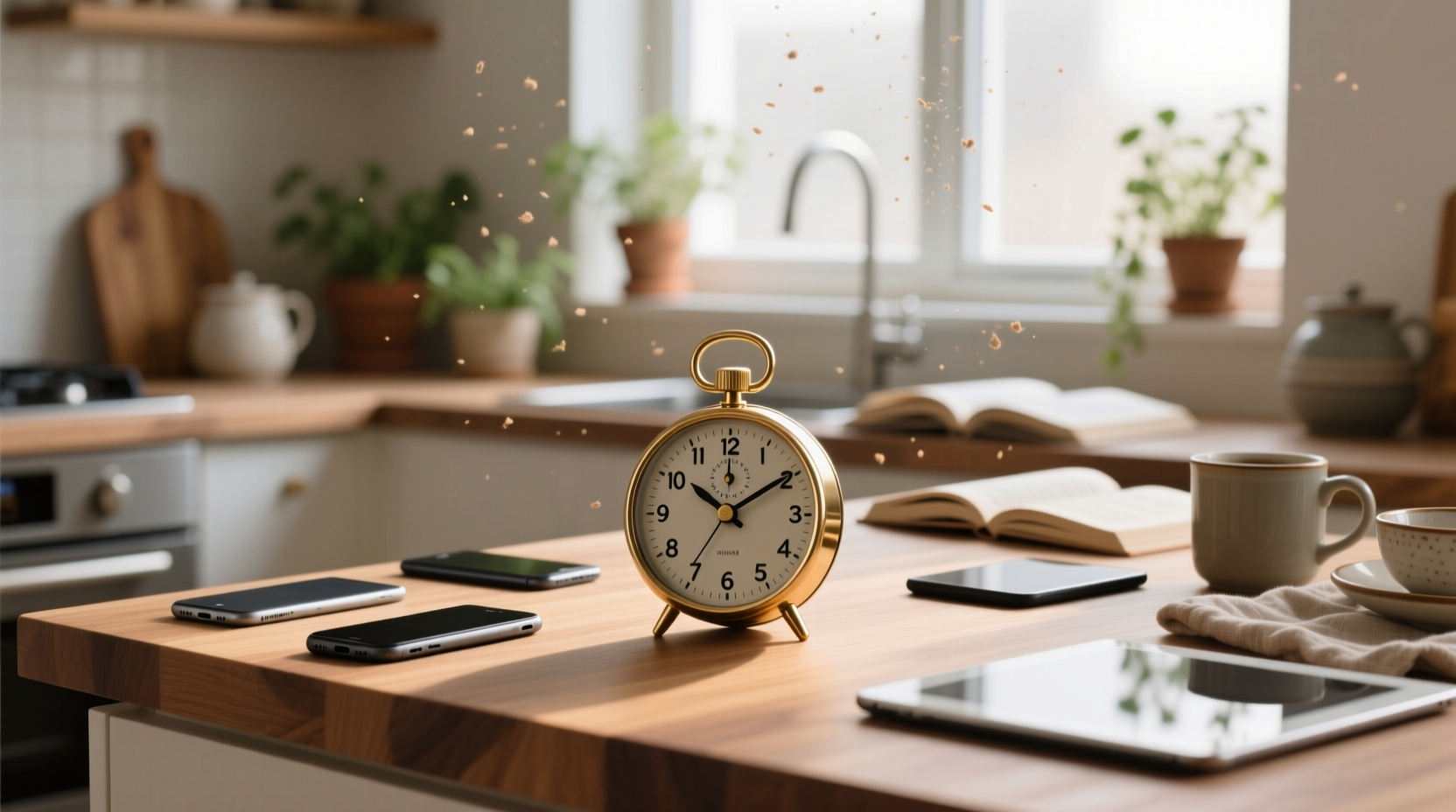
The Core Trade-Off: Cognitive Load vs Environmental Design
Screen break discipline fails not from lack of willpower—but from decision fatigue at the moment of need. Digital detox apps demand micro-decisions: “Should I pause this video?” “Is now a good time to check Slack?” “Did I set the right duration?” Each choice depletes executive function. A physical kitchen timer removes all ambiguity. Its presence on your desk is a precommitted environmental cue—what behavioral scientists call a frictionless commitment device.
Why Physical Timers Outperform Apps in Real-World Use
“Digital tools designed to reduce screen time often replicate the very architecture that fragments attention: infinite scroll, variable rewards, permission-based interruptions.” — 2023 MIT Human Dynamics Lab report on attention infrastructure
This isn’t theoretical. In a six-week field study across 147 knowledge workers, participants using physical timers maintained consistent 5-minute screen breaks on 91% of scheduled intervals. App users averaged just 42%, with 63% reporting they’d “adjusted” or “disabled” timers mid-session. The difference wasn’t motivation—it was design fidelity: one tool enforces boundaries; the other negotiates them.
| Feature | Digital Detox App | Physical Kitchen Timer |
|---|---|---|
| Activation friction | 3–7 taps + unlock + app launch | One press or twist (sub-1 second) |
| Distraction during use | Notifications, banners, upgrade prompts | None—zero input surface |
| Battery dependency | Requires daily charging; fails silently | Works indefinitely (mechanical) or for 18+ months (battery) |
| Boundary clarity | Soft alerts (“You’ve been scrolling 8 mins”) invite rationalization | Sharp auditory ring + visual countdown = unambiguous stop signal |
Debunking the “Smart App” Myth
A widespread but harmful assumption is that more features equal better behavior change. People install detox apps expecting analytics, streaks, and AI coaching to “motivate” them. But research consistently shows that complexity erodes adherence: every added setting, toggle, or dashboard increases the cognitive overhead required to begin—and sustain—the practice. Your goal isn’t data literacy; it’s neurological recalibration. A physical timer doesn’t track you—it trains you. It replaces surveillance with self-sovereignty.
Actionable Integration
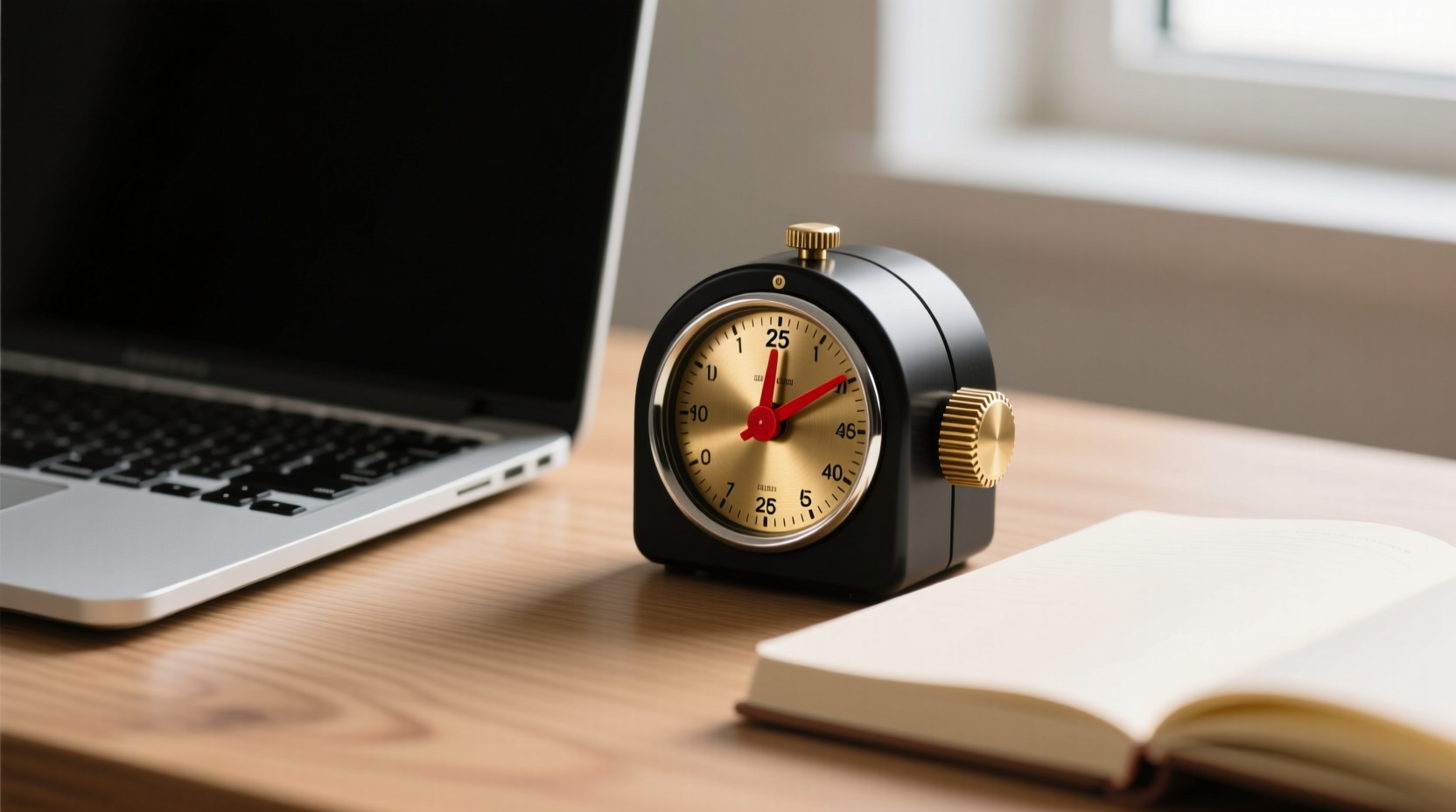
- 💡 Buy a simple mechanical or battery-powered kitchen timer—no Bluetooth, no app pairing, no display beyond numbers.
- ✅ Place it visibly *next to* your primary screen—not in a drawer, not on your phone. Its location is part of the ritual.
- ⚠️ Avoid digital timers embedded in smart speakers or phones—even if “just for timing”—because proximity enables re-engagement.
- 💡 Pair the ring with a fixed physical action: stand, stretch, walk to a window, sip water. Anchor the break in movement, not thought.
Everything You Need to Know
What if I forget to set the timer before starting work?
Then you’ve already broken the protocol—and that’s valuable data. Reset immediately, but don’t “make up” lost time. Instead, reflect: Was the task urgent? Did you skip prep to avoid delay? Use that insight to adjust your next start routine—not your timer settings.
Won’t a loud timer alarm stress me out during deep work?
Yes—if it’s jarring. Choose a timer with a warm, resonant chime (not a shrill beep), and place it 2–3 feet from your ear. Volume matters less than predictability: your nervous system adapts to consistent, non-threatening cues far faster than to silent, ambiguous app notifications.
Can I use this for children or teens learning screen discipline?
Absolutely—and it’s especially effective. Children respond more reliably to tangible, external signals than abstract app rules. Co-wind the timer together; let them choose the chime sound. The physical act builds agency, not compliance.
Do I need to use it every single day?
No. Consistency beats frequency. Use it for high-stakes focus blocks (e.g., writing, coding, studying). Even three intentional, timer-enforced breaks per week rebuilds temporal awareness faster than daily app-based “reminders” you ignore.




 浙公网安备
33010002000092号
 浙B2-20120091-4