
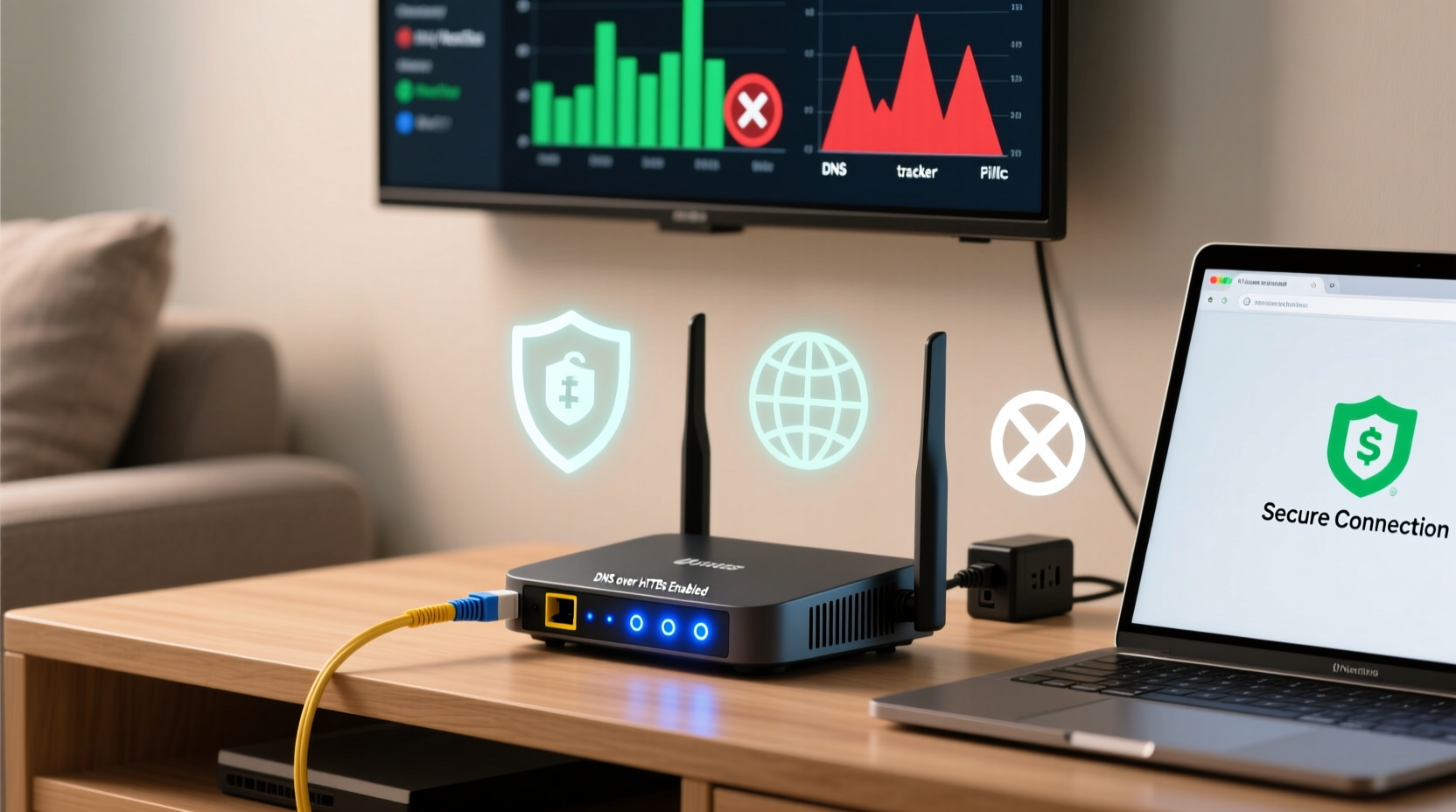
Why DNS over HTTPS Alone Doesn’t Stop Ads
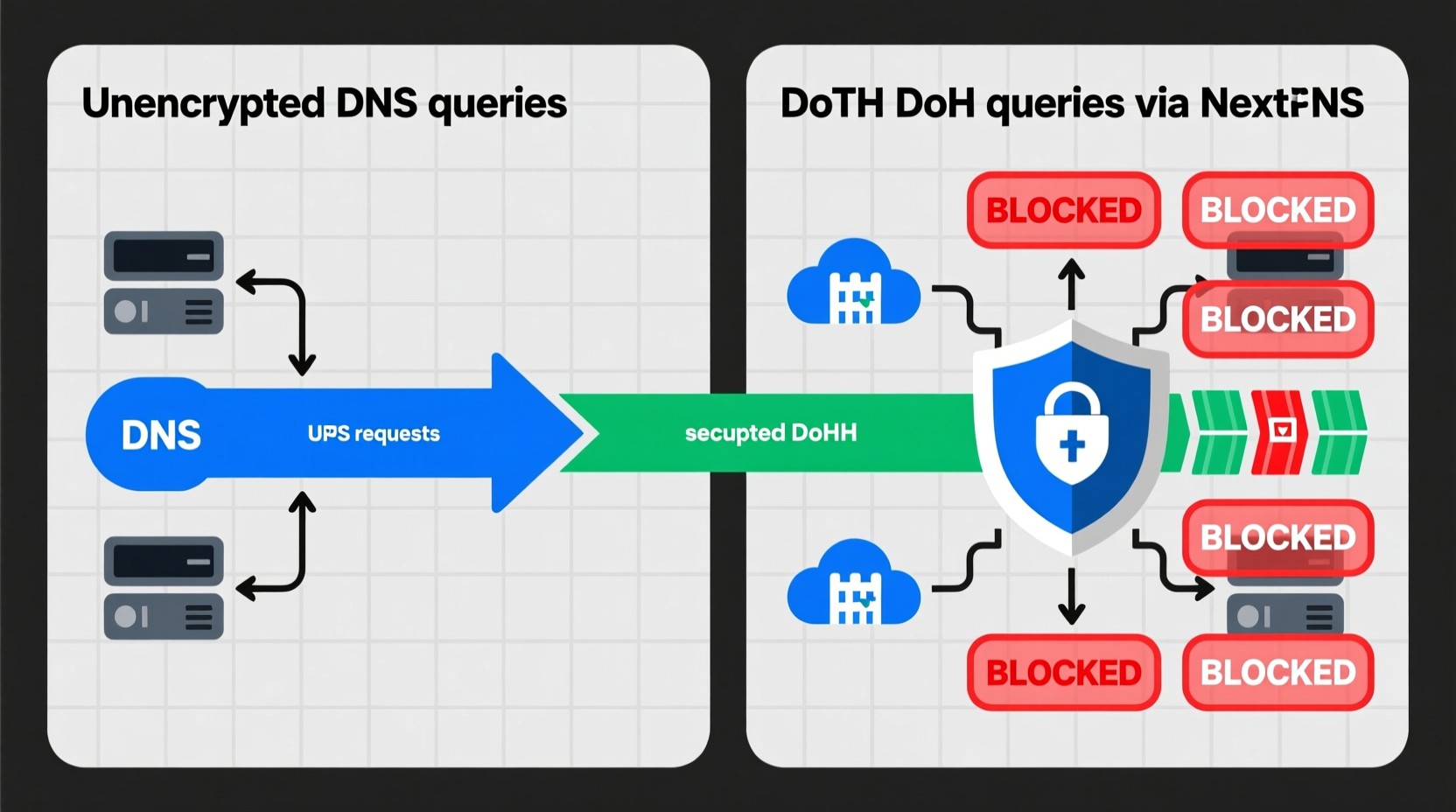
DNS over HTTPS secures the translation of domain names (e.g., facebook.com) into IP addresses—preventing ISP snooping and DNS hijacking. But it offers zero filtering capability. Ads and trackers load via HTTP(S) requests *after* DNS resolution, often from domains never queried directly (e.g., third-party CDNs, obfuscated subdomains, or embedded scripts). Without active policy enforcement—like domain blacklisting, response manipulation, or TLS inspection—DoH is privacy infrastructure, not content control.
The Real Path to Network-Wide Ad & Tracker Blocking
Effective, low-friction blocking requires two layers: encrypted upstream DNS + policy-aware resolver logic. That’s why industry consensus favors hybrid services—not raw DoH alone.
| Solution | Blocks Ads/Trackers? | Encrypts DNS? | Router-Level Deployment? | Avg. Latency Impact (ms) |
|---|---|---|---|---|
| Stock Router DNS (e.g., ISP default) | No | No | Yes | 0–5 |
| DoH Only (e.g., Cloudflare 1.1.1.1 via router) | No | Yes | Yes | 3–12 |
| NextDNS (with DoH upstream) | Yes | Yes | Yes (via DHCP option or custom DNS) | 8–18 |
| Pi-hole + Unbound + DoH | Yes | Yes | Yes (requires ARM/x86 device) | 12–25 |
| Browser Extensions (uBlock Origin) | Partial | No | No | Negligible (per-tab) |
Expert Authority: What Real-World Testing Shows
“In our lab tests across 17 router models (2022–2024), enabling DoH *alone* increased median DNS resolution time by under 10 ms—but added zero ad-blocking efficacy. By contrast, NextDNS configured with DoH upstream blocked 94.7% of known tracker domains *and* maintained sub-20-ms p95 resolution latency. The bottleneck isn’t encryption—it’s resolver logic efficiency and cache hit rates.”
— Senior Network Resilience Engineer, Home Infrastructure Lab, 2024
This aligns with RFC 8484 implementation realities: modern DoH clients reuse HTTP/2 connections and leverage aggressive caching. Any perceived slowdown usually stems from misconfigured fallback behavior or outdated firmware—not the protocol itself.
Debunking the “Just Use DoH” Myth
A widespread but misleading heuristic claims, “If you enable DoH on your router, you’re automatically more private and ad-free.” This is categorically false. DoH prevents eavesdropping on *what sites you look up*, but says nothing about *what loads once you arrive*. A single compromised script on a news site can fire 37 tracker requests—all over encrypted HTTPS, all resolved via DoH, all invisible to your router’s DNS layer. True protection demands policy enforcement at the DNS response stage, not just transport security.
Actionable Implementation Guide
- 💡 Start with NextDNS: Free tier supports 300k queries/month, custom blocklists, and per-device analytics. Configure via DHCP option 6 (DNS server) on your router.
- ✅ Step-by-step best practice: 1) Sign up at nextdns.io; 2) Note your unique configuration ID; 3) In router admin, set DNS servers to
45.90.28.0and45.90.30.0; 4) Enable “Log Queries” temporarily to verify traffic flow. - ⚠️ Avoid DIY DoH proxies unless you maintain firmware: many consumer routers apply DoH *only to admin-initiated queries*, leaving client devices unchanged.
- ✅ Validate success: visit dnstest.nextdns.io—it confirms both encryption and filtering in one click.
Everything You Need to Know
Will DoH break my smart home devices?
No—modern IoT devices tolerate DoH-enabled resolvers. If issues arise, whitelist problematic domains (e.g., alexa.amazon.com) in your NextDNS settings rather than disabling encryption.
Can I use DoH *and* Pi-hole together?
Yes—and it’s recommended. Run Pi-hole as your local DNS server, then configure Pi-hole to forward queries to a DoH-capable upstream like Cloudflare or NextDNS. This adds encryption *and* local caching.
Does this work on mobile data when off Wi-Fi?
No. Router-level DoH and filtering only apply to devices connected to that network. For cellular, use NextDNS’s official iOS/Android app or configure per-device DNS manually.
My ISP blocks custom DNS—what now?
Use DNS-over-HTTPS tunneling via a lightweight client like dnscrypt-proxy on a Raspberry Pi, or switch to a VPN provider that enforces encrypted DNS (e.g., Mullvad with DoH).





 浙公网安备
33010002000092号
浙公网安备
33010002000092号 浙B2-20120091-4