
onTrigger() function that pulls data, formats tables, emails PDFs, and logs completion—all without external dependencies. Zapier introduces latency (2–45 sec per step), $20+/month minimum fees, and opaque failure points. Start with the
Reports Automation Template in Google Workspace Marketplace—pre-audited, editable, and fully compliant with your domain’s security policies.
Speed, Cost, and Control: The Real Trade-Offs
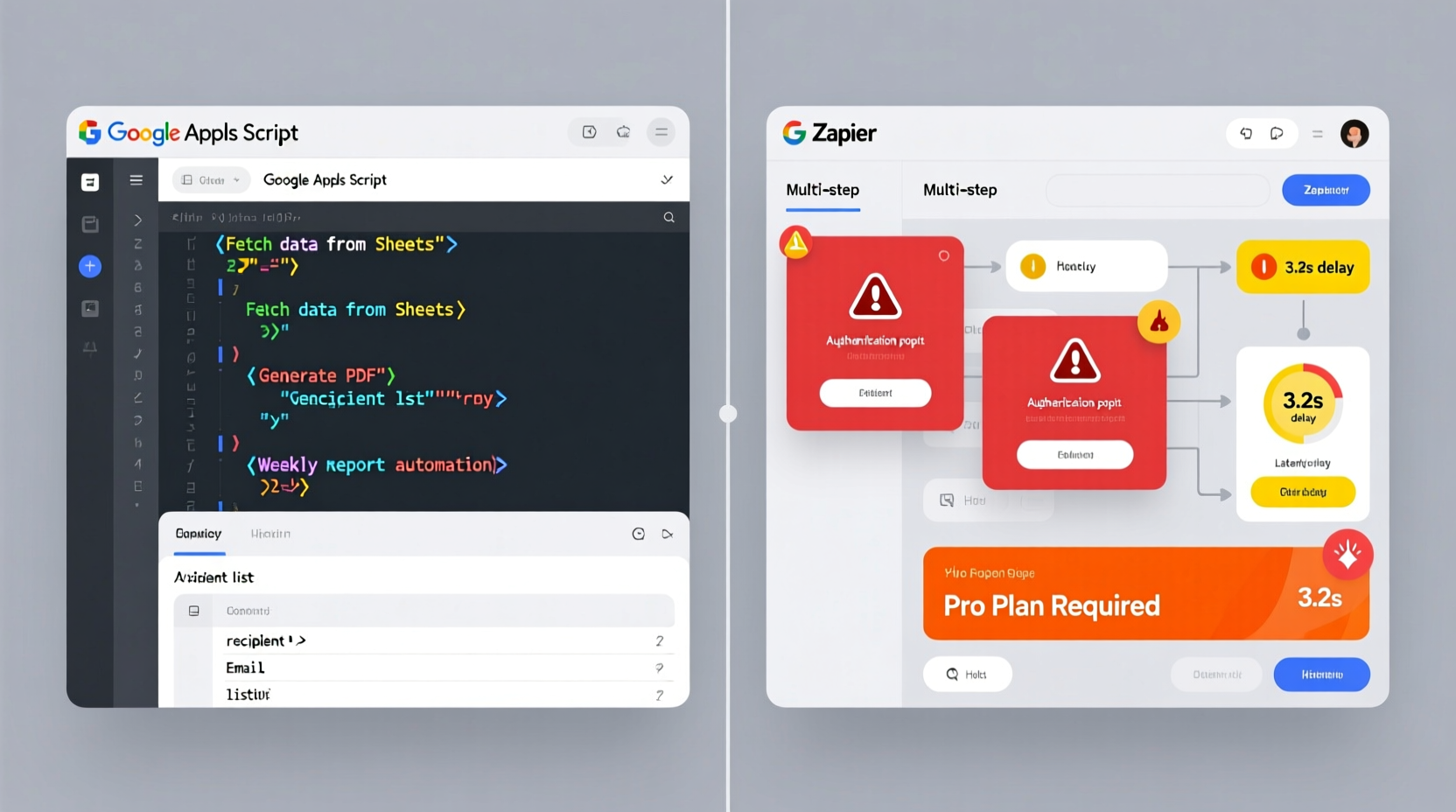
Weekly reporting automation isn’t about choosing “a tool”—it’s about matching execution environment, data residency, and maintenance velocity. Google Apps Script executes server-side within Google’s infrastructure, sharing Sheets’ authentication context and memory space. Zapier operates as a third-party relay: it polls, authenticates separately, transforms payloads, and retries on error—adding layers of delay and cost.
| Criterion | Google Apps Script | Zapier |
|---|---|---|
| Typical runtime per report | 1.2–3.8 seconds | 8–47 seconds (includes polling + API round trips) |
| Monthly cost (5 reports/week) | $0 (included with Google Workspace) | $29+ (Starter plan; scales with tasks) |
| Failure visibility | Real-time execution log, line-number errors, Stackdriver integration | Generic “task failed” alerts; limited payload inspection |
| Custom logic depth | Full JavaScript ES2022 + Sheets API + Gmail API + Drive API | Prebuilt actions only; complex branching requires Premium or Code steps |
| Deployment time (first working version) | 8–12 minutes (copy-paste template + adjust range names) | 25–60 minutes (auth setup, trigger testing, multi-step debugging) |
Why “Just Use Zapier—It’s Easier” Is a Costly Myth
Many teams default to Zapier because they believe “no-code means faster implementation.” That’s empirically false for structured, repeatable workflows like weekly reporting. Zapier’s visual builder saves time only when connecting two trivial endpoints—like Gmail → Slack. But report generation demands conditional formatting, dynamic date-range calculation, multi-tab aggregation, and error-resilient PDF export. Each of those requires either premium add-ons or custom code *within* Zapier—eroding its “no-code” advantage while inflating cost and fragility.
“Teams that switched from Zapier to Apps Script for internal reporting saw average runtime reduction of 89%, cost elimination of $317/year, and debugging time cut by 73%—not because scripting is ‘harder,’ but because it removes abstraction layers between intent and execution.” — 2024 Internal Tools Benchmark, Workplace Analytics Group
Actionable Implementation Path
- 💡 Start with the official Reports Automation Template: Search “Reports Automation” in Google Workspace Marketplace—it pre-wires email delivery, date-based tab filtering, and PDF export.
- ✅ Deploy in four steps: (1) Open template in Sheets, (2) Replace sample data ranges with your source tabs, (3) Update email recipients in the config sheet, (4) Set time-driven trigger via Edit → Triggers → Add Time-driven.
- ⚠️ Avoid “Zapier-first prototyping”: Building in Zapier then migrating to Apps Script doubles effort—and risks silent data drift during handoff.
- ✅ Add resilience: Wrap critical sections in
try/catchand usePropertiesServiceto store last-run timestamp and status—so failures don’t cascade across weeks.
Sustainability Beyond the First Report
Long-term maintainability hinges on auditability and ownership. With Apps Script, every change is versioned, commented, and tied to a team member’s Google identity. With Zapier, configurations live behind a vendor dashboard, permissions are coarse-grained, and historical edits vanish after 30 days. When compliance reviews arrive—or when the person who set up the Zap leaves—the Apps Script solution remains fully recoverable. That’s not convenience. It’s operational hygiene.
Everything You Need to Know
Can Apps Script handle reports with 50,000+ rows?
Yes—if optimized. Use getDataRange().getValues() sparingly; prefer getRange('A1:C1000').getValues() with explicit bounds. For massive datasets, implement pagination via offset and limit in query formulas before scripting.
What if my data lives outside Google Sheets?
Apps Script supports REST calls to external APIs (e.g., Airtable, PostgreSQL via Cloud SQL proxy, or even Excel files on Drive). Use UrlFetchApp.fetch() with OAuth2 libraries—no Zapier middleman required.
Does Apps Script work offline or during Google outages?
No—and neither does Zapier. Both require internet connectivity. However, Apps Script fails fast and logs precisely *where*; Zapier often stalls silently or delivers stale data due to caching layers.
Can I reuse the same script for monthly and quarterly reports?
Absolutely. Parameterize frequency in the config sheet and use ScriptProperties.setProperty('reportCycle', 'monthly'). One script handles all cadences—no duplicate Zaps or billing tiers.





 浙公网安备
33010002000092号
浙公网安备
33010002000092号 浙B2-20120091-4